


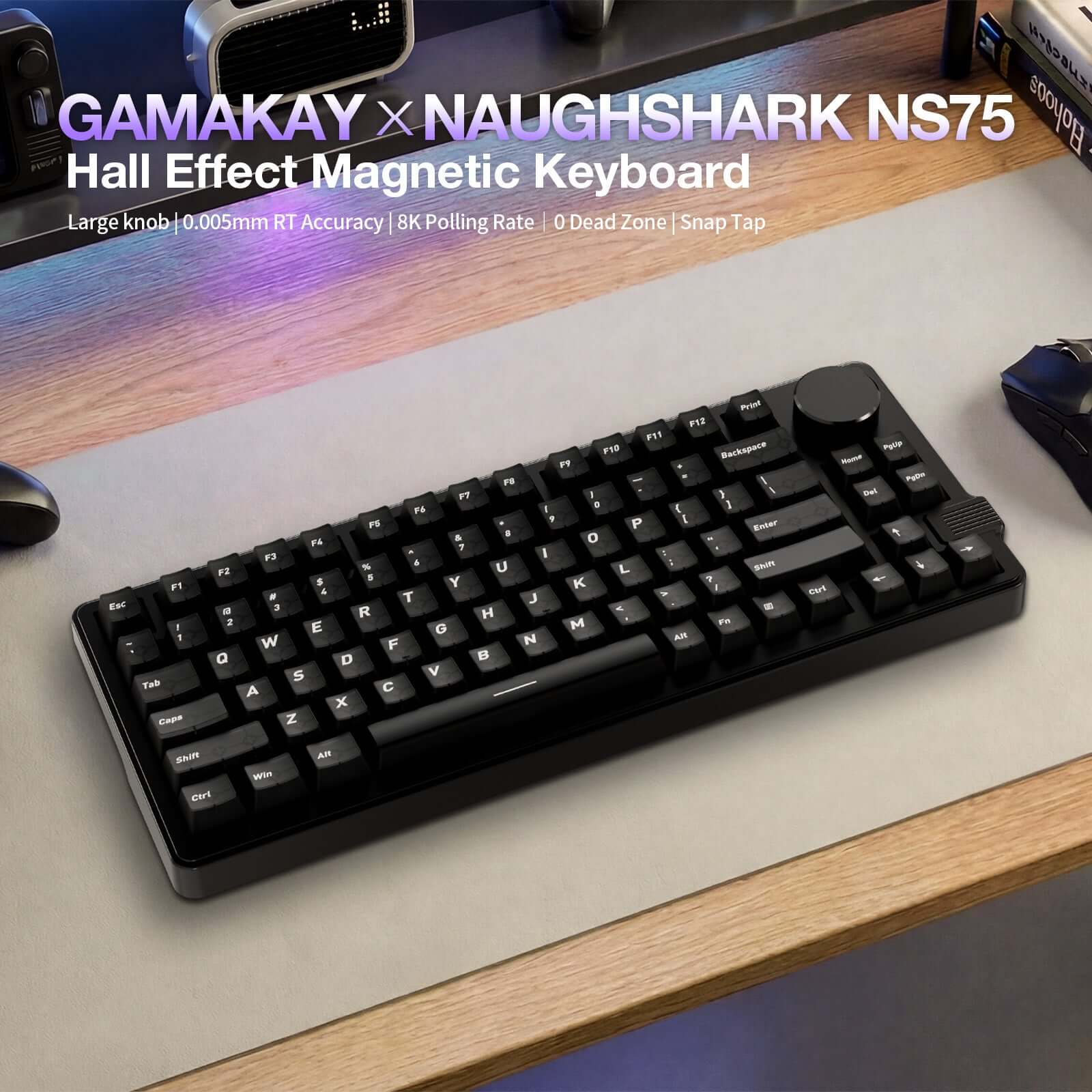
Gamakay x NaughShark NS75 Teclado Hall Effect 8K Polling Rate y Rapid Trigger 0.005 mm
- Precio regular
-
€70,95 - Precio regular
-
- Precio de venta
-
€70,95
Use Code GK12 for 12%off
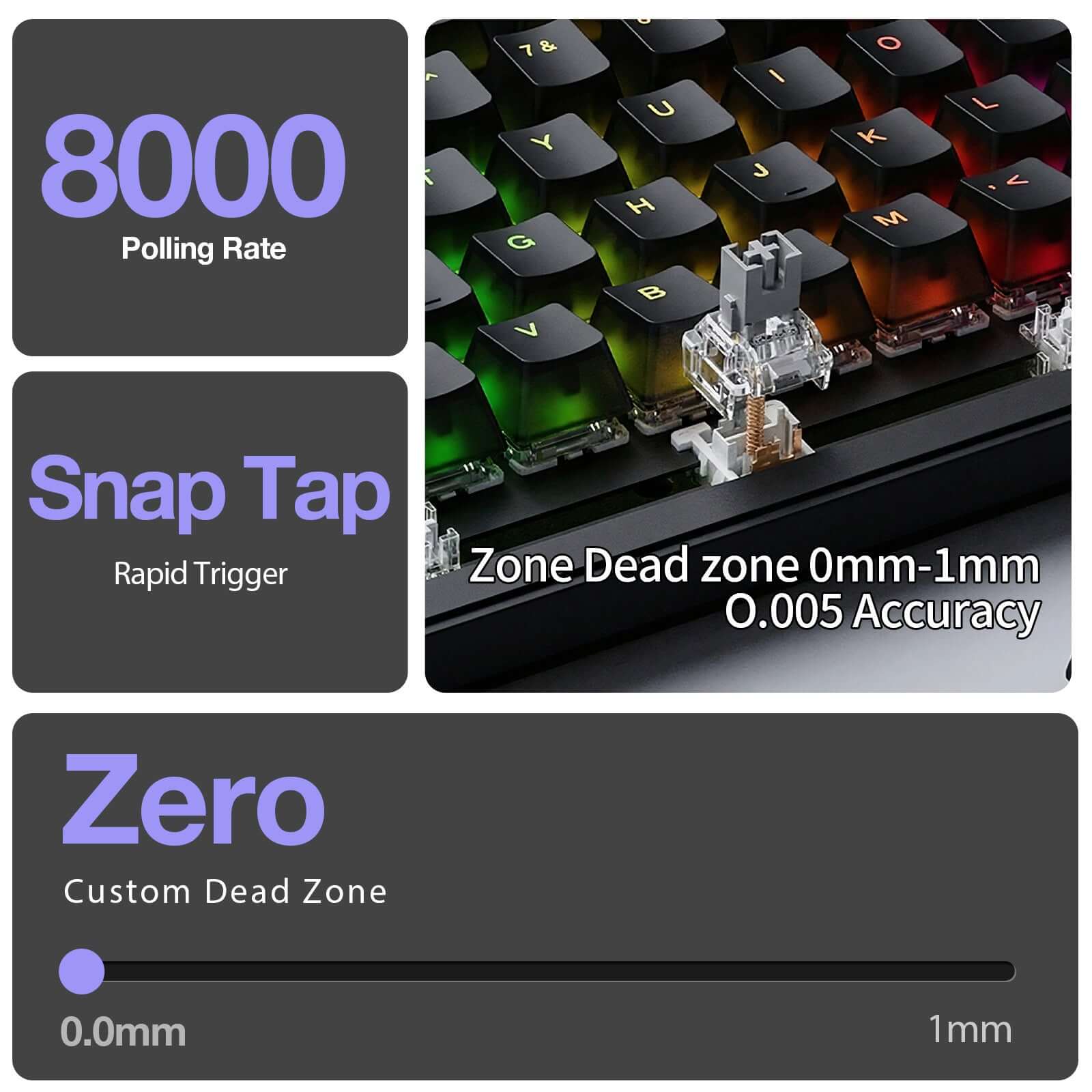
Hall Effect Magnetic Switches with Snap Tap / Rapid Trigger and 0.005 mm precision for ultra-fast response
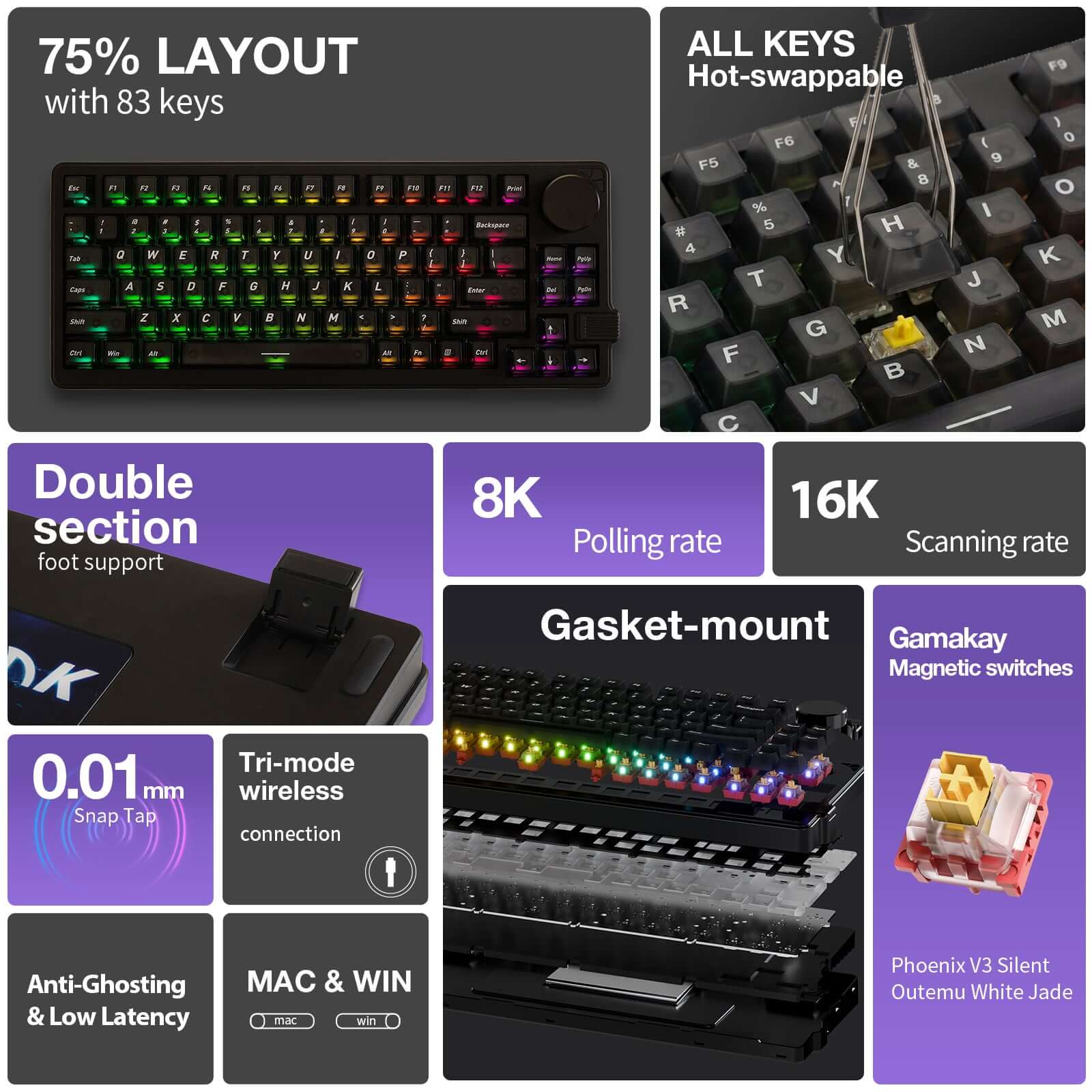
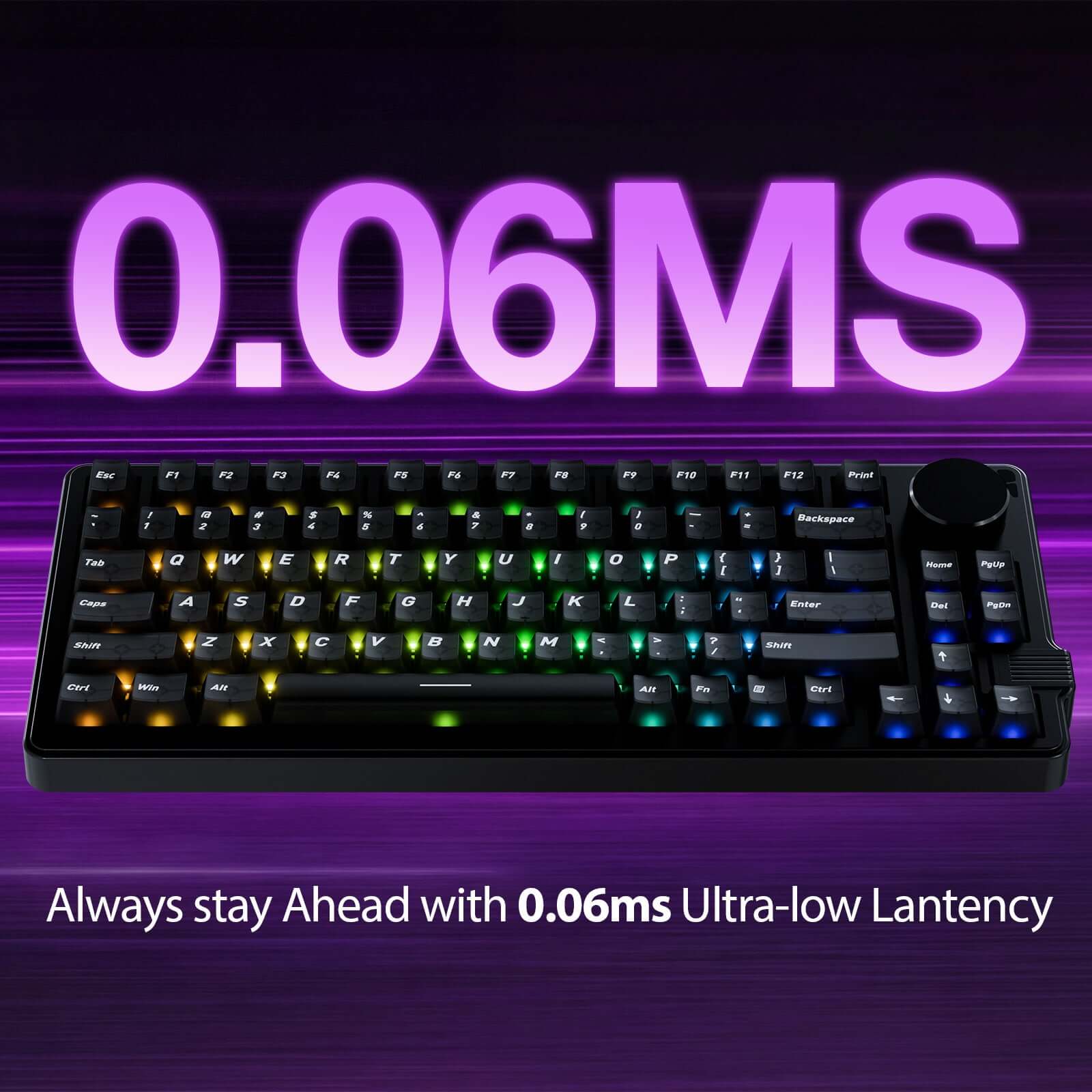
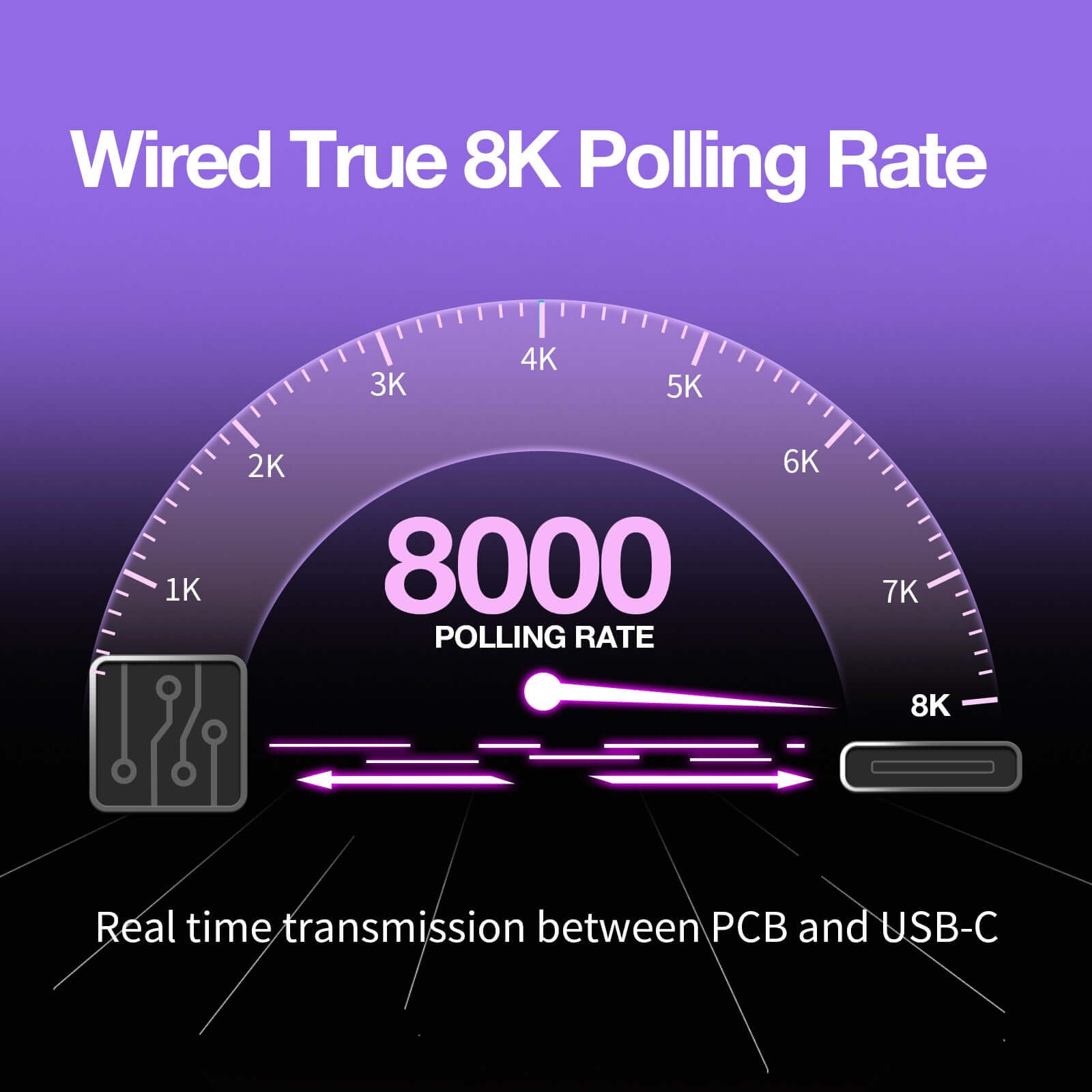
True Wired 8K Polling Rate + 16K Scan Rate delivering 0.06 ms ultra-low latency
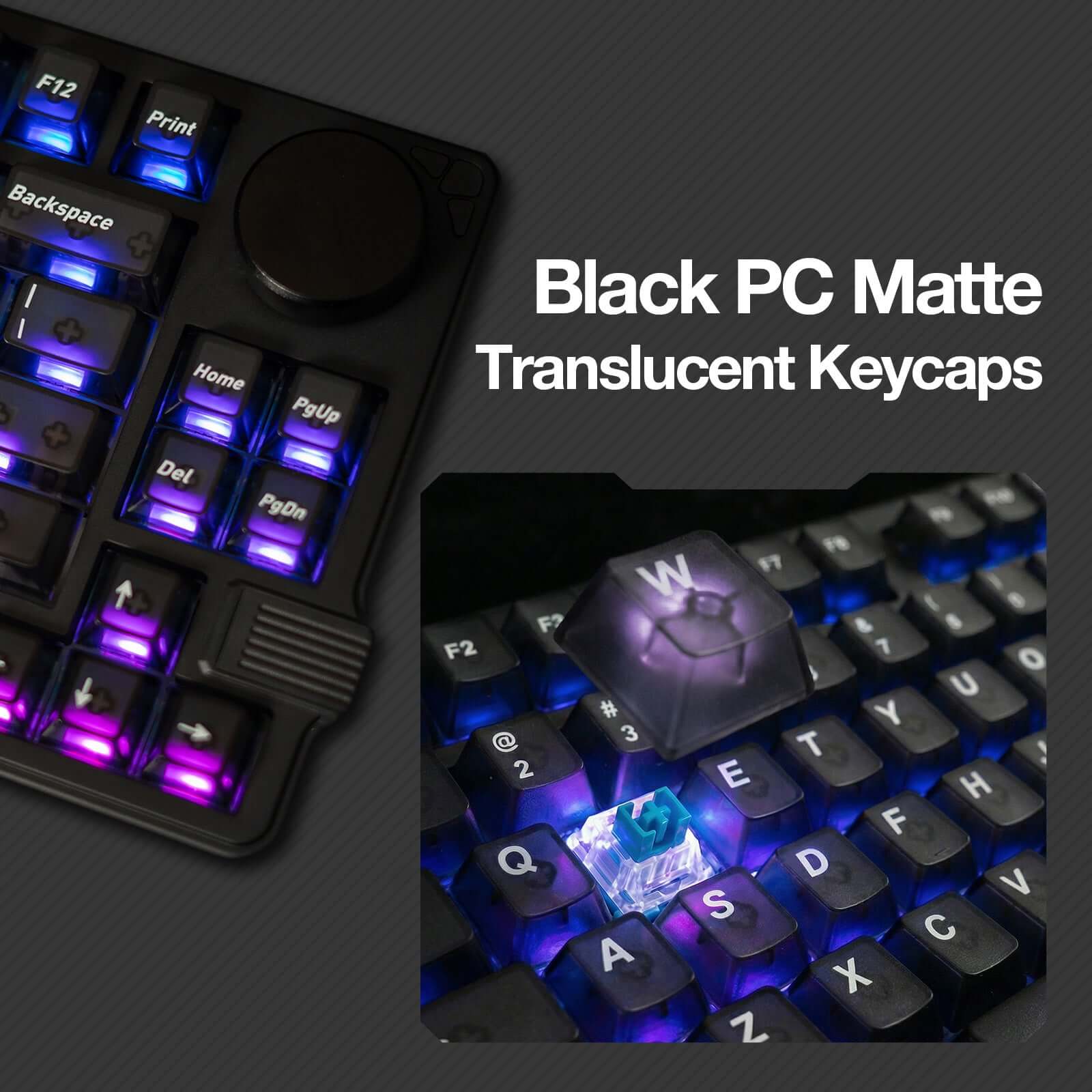
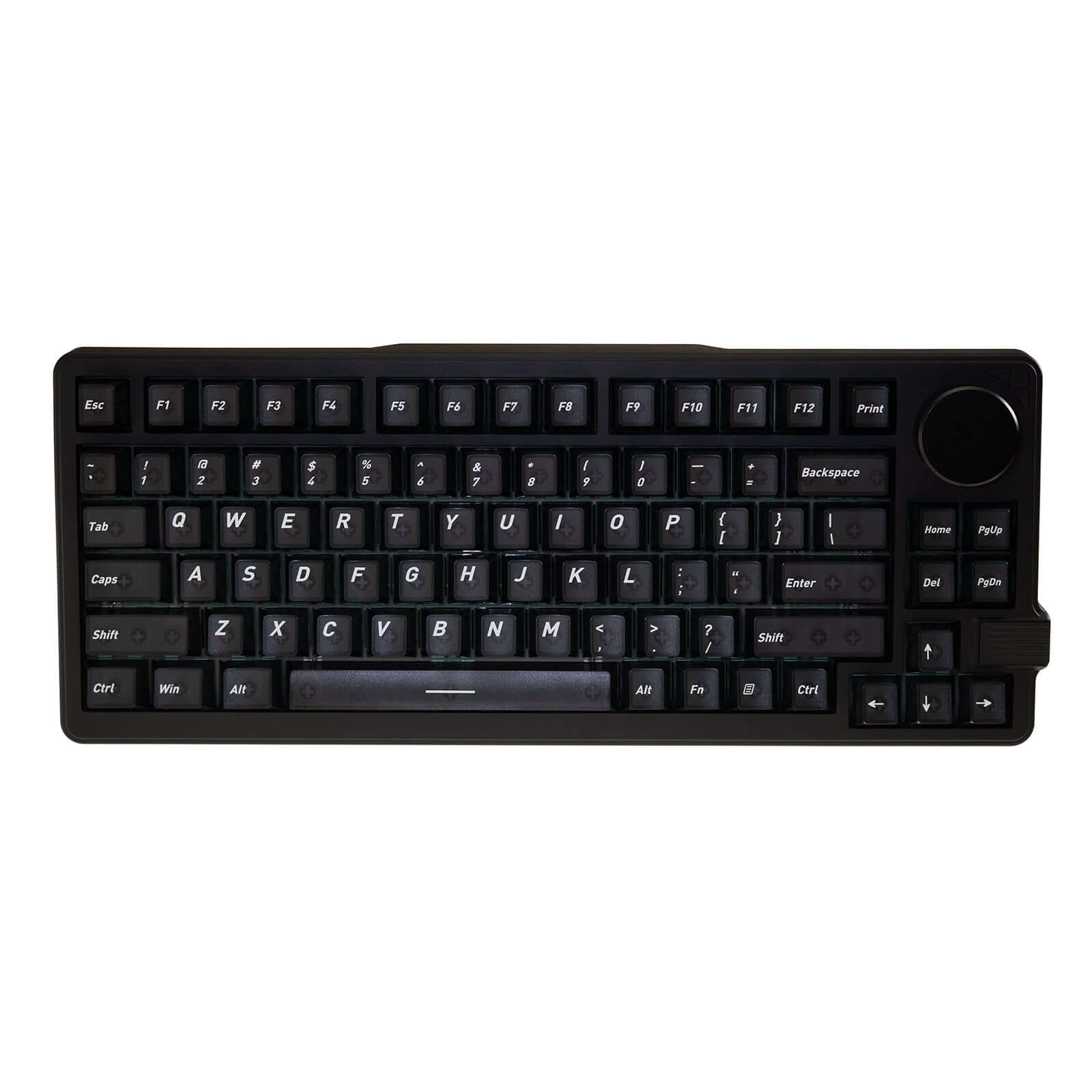
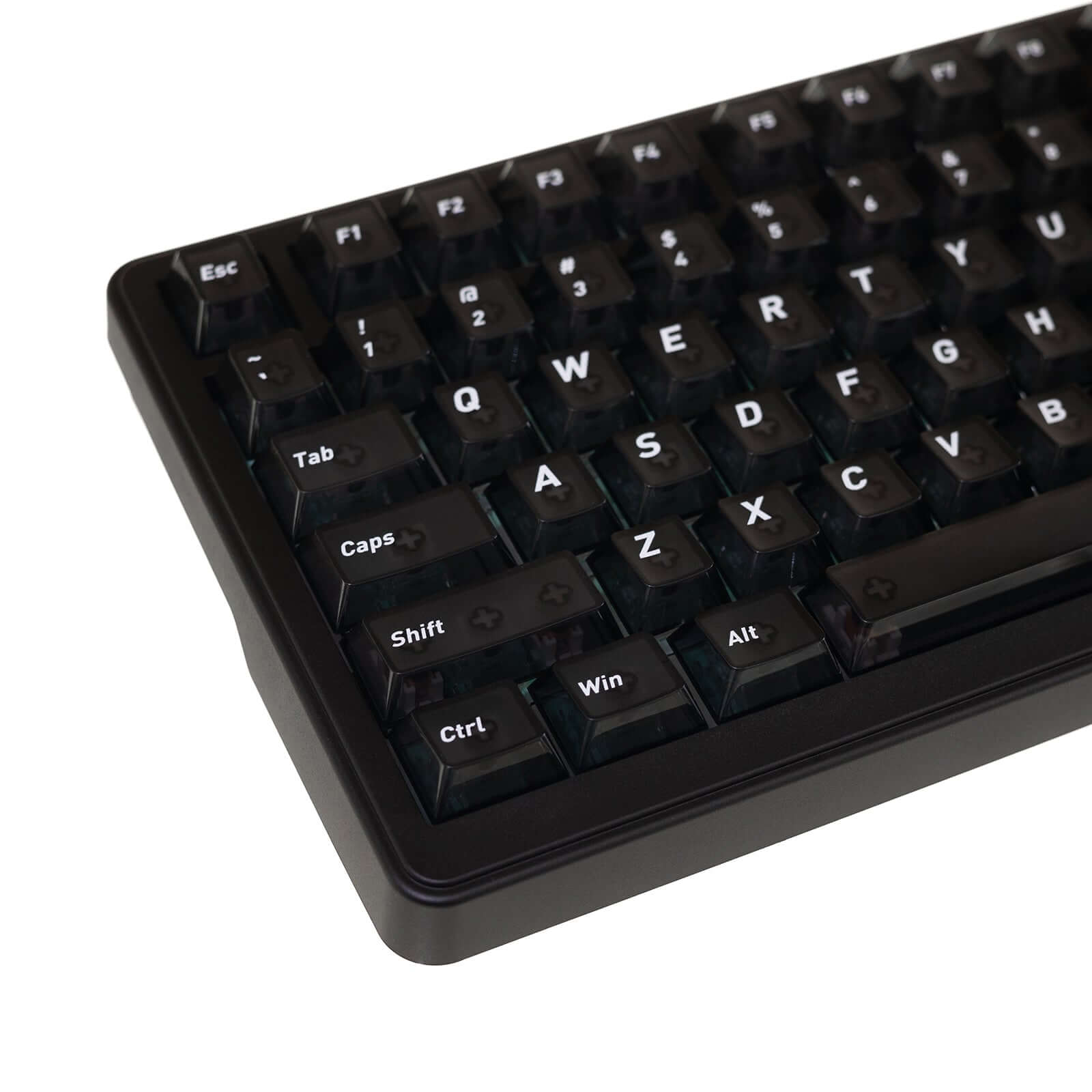
Compact 75% Layout with Translucent Keycaps (83 Keys + Knob) for efficient gaming and productivity
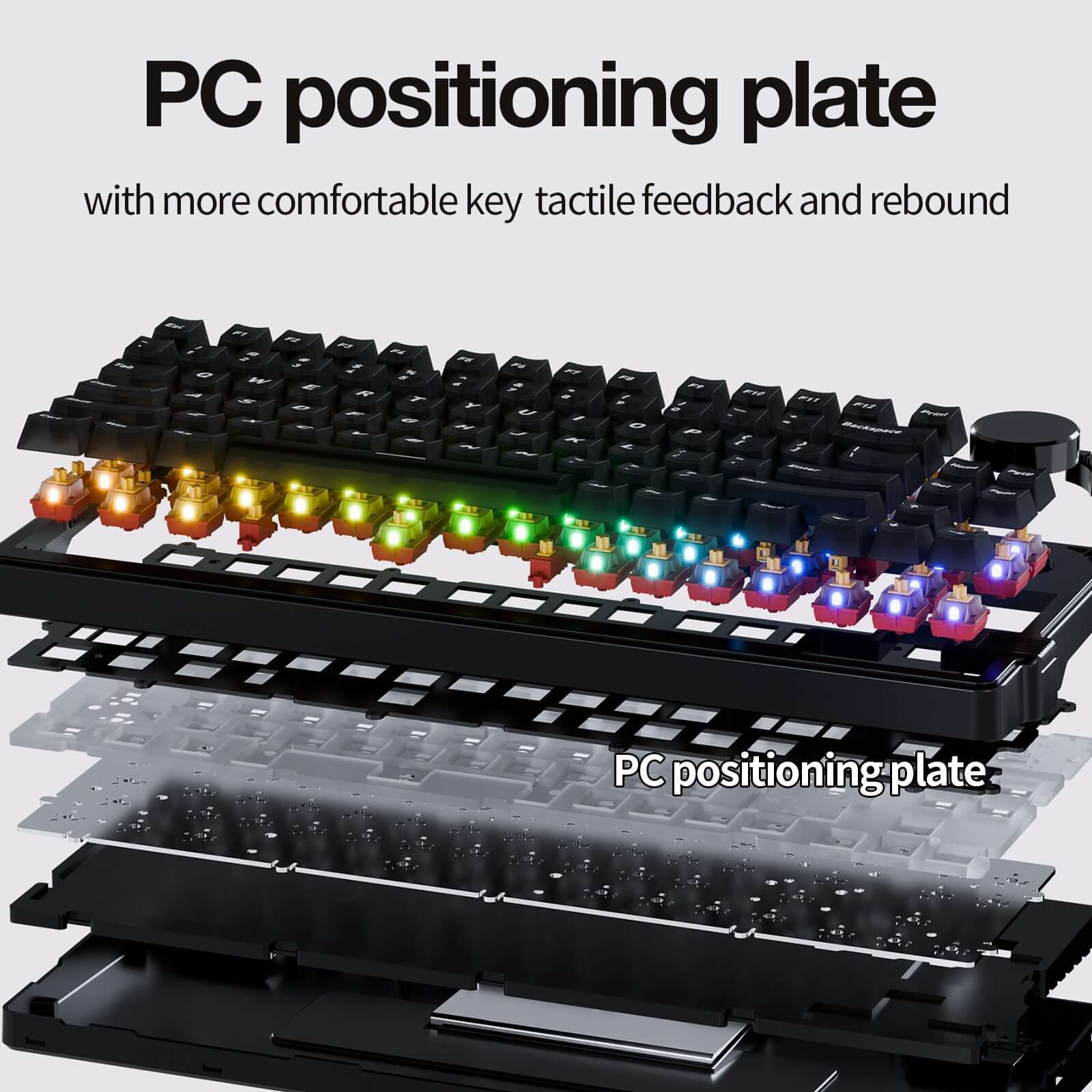
Gasket-Mount + PC Plate Design for improved acoustics and typing comfort
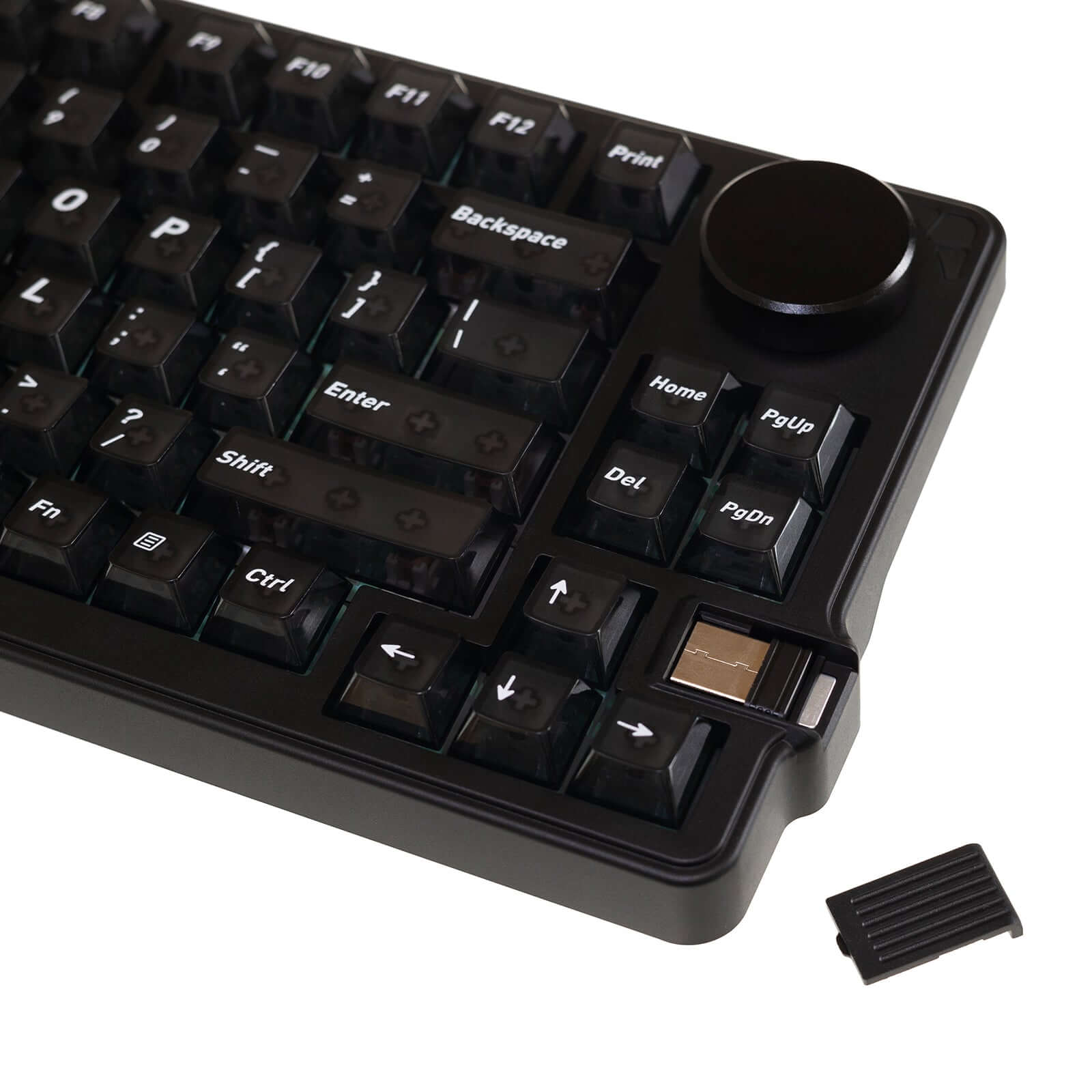
Tri-Mode Connectivity (Wired / 2.4G / Bluetooth) with Windows & macOS support
No se pudo cargar la disponibilidad de recogida



Product Detail
Description
El Gamakay x NaughShark NS75 es un teclado gaming Hall Effect de alto rendimiento, diseñado para ofrecer precisión extrema y respuesta ultrarrápida en juegos competitivos. Gracias a su avanzada tecnología magnética, este teclado Hall Effect alcanza una impresionante precisión de activación de 0,005 mm, combinada con Rapid Trigger y Snap Tap, permitiendo movimientos más rápidos, reinicios instantáneos de tecla y un control superior en juegos FPS y esports.
Equipado con una tasa de sondeo de 8K (8000 Hz) y una frecuencia de escaneo de 16K, el NS75 garantiza una latencia ultrabaja, proporcionando una experiencia de juego fluida y extremadamente reactiva. Su diseño compacto de 75% ofrece el equilibrio perfecto entre espacio y funcionalidad, ideal tanto para gaming como para productividad.
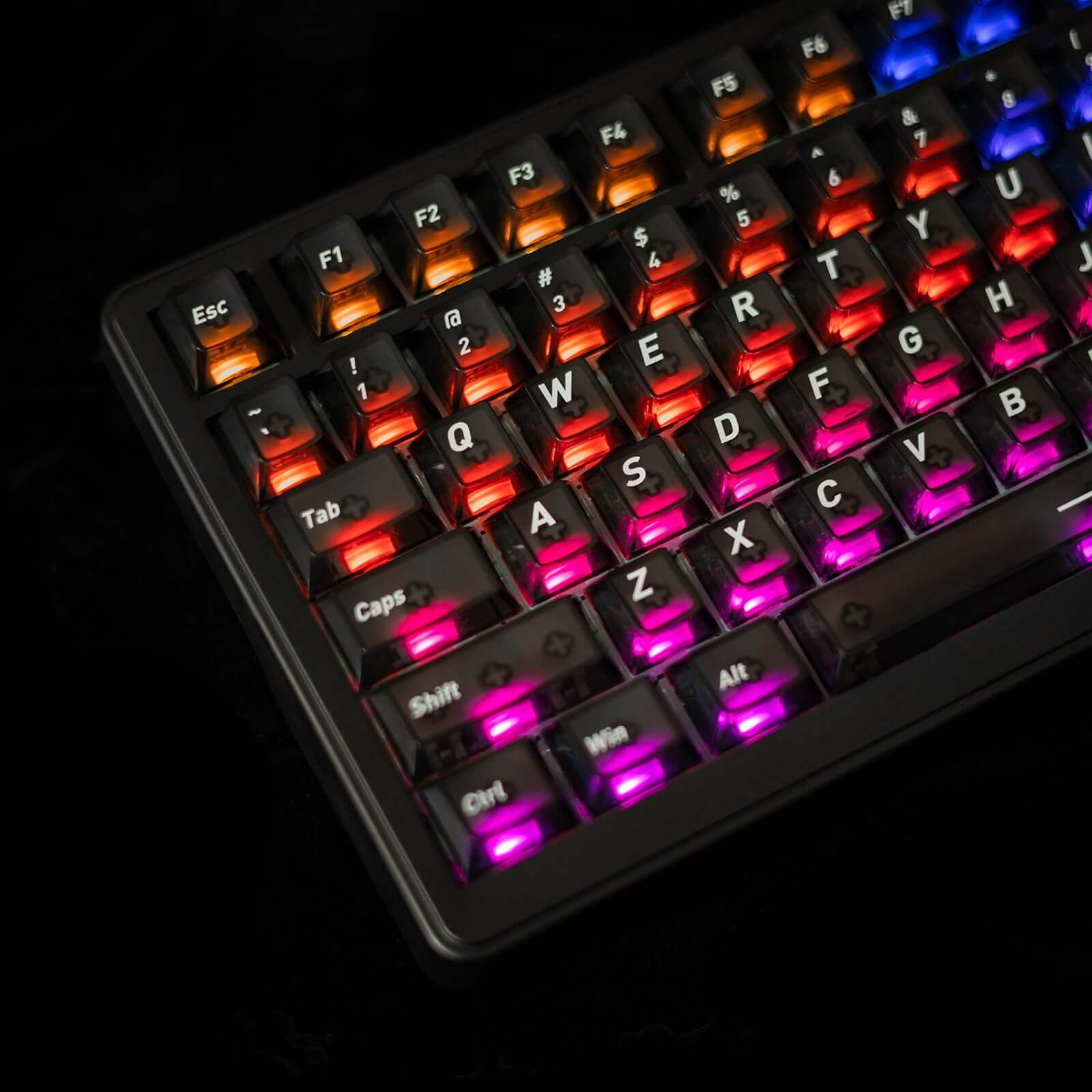
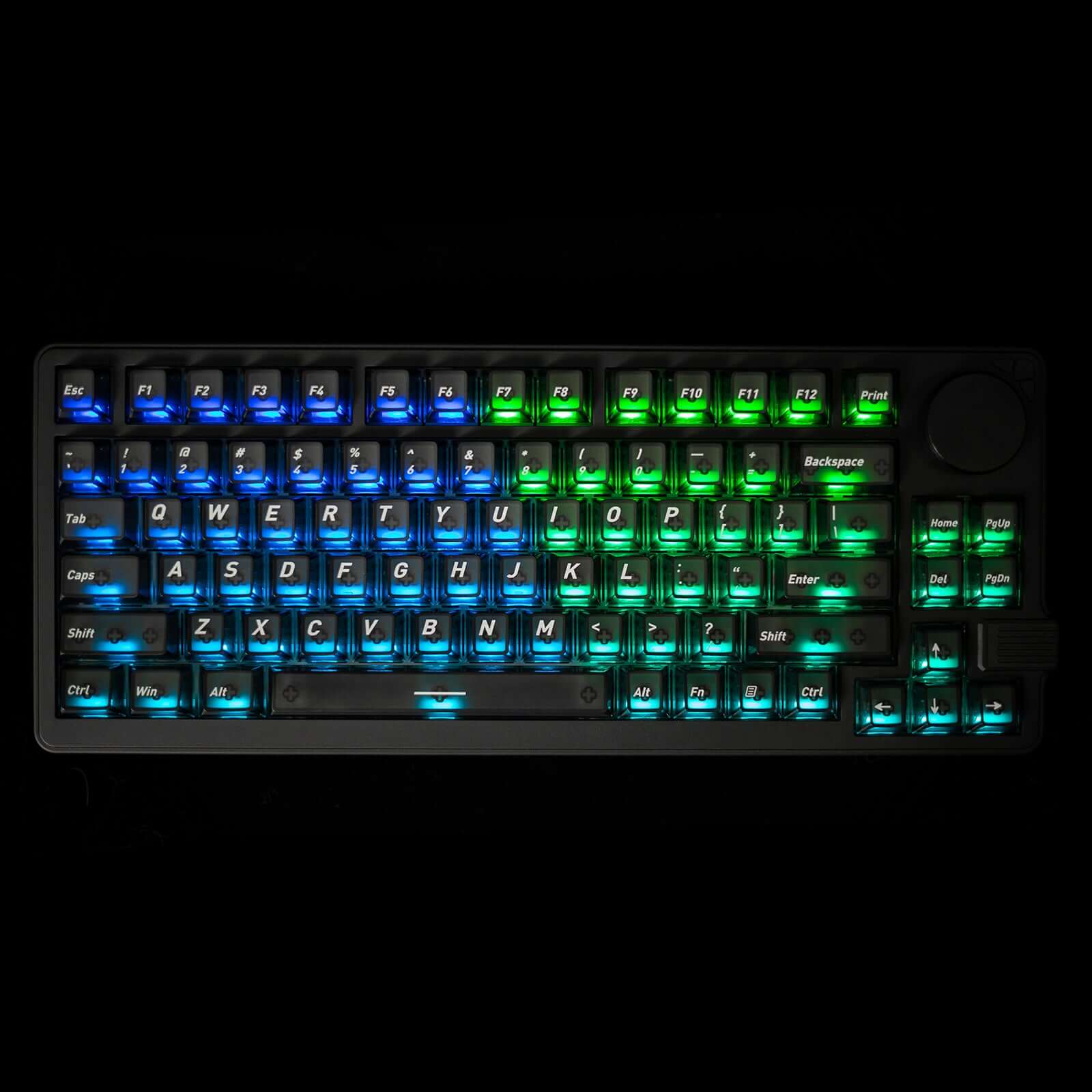
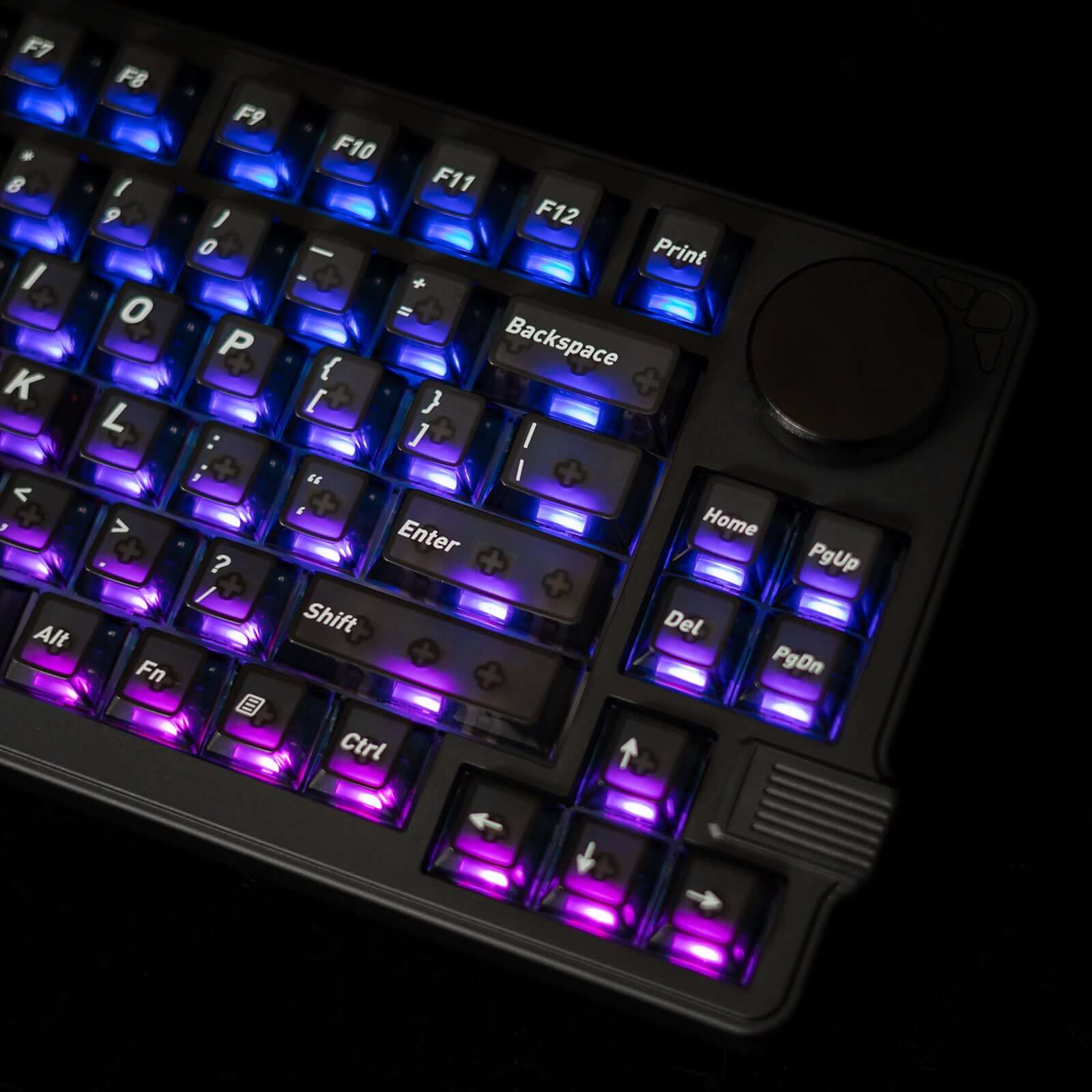
Como teclado gaming RGB retroiluminado, el NS75 incorpora iluminación RGB personalizable que brilla intensamente a través de keycaps translúcidos, creando un espectacular efecto visual y mejorando la visibilidad durante sesiones nocturnas.
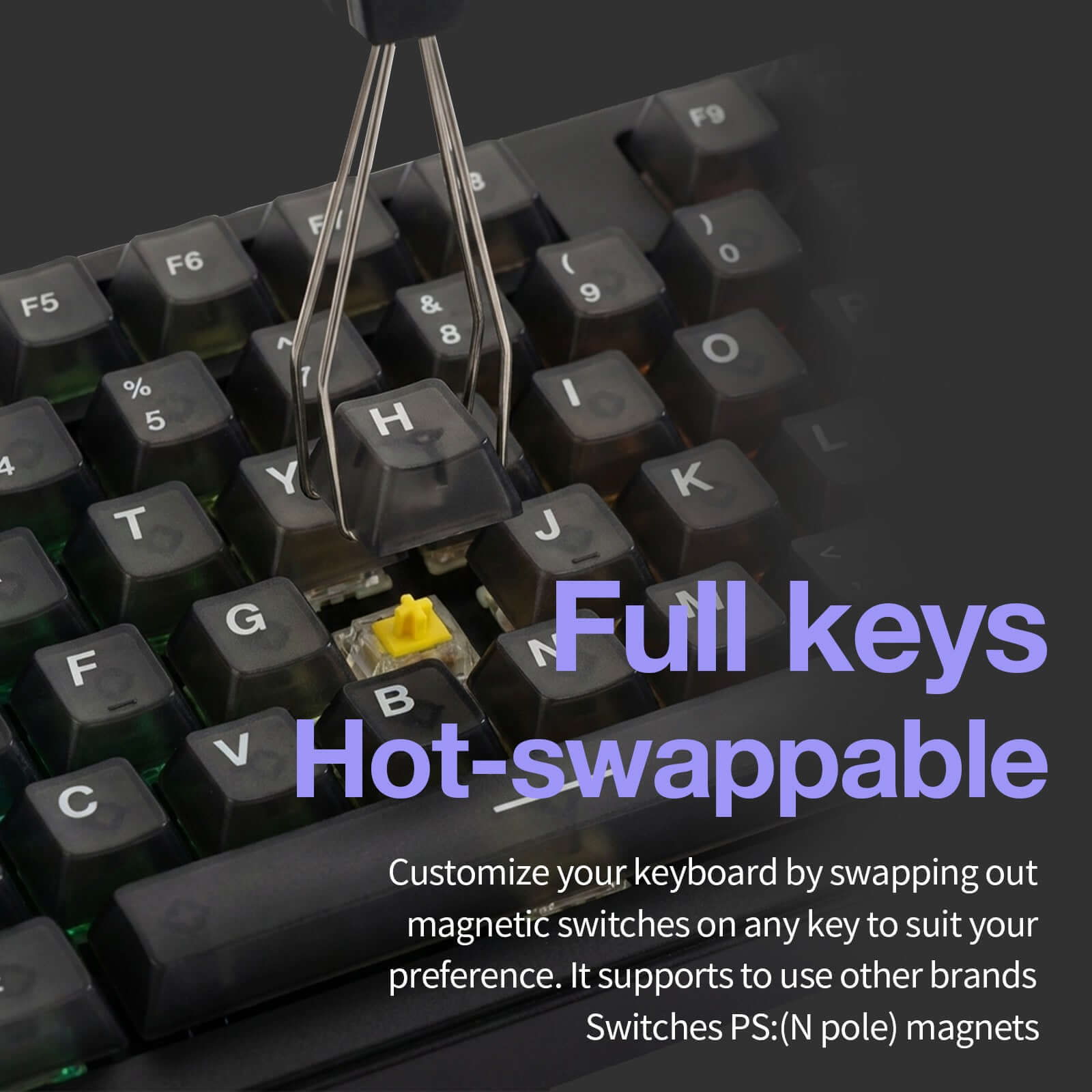
Los interruptores magnéticos hot-swap permiten cambiar switches fácilmente sin soldadura, ofreciendo máxima personalización. Además, su conectividad tri-modo (USB-C, 2.4 GHz inalámbrico y Bluetooth) proporciona flexibilidad total para jugar o trabajar en múltiples dispositivos.
Con su perilla multifunción, diseño compacto y tecnología de sensores magnéticos de última generación, el Gamakay x NaughShark NS75 es el teclado gaming ideal para jugadores que buscan velocidad, precisión y control absoluto.

Gaming Features
Hall Effect Gaming Keyboard with Snap Tap – Magnetic switches deliver 0.005 mm actuation accuracy, Rapid Trigger, and adjustable 0–1 mm dead zone for ultra-responsive FPS and esports gameplay.
True Wired 8K Polling Rate (8000 Hz) – Combined with a 16K scan rate, achieves 0.06 ms ultra-low latency for faster input response than standard mechanical keyboards.
RGB Gaming Keyboard with Translucent Keycaps – Per-key RGB lighting shines through translucent keycaps, enhancing visibility and immersive gaming setups.
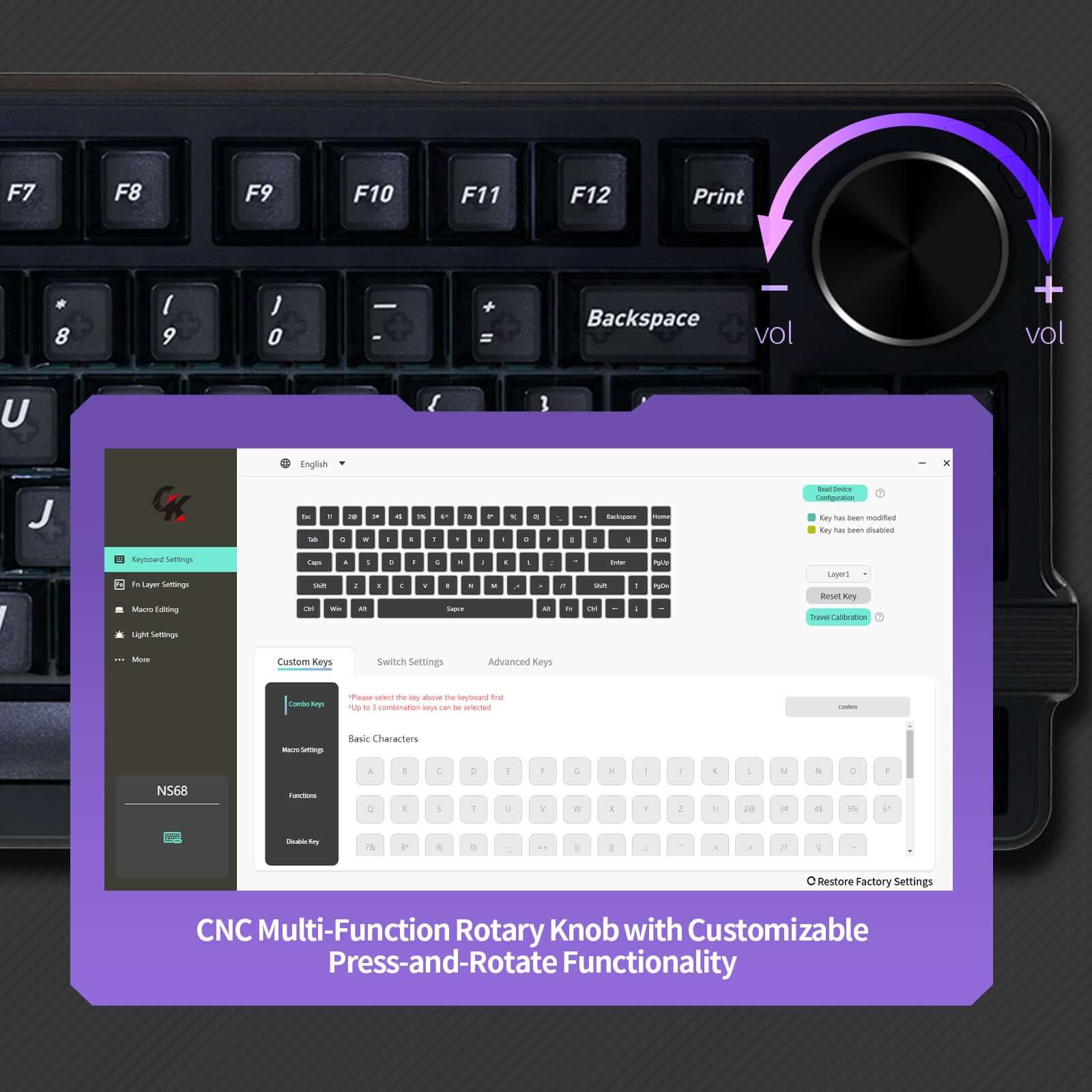
Compact 75% Gaming Layout with Knob – 83-key layout saves desk space for mouse movement while retaining function keys and a multi-function rotary knob for quick control.
Gasket-Mount Build & Tri-Mode Connectivity – PC plate and gasket structure improve stability and comfort, with Wired / 2.4G / Bluetooth support and full Windows & macOS compatibility.
Specifications
Specifications:
1. 75% layout with 83 keys
2. Tri-mode wireless connection
3. 8k Polling rate and 10K Scanning rate
4. Mac / Windows System
5. Double section foot support
6. Black PC Matte Translucent Keycaps
7. Phoenix V3 Silent , Outemu White Jade
8. Snap Tap RT 0.005 mm
9. All keys Hot-swappable
10. Gasket-mount
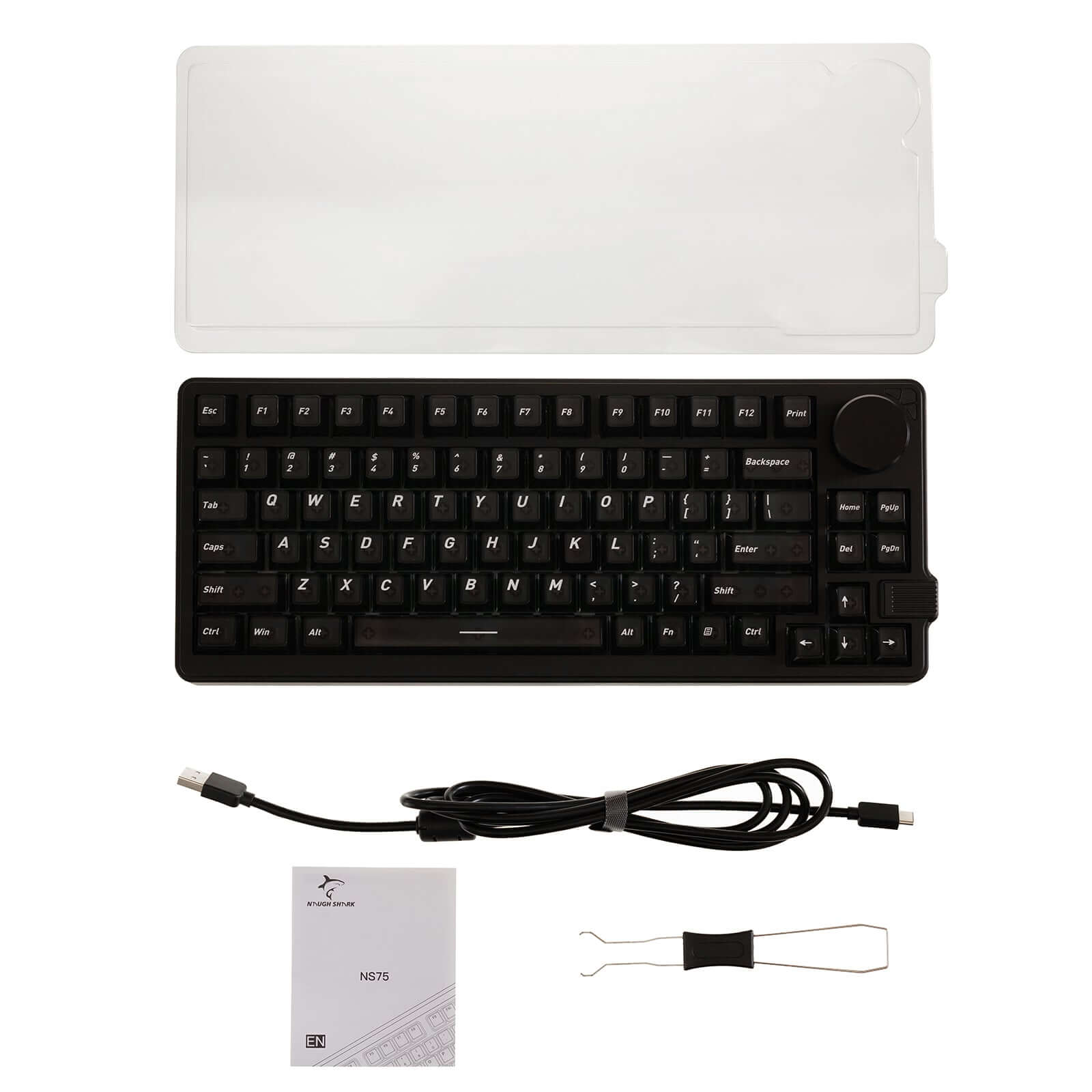
What’s in the box
Keyboard:
1 * Gamakay x NaughShark NS75
Cable:
1 * 1.5M Type C cable
1 * Manual
FAQ
How should I properly charge the keyboard?
To ensure safe charging and avoid damage, do not use third-party power adapters such as phone chargers or laptop chargers.
Correct charging method:
- Use a Type-C cable to connect the keyboard directly to a computer’s USB port.
Turn off Bluetooth / wireless mode on the keyboard.
Switch the keyboard to wired mode.
Allow the keyboard to fully charge before turning wireless mode back on.
Important:
Damage caused by using improper charging methods or unauthorized power sources is not covered under the warranty.