


GamaKay GX1 & GX1 PRO | Leise kabellose Gaming-Maus
- Regulärer Preis
-
$29.99 - Regulärer Preis
-
$49.99 - Verkaufspreis
-
$29.99
- Silent wireless gaming mouse for gaming, work and shared spaces
- GX1 PRO with PAW3950 sensor and up to 30,000 DPI
- GX1 with PAW3311 sensor and up to 12,000 DPI
- Low-latency wireless performance for FPS and competitive gaming
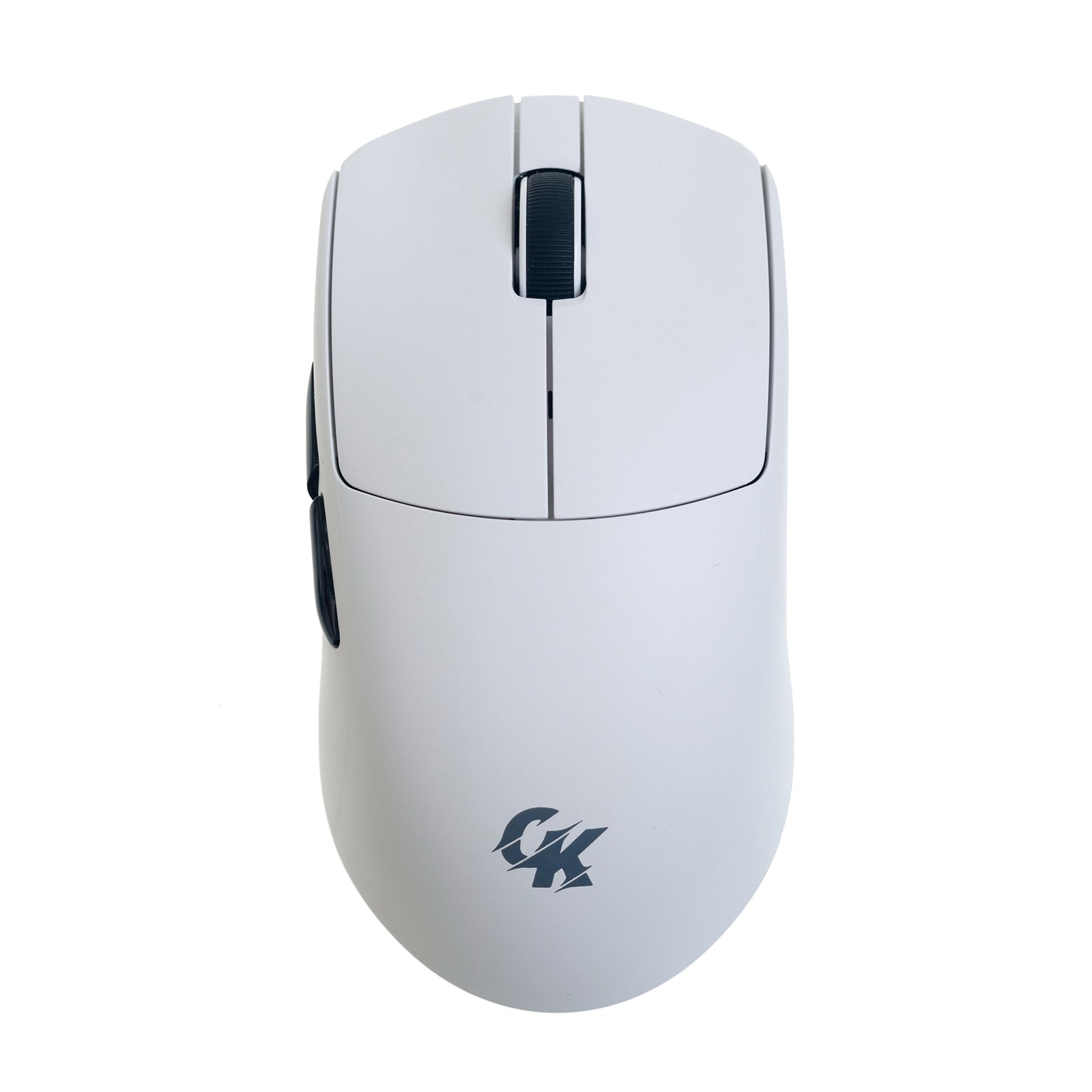
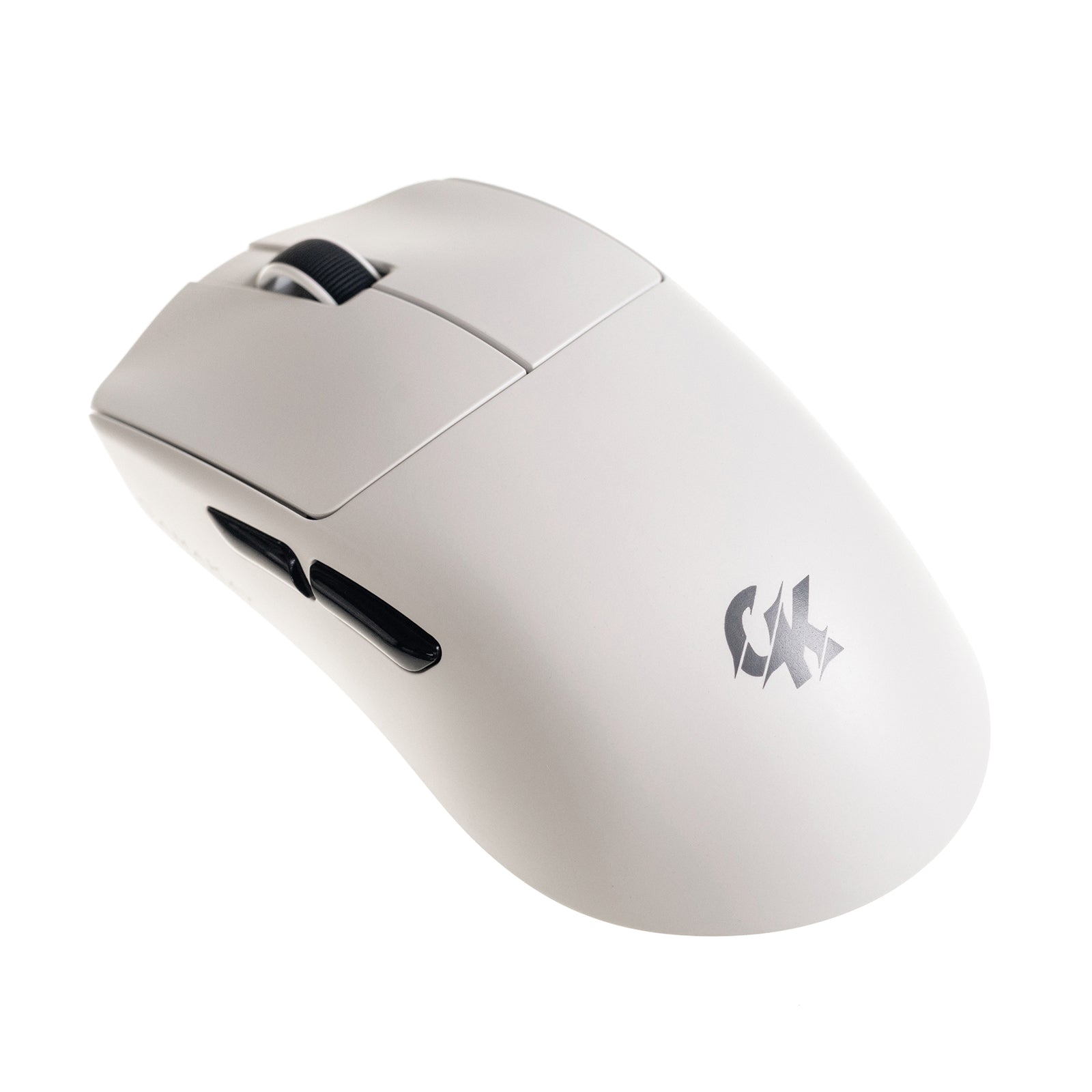
- Lightweight ergonomic design for fast, comfortable movement
- Available in black and white for gaming and desk setups
- GX1 PRO smart display dock for quick performance monitoring
Use Code GK10 for 10%off
Abholverfügbarkeit konnte nicht geladen werden
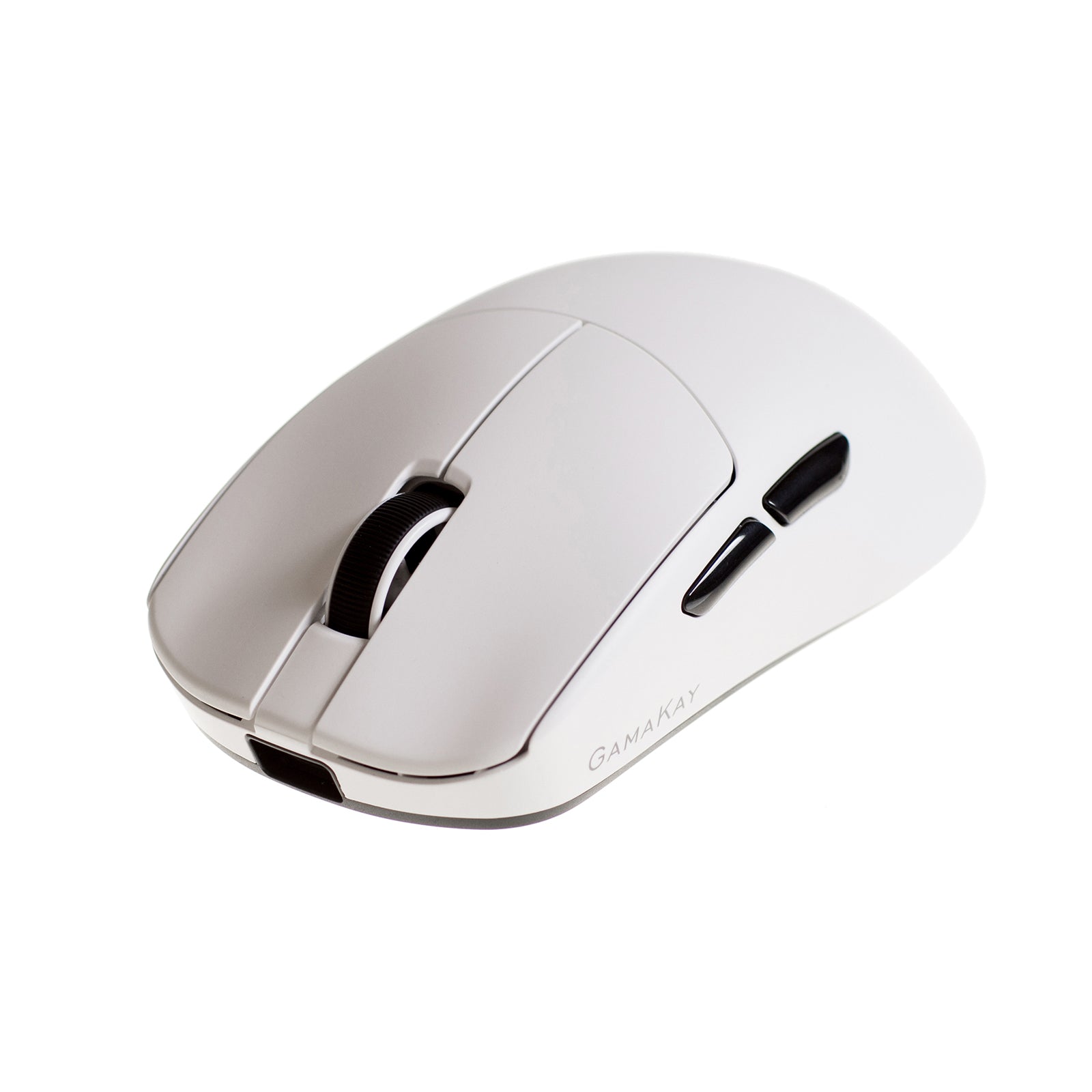
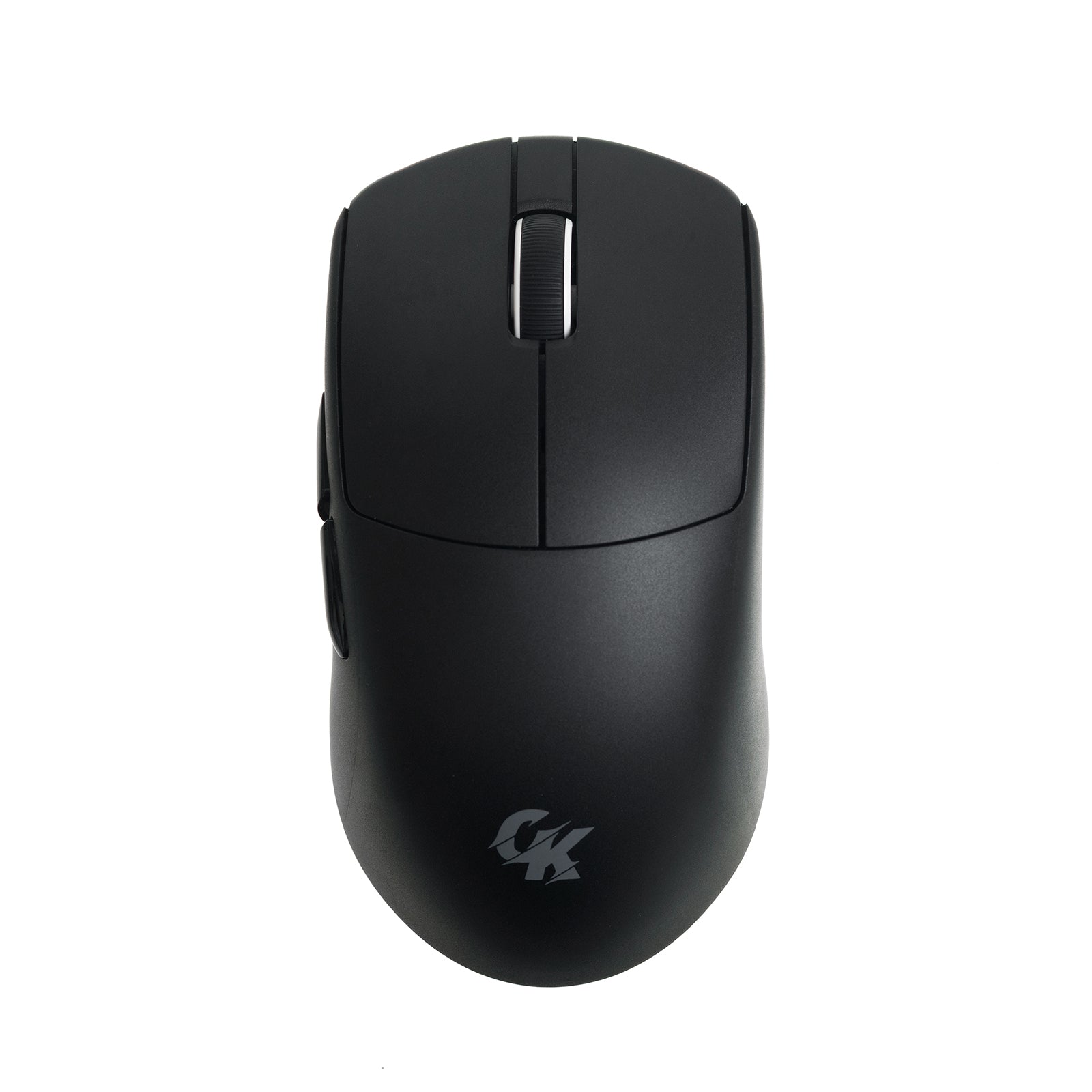
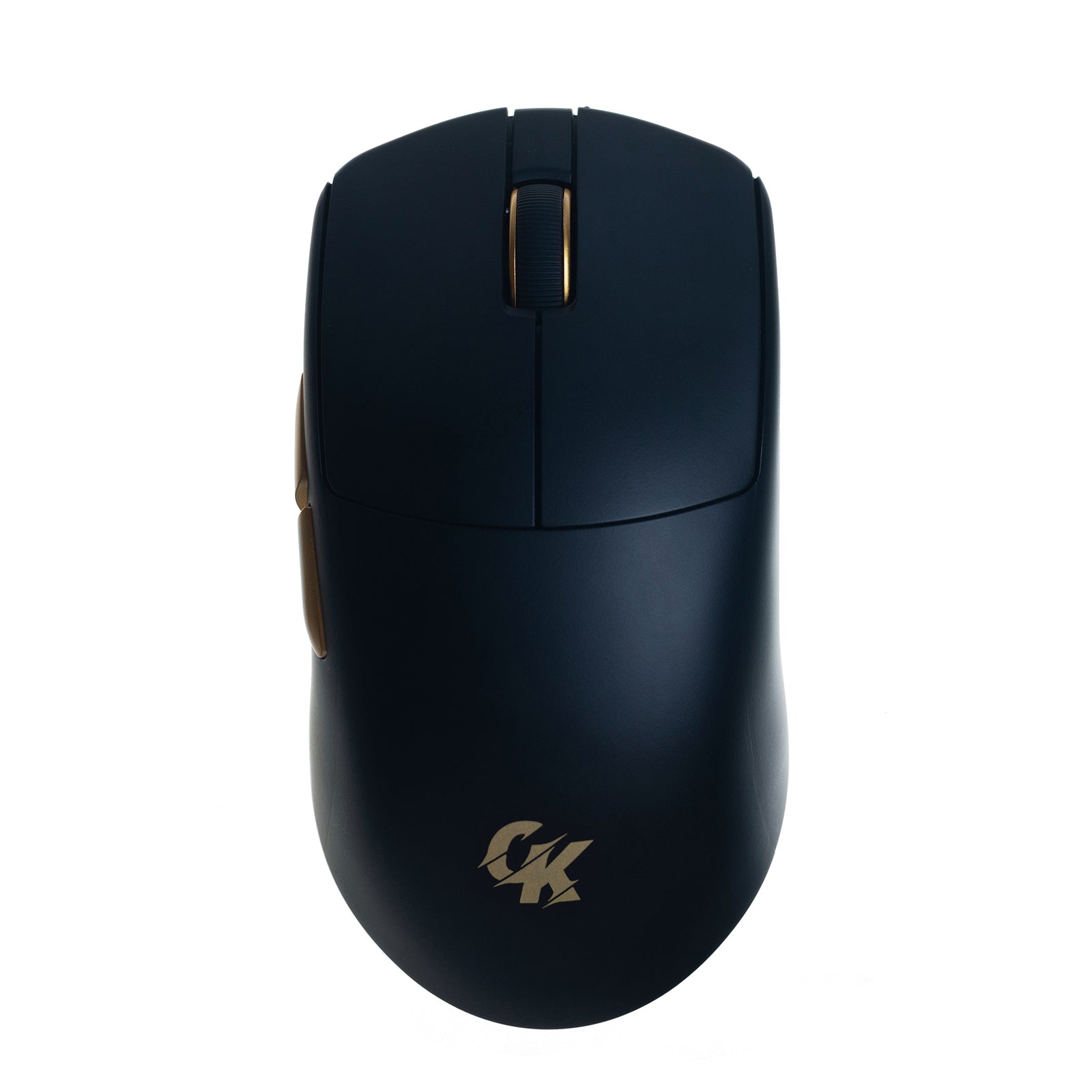
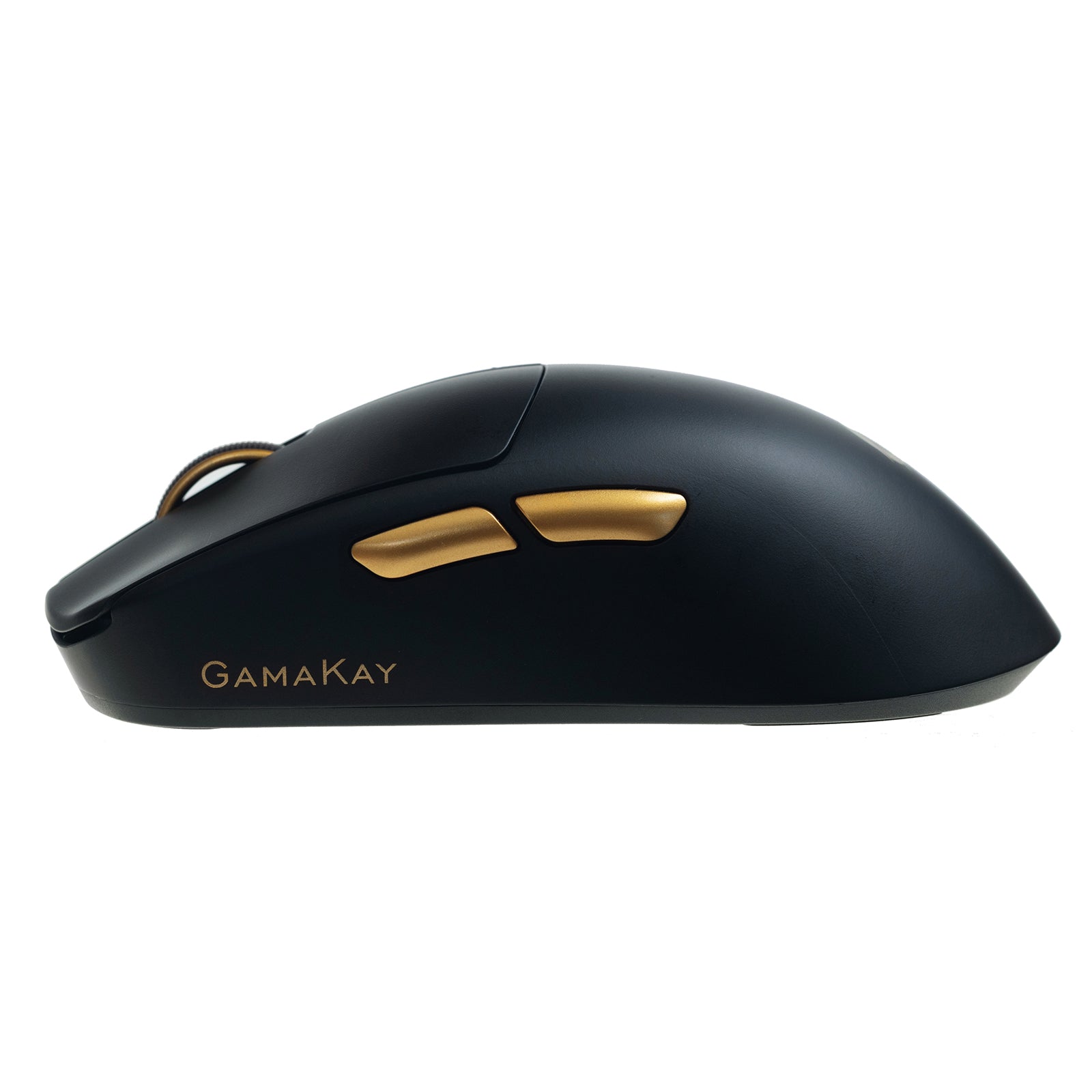



GamaKay GX1 Series
Product Detail
Description
Leise kabellose Gaming-Maus der GamaKay GX1-Serie
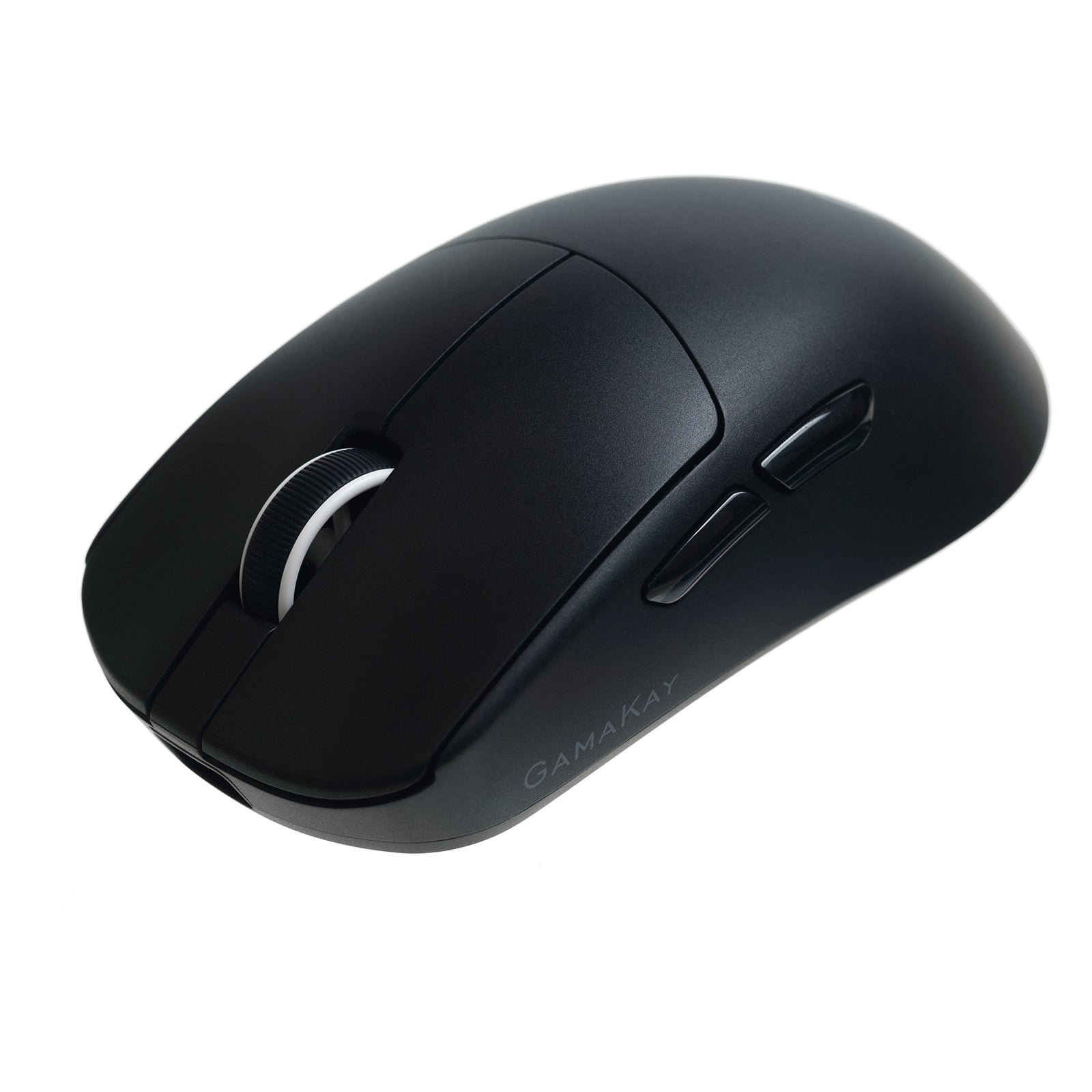
Eine leichte kabellose Gaming-Maus mit drei Verbindungsmodi für kompetitives Spielen, konzentriertes Arbeiten und gemeinsame Räume. GX1 nutzt einen PAW3311-Sensor mit bis zu 12.000 DPI; GX1 PRO ergänzt einen PAW3950-Sensor mit bis zu 30.000 DPI und 8.000-Hz-Polling per Kabel oder 2,4-GHz-Verbindung.


Für Gaming und Arbeit entwickelt

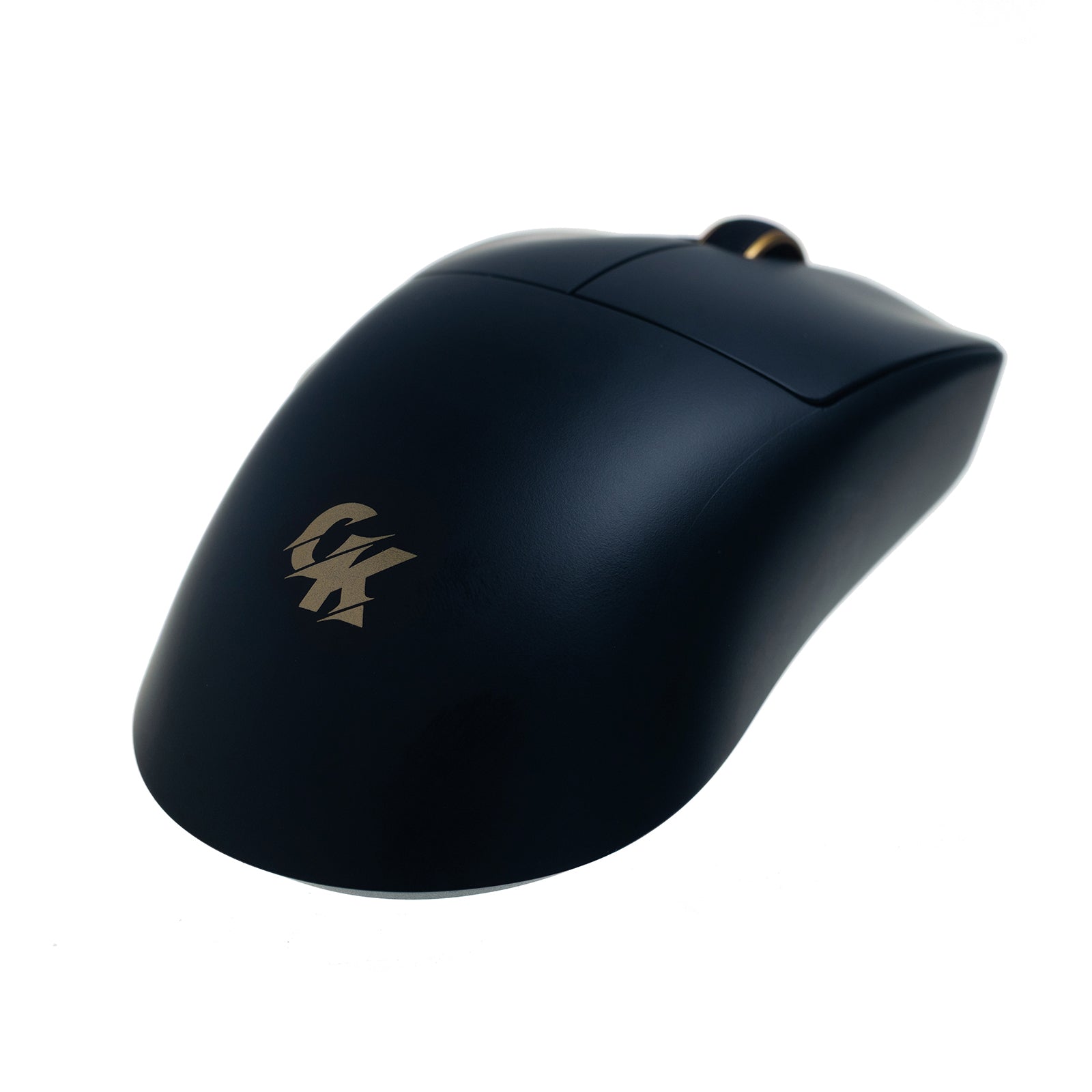
Mit 55 g +/- 3 g ermöglicht die ergonomische GX1-Serie schnelle FPS-Bewegungen und komfortables Arbeiten am Schreibtisch den ganzen Tag. Leise TTC-Hauptschalter reduzieren Klickgeräusche, ohne das taktile Feedback zu verlieren.
Funktionen der GX1-Serie
Zwei austauschbare Akkus

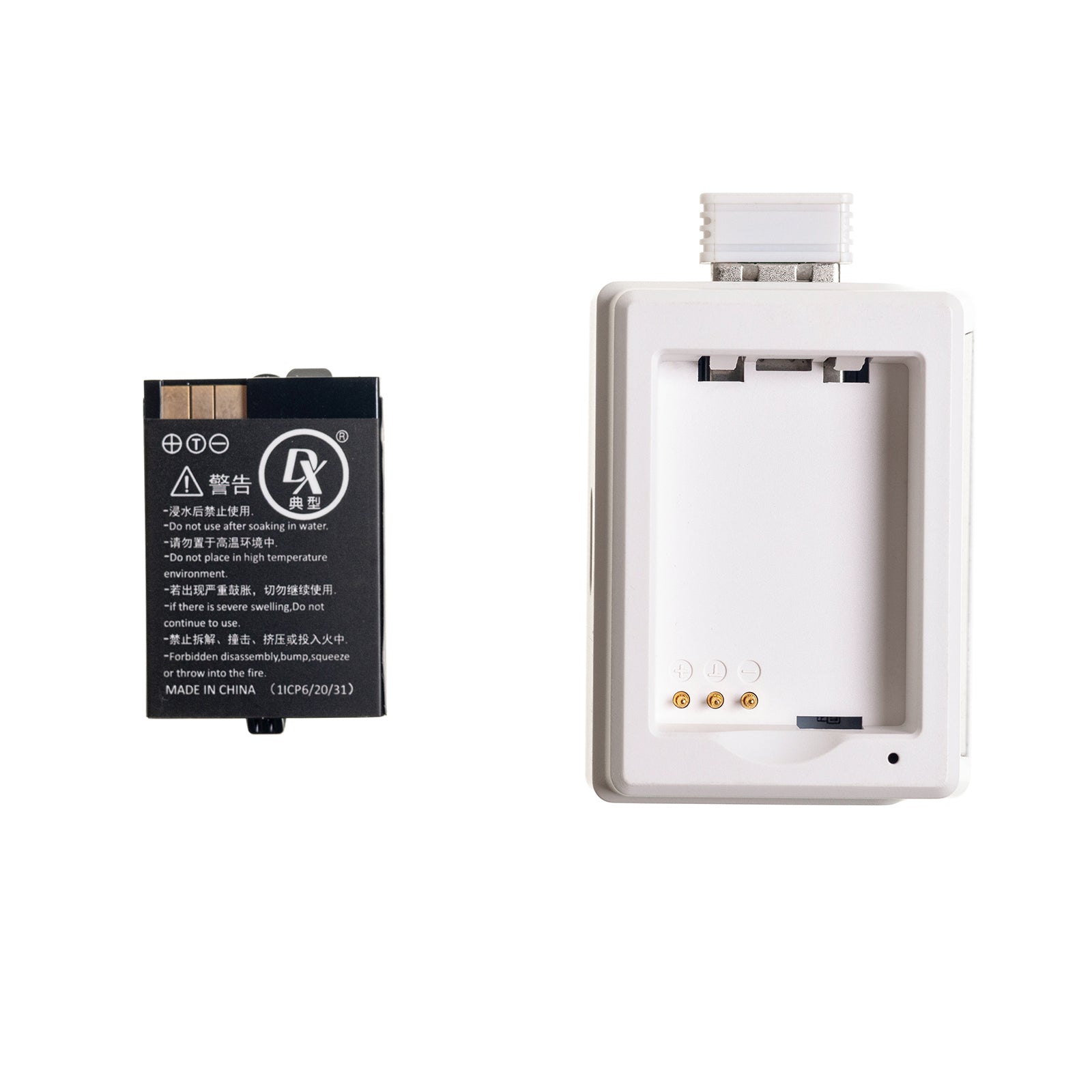
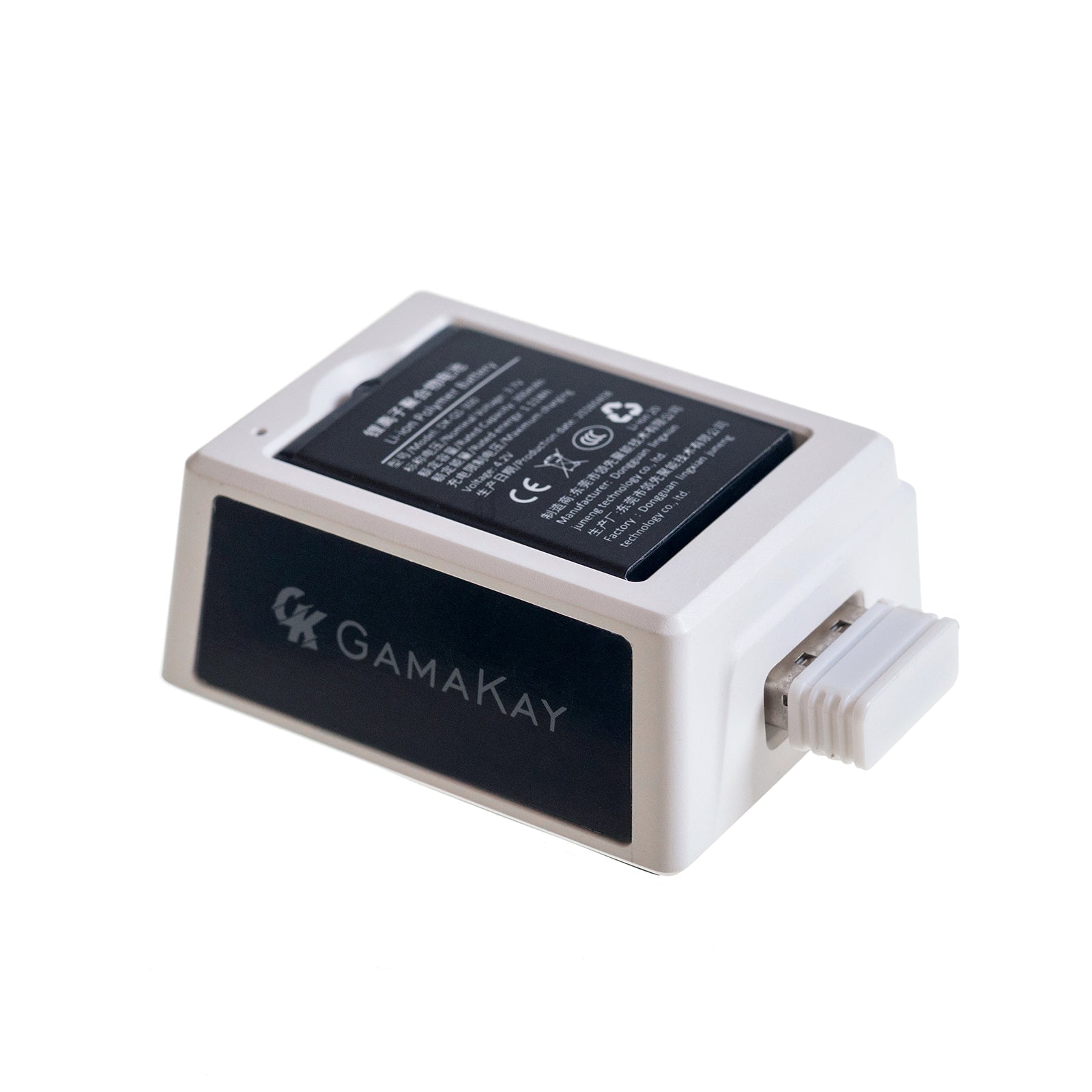
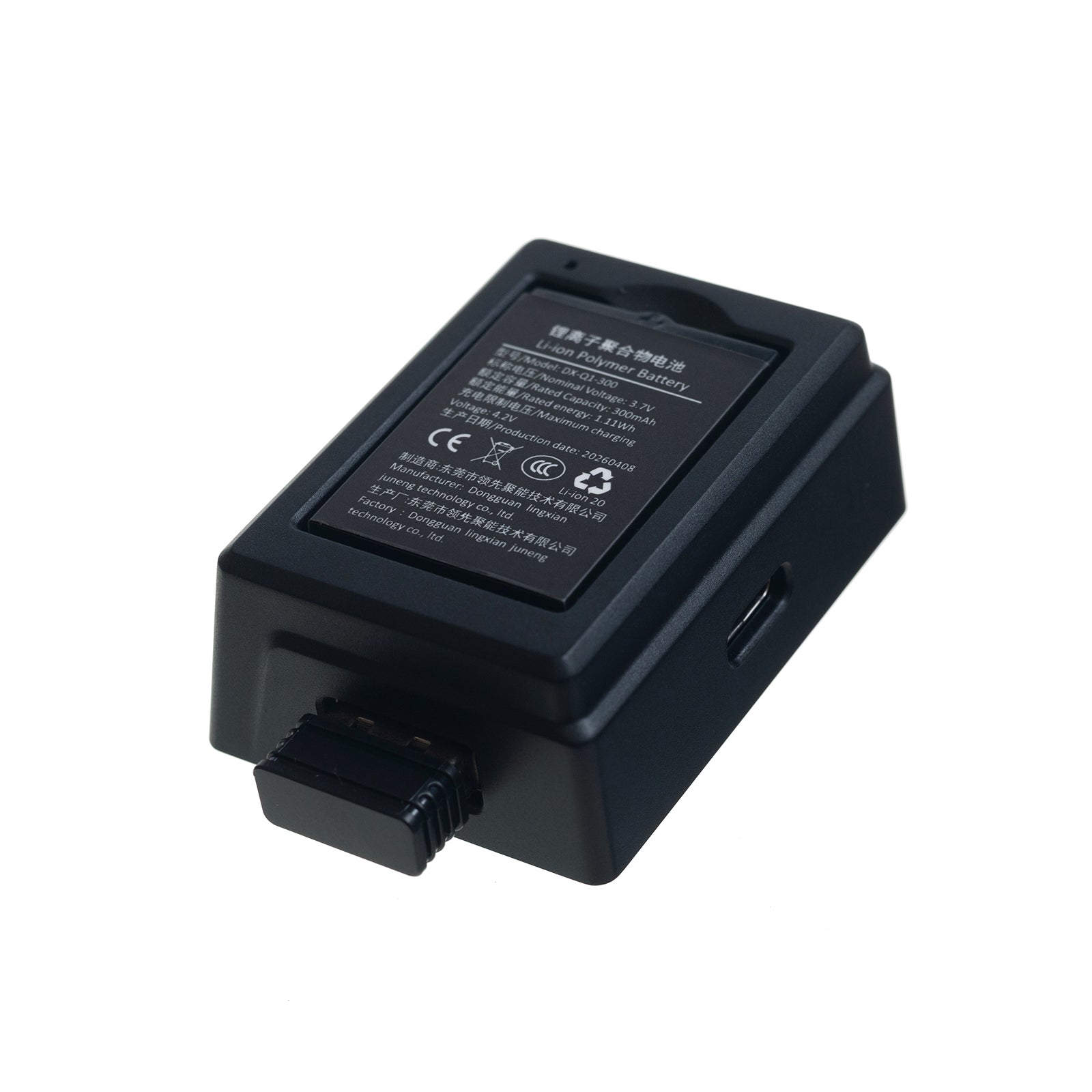
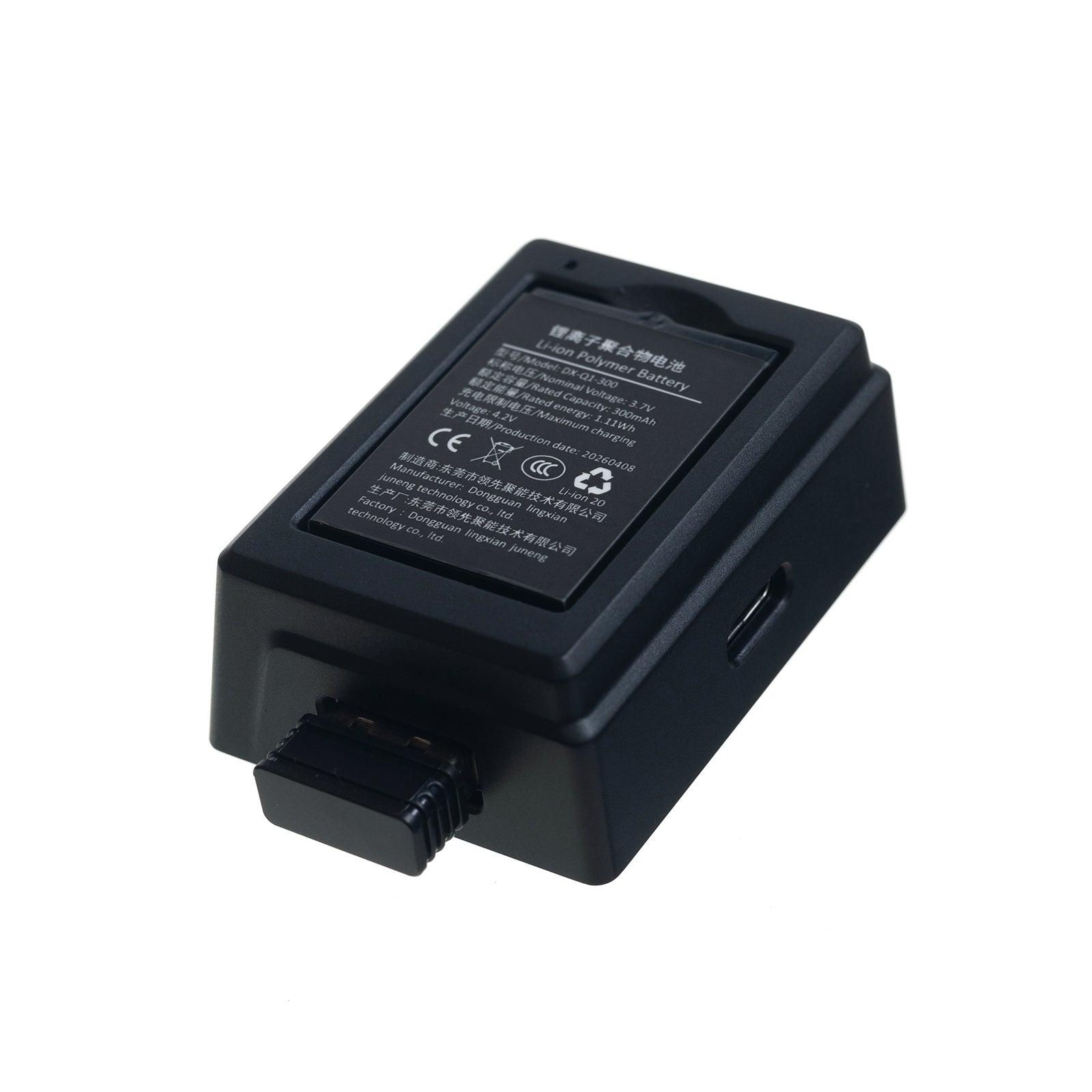
Zwei austauschbare 300-mAh-Akkus halten die Maus einsatzbereit: Einer versorgt die Maus, während der andere im Dock geladen wird. Tausche die Akkus bei Bedarf aus, ohne auf eine Kabelaufladung warten zu müssen.
Intelligentes Ladedock

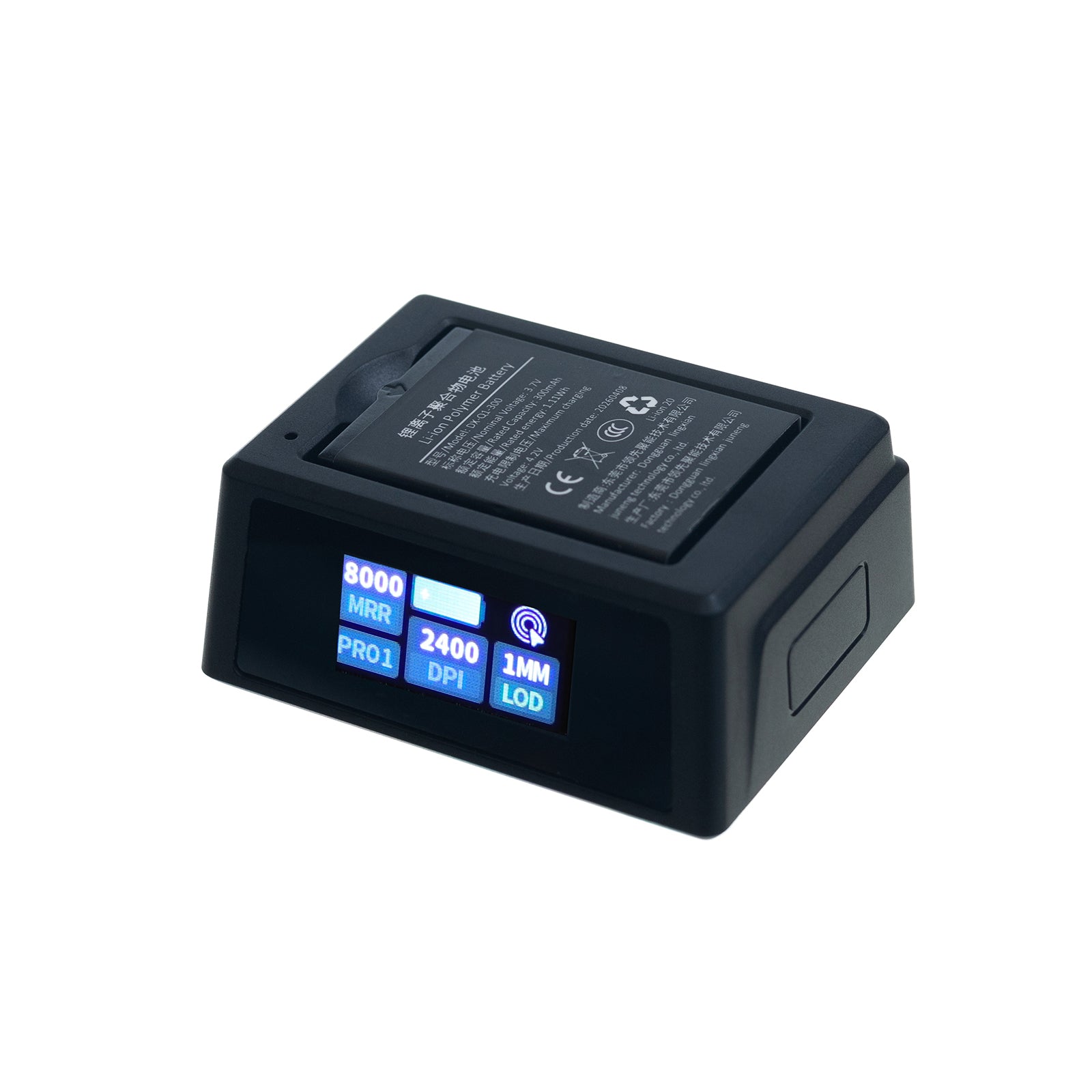
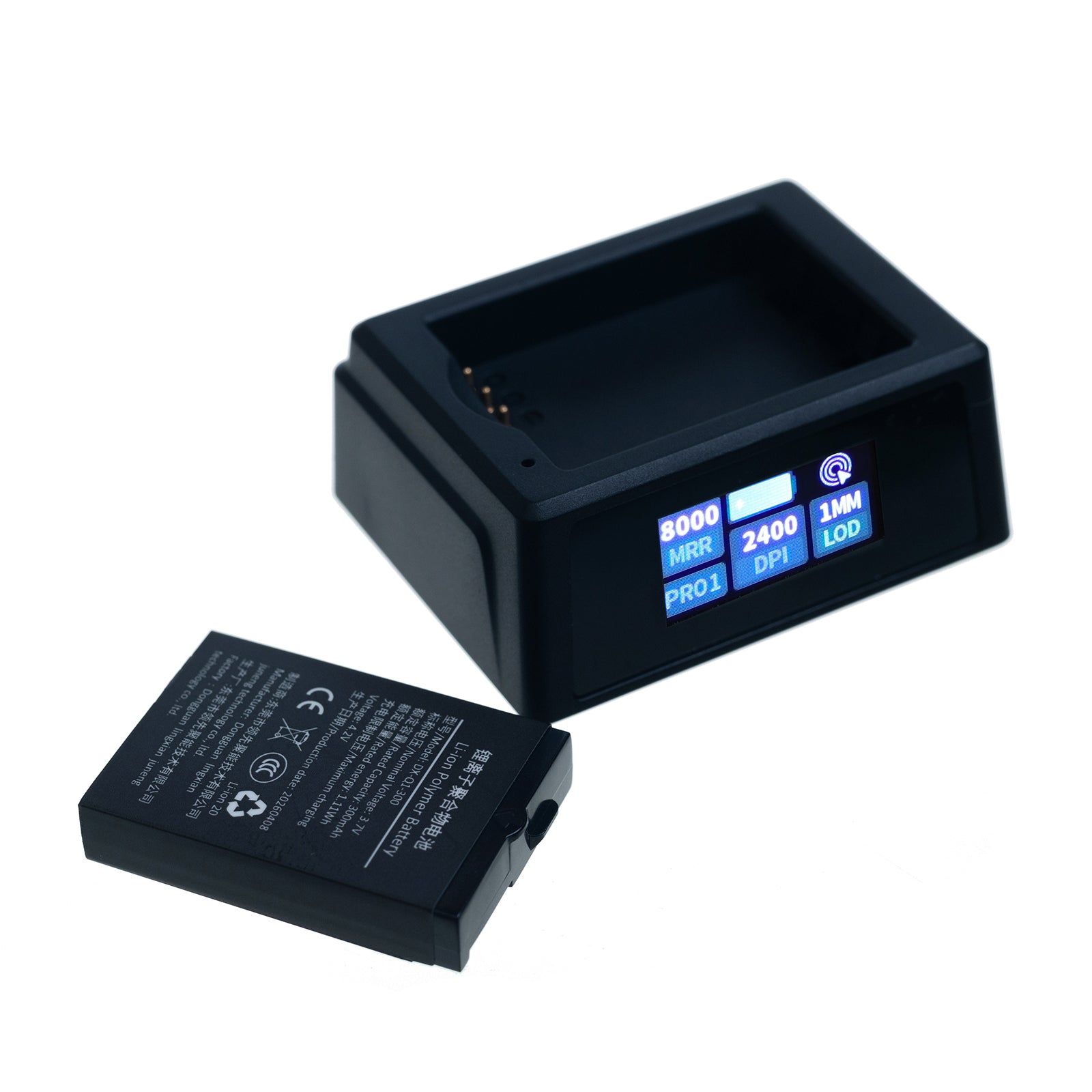
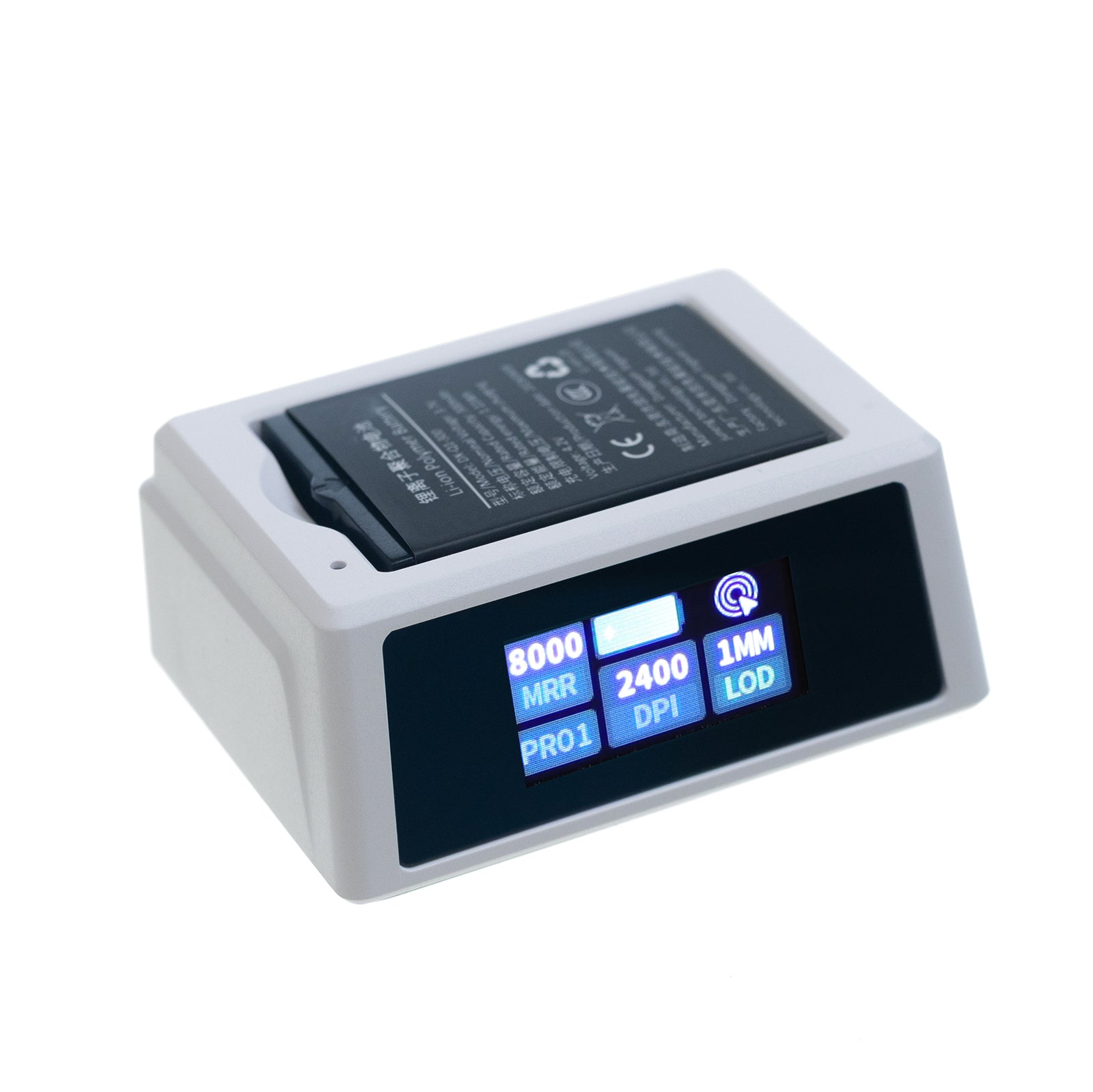
Das GX1-Dock lädt den Ersatzakku und dient als 2,4-GHz-Empfänger-Verlängerung. Das GX1-PRO-Dock ergänzt eine vordere Statusanzeige für DPI, Polling-Rate, Lift-off-Distanz und Verbindungsmodus.
Leichtes ergonomisches Design mit 55 g

Der Mauskörper mit 55 g +/- 3 g reduziert die Ermüdung des Handgelenks bei schnellen Gaming-Sessions und langen Arbeitseinheiten.
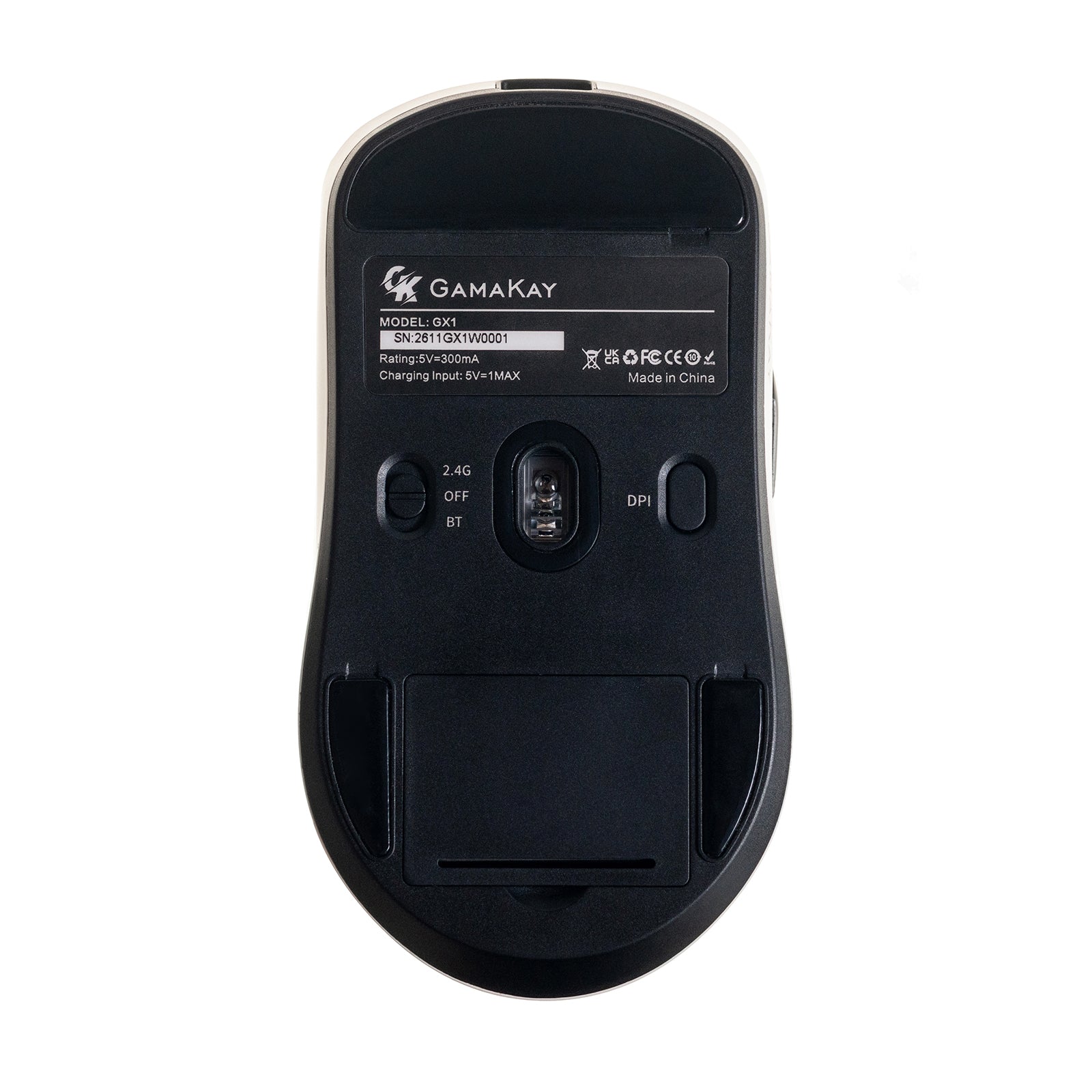
Konnektivität mit drei Modi

Wechsle zwischen 2,4-GHz-Funk mit niedriger Latenz, Bluetooth und USB-C-Kabelmodus für Desktop-PCs, Laptops, Tablets sowie macOS- oder Windows-Setups.
Optische Sensoren PAW3311 und PAW3950

GX1 verfügt über den PAW3311-Sensor mit bis zu 12.000 DPI, 300 IPS Tracking-Geschwindigkeit und 35G Beschleunigung. GX1 PRO nutzt den PAW3950-Sensor mit bis zu 30.000 DPI, 750 IPS Tracking-Geschwindigkeit und 50G Beschleunigung.
Hyper-Polling bis zu 8.000 Hz

GX1 bietet eine Polling-Rate von 1.000 Hz. GX1 PRO unterstützt einstellbare 250 bis 8.000 Hz im Kabel- und 2,4-GHz-Modus für flüssigeres Tracking auf Bildschirmen mit hoher Bildwiederholrate.
Leise Klicks bei Tag und Nacht

Leise TTC-Schalter für die linke und rechte Maustaste halten nächtliches Gaming, Gemeinschaftsbüros, Bibliotheken und Homeoffice-Arbeitsplätze ruhiger. Huanyu-Schalter an Seitentasten und Scrollrad sorgen für präzises Steuerungsfeedback.
Webbasierte Treibereinstellungen

Nutze den GamaKay GearHub-Webtreiber , um kompatible Mauseinstellungen über einen Browser unter Windows oder macOS anzupassen.
Technische Daten
| Modelle | GX1 / GX1 PRO |
|---|---|
| Produkttyp | Kabellose Gaming-Maus mit drei Modi |
| Tasten | 7 |
| Abmessungen | 124 x 65 x 40.5 mm |
| Gewicht | 55g +/- 3g |
| Konnektivität | 2,4-GHz-Funk, Bluetooth, USB-C-Kabel |
| Akku | Zwei austauschbare 300-mAh-Lithium-Akkus |
| Ladeeingang | 5V / 500mA |
| Ladezeit | Etwa 2 Stunden |
| Kompatibilität | Windows und macOS |
Lieferumfang
- Kabellose GamaKay GX1 oder GX1 PRO Maus x 1
- Ladedock x 1
- Austauschbare 300-mAh-Lithium-Akkus x 2
- 2,4-GHz-USB-Empfänger x 1
- USB-A-auf-USB-C-Ladekabel x 1
- Phoenix- oder Pegasus-Antirutsch-Grip-Tape-Set x 1
- Bedienungsanleitung x 1
GX1 vs GX1 PRO: Which Gaming Mouse Should You Choose?
Choose the GX1 if you want a lightweight, silent wireless gaming mouse for everyday gaming, work, and better value. Choose the GX1 PRO if you play competitive FPS games and want the PAW3950 sensor, up to 8K polling, 30,000 DPI, and the upgraded smart display dock.
Compare the GX1 and GX1 PRO side by side to choose the right balance of sensor performance, polling rate, and smart dock features.
Gaming Features
- Fast Flick Control: The lightweight shell and balanced shape make rapid repositioning and micro-adjustments easier during FPS gameplay.
- High-Speed Tracking: Stable tracking supports fast swipes and sudden direction changes without losing cursor accuracy.
- Adjustable Performance: DPI, polling rate, LOD, and other mouse settings can be tuned through the official driver for different game genres and playstyles.
- Competitive FPS Ready: Designed for precise aiming, fast target acquisition, and consistent movement in games such as Valorant, CS2, Apex Legends, and Overwatch 2.
- Grip-Focused Control: Included Phoenix / Pegasus anti-slip grip tape improves control during long or high-intensity gaming sessions.
- Smart Status Monitoring: GX1 PRO users can check key performance settings directly from the dock display without interrupting gameplay.
Dual Battery System & Smart Charging Dock
The GamaKay GX1 Series uses a dual hot-swappable battery system designed to reduce wireless downtime. Two 300mAh rechargeable lithium batteries are included: one powers the mouse while the second can charge in the dedicated dock.
- Swap and keep playing: Replace the active battery when power runs low instead of connecting a charging cable during gaming.
- One active, one charging: Keep a backup battery ready in the dock for gaming, work, and long desktop sessions.
- GX1 Charging Dock: Functions as a backup battery charger and 2.4GHz wireless extender.
- GX1 PRO Smart Dock: Adds a front-facing status display for real-time DPI, polling rate, LOD, and connection mode information.
- Cleaner wireless setup: The GX1 PRO also integrates 2.4GHz receiver storage directly into the charging dock.
This system is especially useful for users who prefer wireless gaming without regularly stopping to recharge the mouse.
Phoenix / Pegasus Anti-Slip Grip Tape
Phoenix / Pegasus Anti-Slip Grip Tape
Every GamaKay GX1 and GX1 PRO includes custom Phoenix / Pegasus anti-slip grip tape designed for the main buttons and side grip areas. It adds extra control while protecting the mouse shell during everyday use.
- Improved grip: Micro-textured surfaces help maintain control during fast flicks, lifting, and high-intensity FPS gameplay.
- Sweat resistance: The absorbent surface helps reduce slipping during longer gaming sessions.
- Shell protection: Helps protect frequently touched areas from scratches, skin oils, and everyday wear.
- Custom appearance: Phoenix and Pegasus graphics add a distinctive visual option for personalized gaming and desk setups.
The grip tape is optional, so users can keep the original minimal mouse design or apply it for additional grip and customization.
Specifications
GamaKay GX1 / GX1 PRO Technical Specifications
| Brand | GamaKay |
| Model | GX1 / GX1 PRO |
| Product Type | Tri-Mode Wireless Gaming Mouse |
| Buttons | 7 |
| Dimensions | 124 × 65 × 40.5 mm |
| Weight | 55g ± 3g |
| Connectivity | 2.4GHz Wireless / Bluetooth / Type-C Wired |
| Charging Input | 5V / 500mA |
| Charging Time | Approx. 2 hours |
| Battery | 2 × 300mAh replaceable lithium batteries |
| Operating System | Windows / macOS |
| Software | Official software and web driver |
Software and User Manual
FAQ
What is the difference between the Gamakay GX1 and GX1 PRO?
GX1 uses a PAW3311 sensor with up to 12,000 DPI and a 1,000Hz polling rate. GX1 PRO upgrades to a PAW3950 sensor with up to 30,000 DPI, up to 8,000Hz polling in wired and 2.4GHz modes, and a charging dock with a real-time status display.
Does the GX1 Series support 2.4GHz wireless, Bluetooth, and wired connections?
Yes. Both models support low-latency 2.4GHz wireless for gaming, Bluetooth for compatible devices, and USB-C wired mode for direct use and charging.
What polling rate does the Gamakay GX1 PRO gaming mouse support?
GX1 PRO supports adjustable polling from 250Hz to 8,000Hz in wired and 2.4GHz modes. GX1 uses a standard 1,000Hz polling rate.
How does the dual-battery system work?
The mouse includes two replaceable 300mAh lithium batteries. One powers the mouse while the other charges in the dock, so you can swap batteries when power runs low.
What does the charging dock do?
The GX1 dock charges the spare battery and works as a 2.4GHz receiver extender. GX1 PRO adds a front display for DPI, polling rate, lift-off distance, and connection mode.
Can I customize GX1 and GX1 PRO mouse settings?
Compatible settings can be adjusted through the Gamakay GearHub web driver on Windows or macOS.
Which GX1 Series model is better for competitive gaming?
GX1 PRO is the better choice for players who need the PAW3950 sensor, up to 30,000 DPI, and up to 8,000Hz polling. GX1 is a practical option for everyday gaming and work with its PAW3311 sensor and 1,000Hz polling rate.