


GamaKay GX1・GX1 PRO 静音ワイヤレスゲーミングマウス
- 定価
-
$59.99 - 定価
-
$89.99 - 特価
-
$59.99
コードGK10で10%オフ
在庫取り置きの表示がロードできない
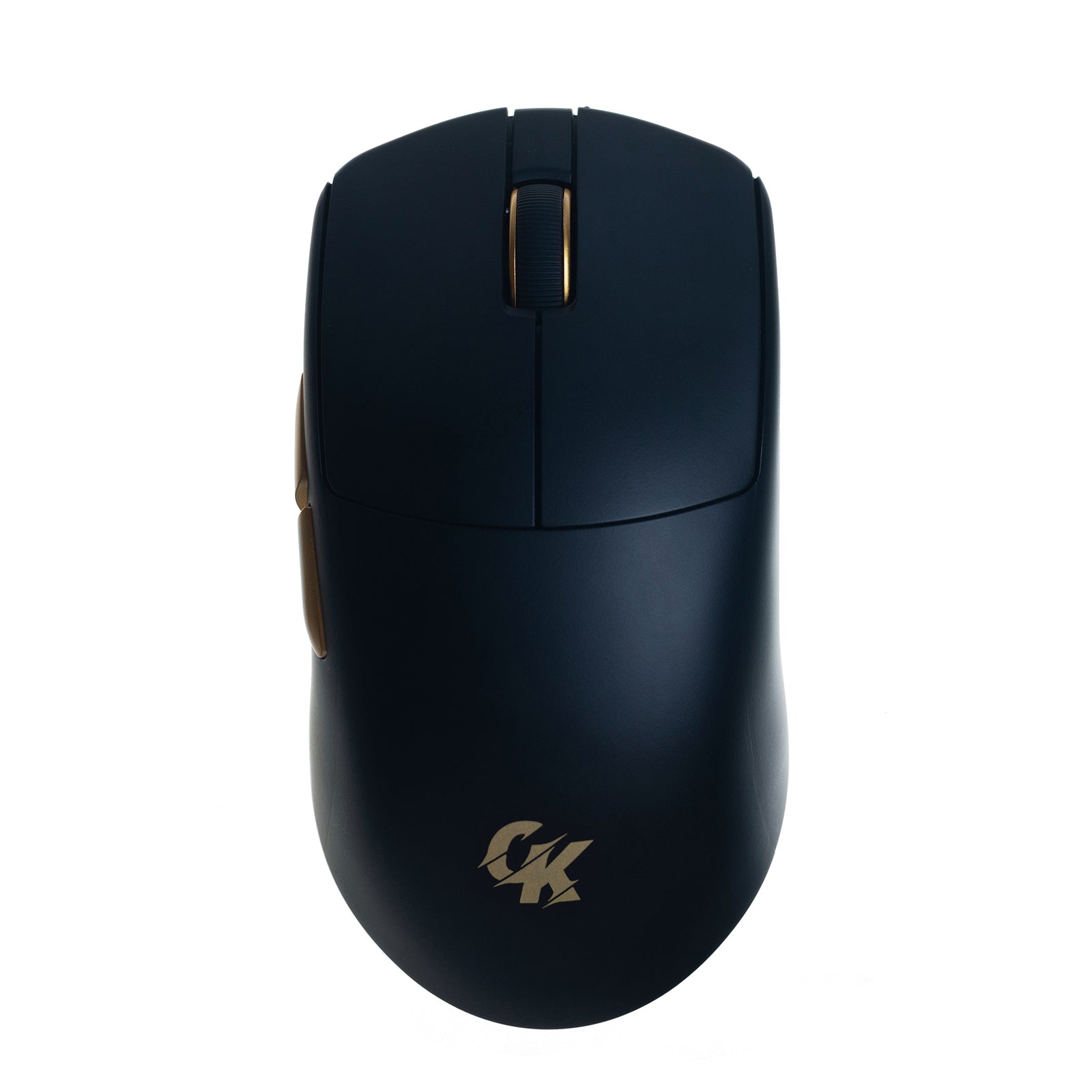
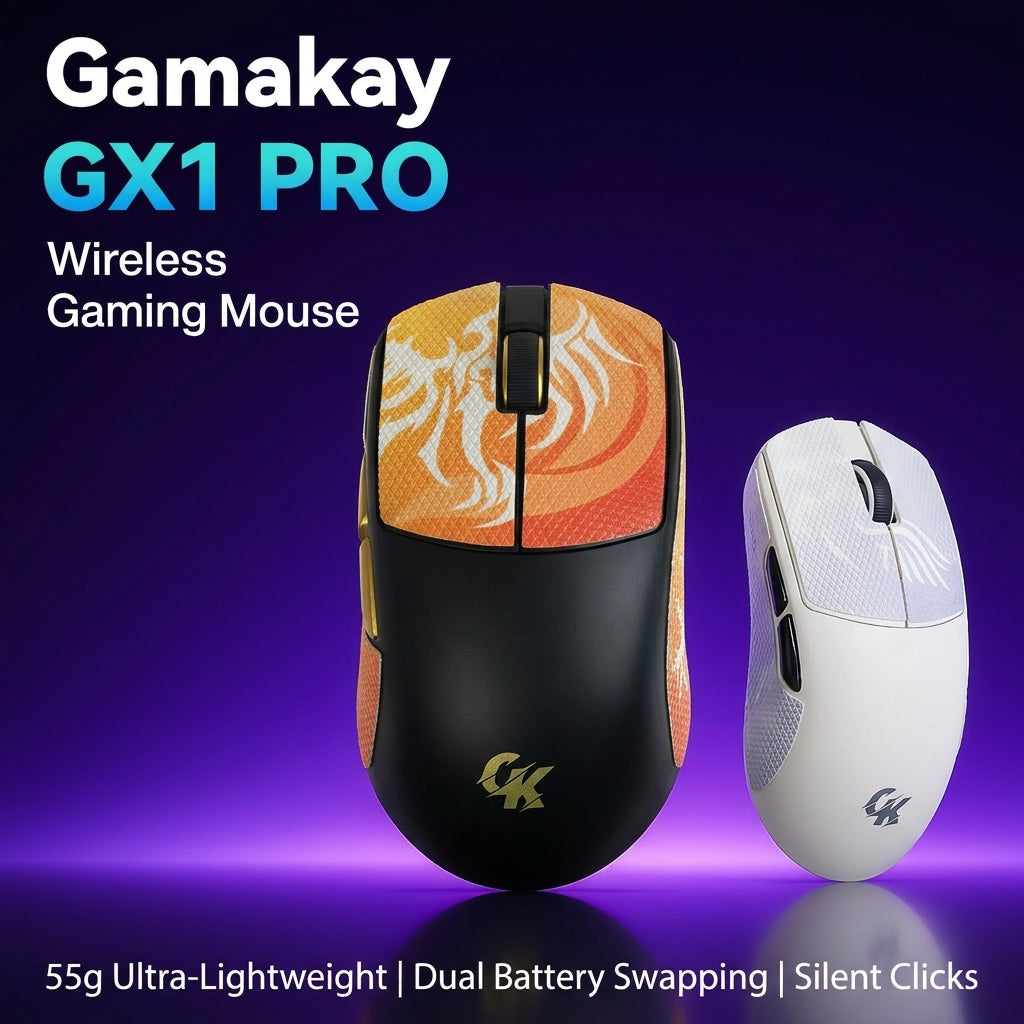
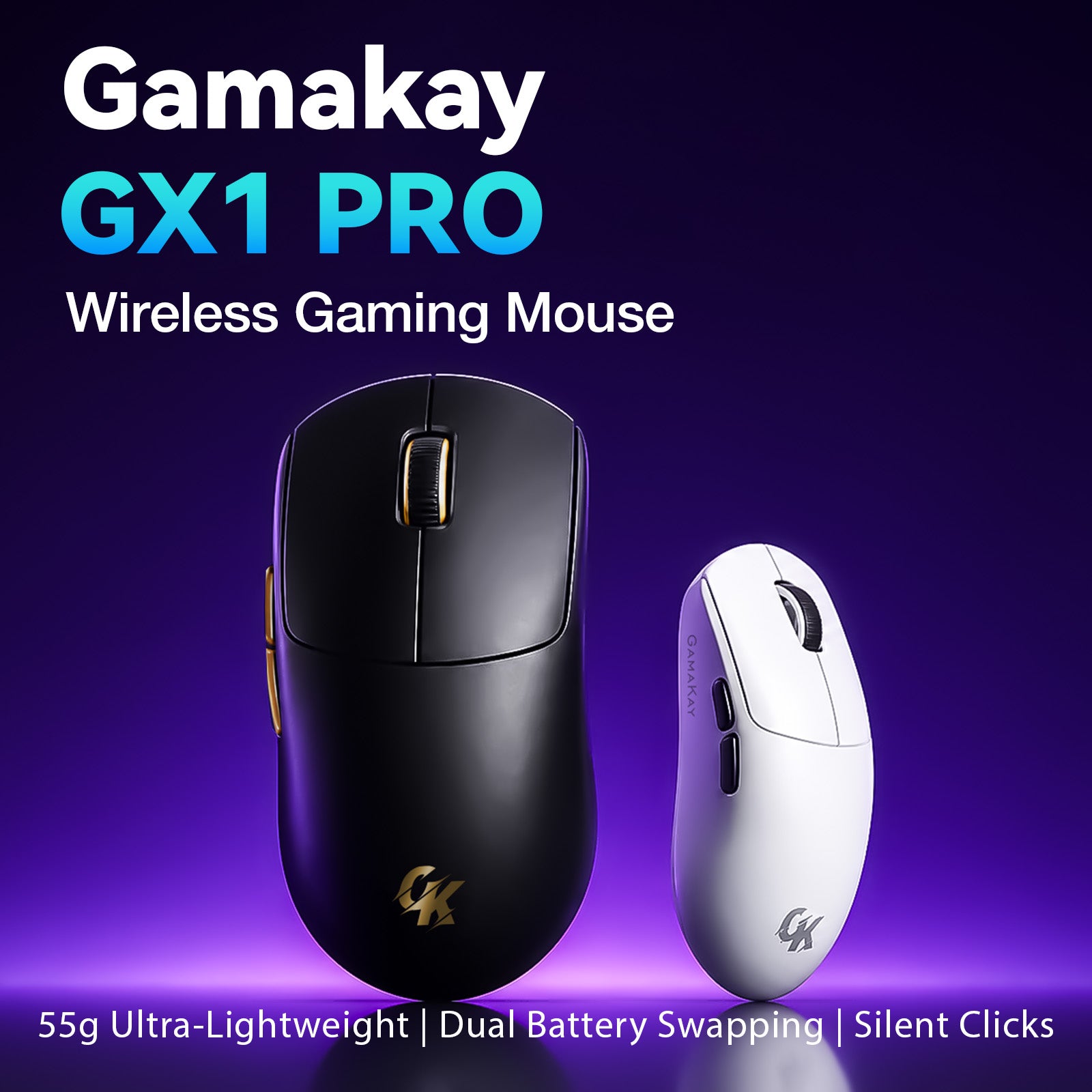
- ゲーム、仕事、共有スペースに適した静音ワイヤレスゲーミングマウス
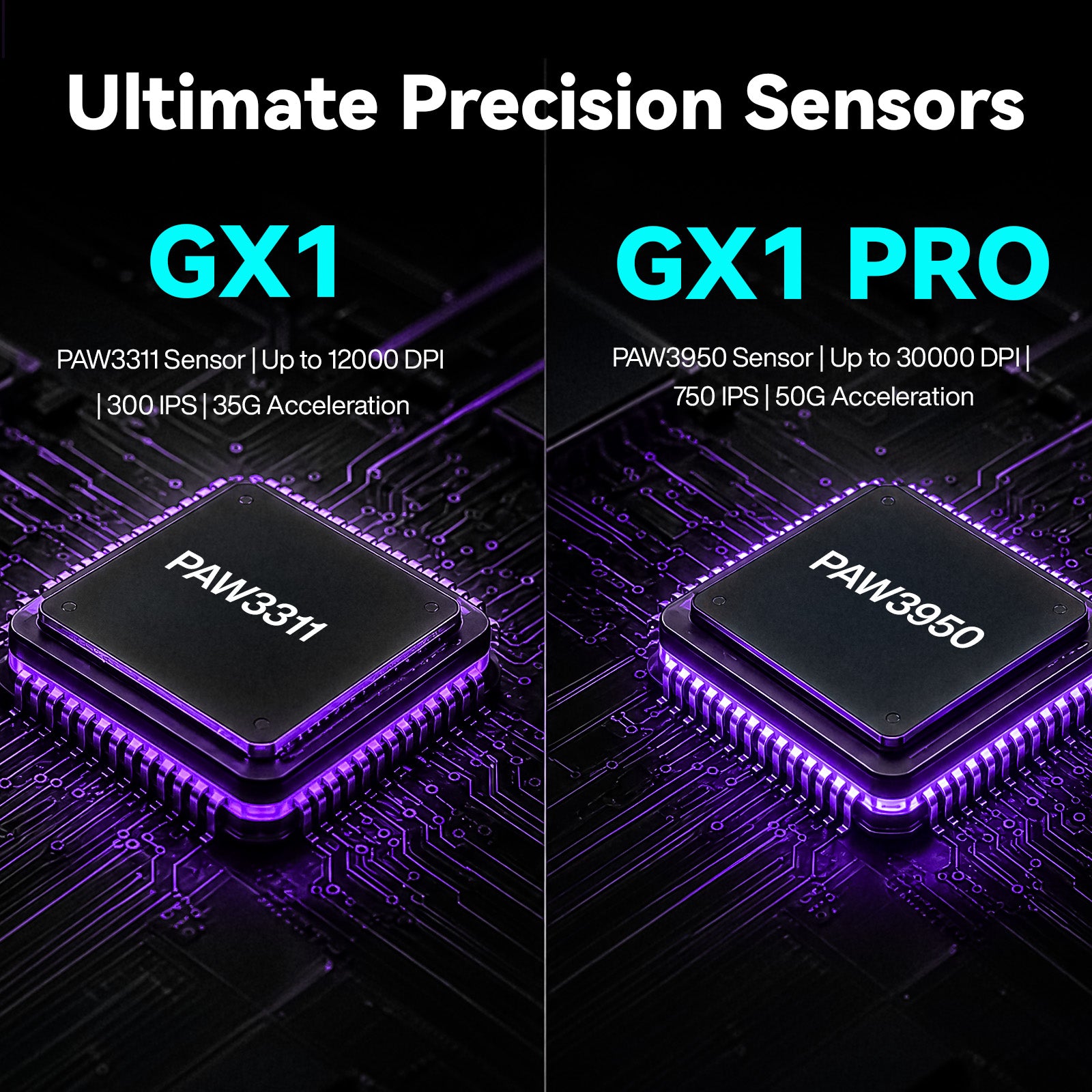
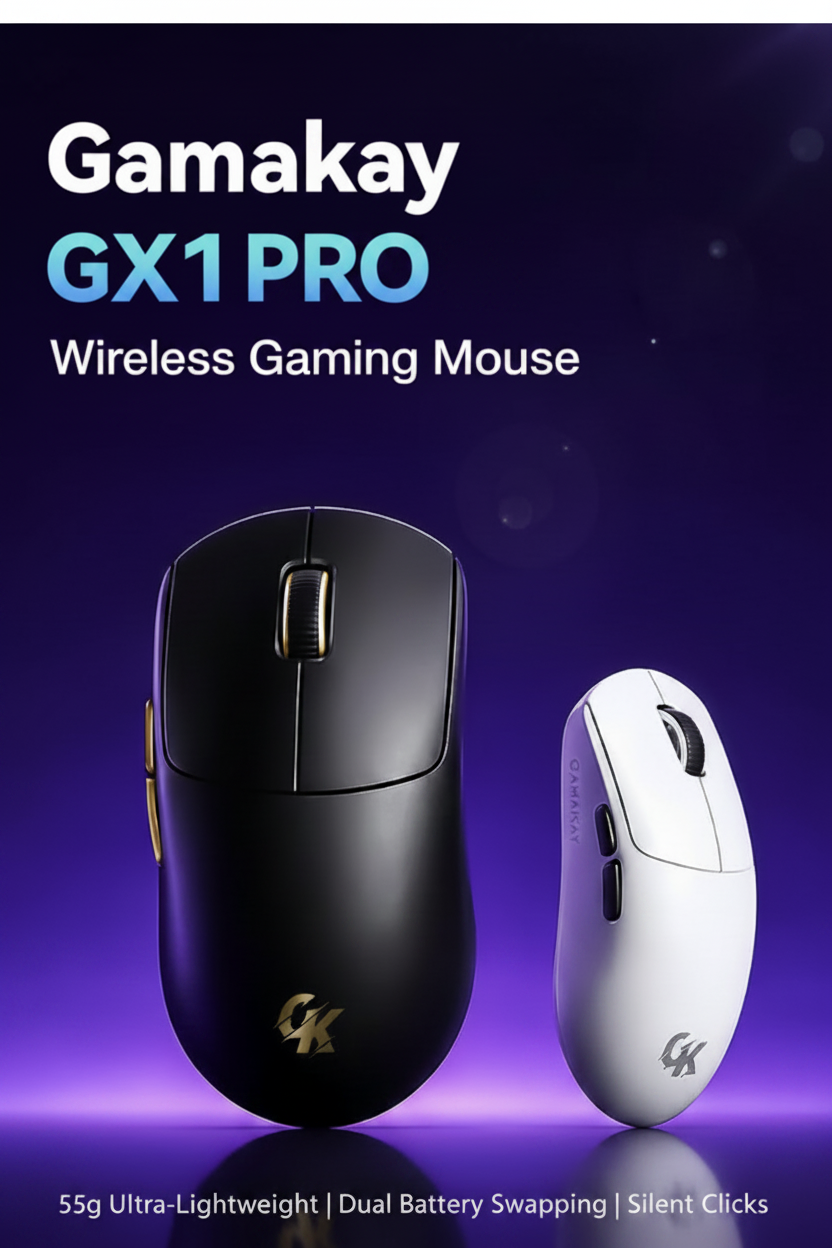
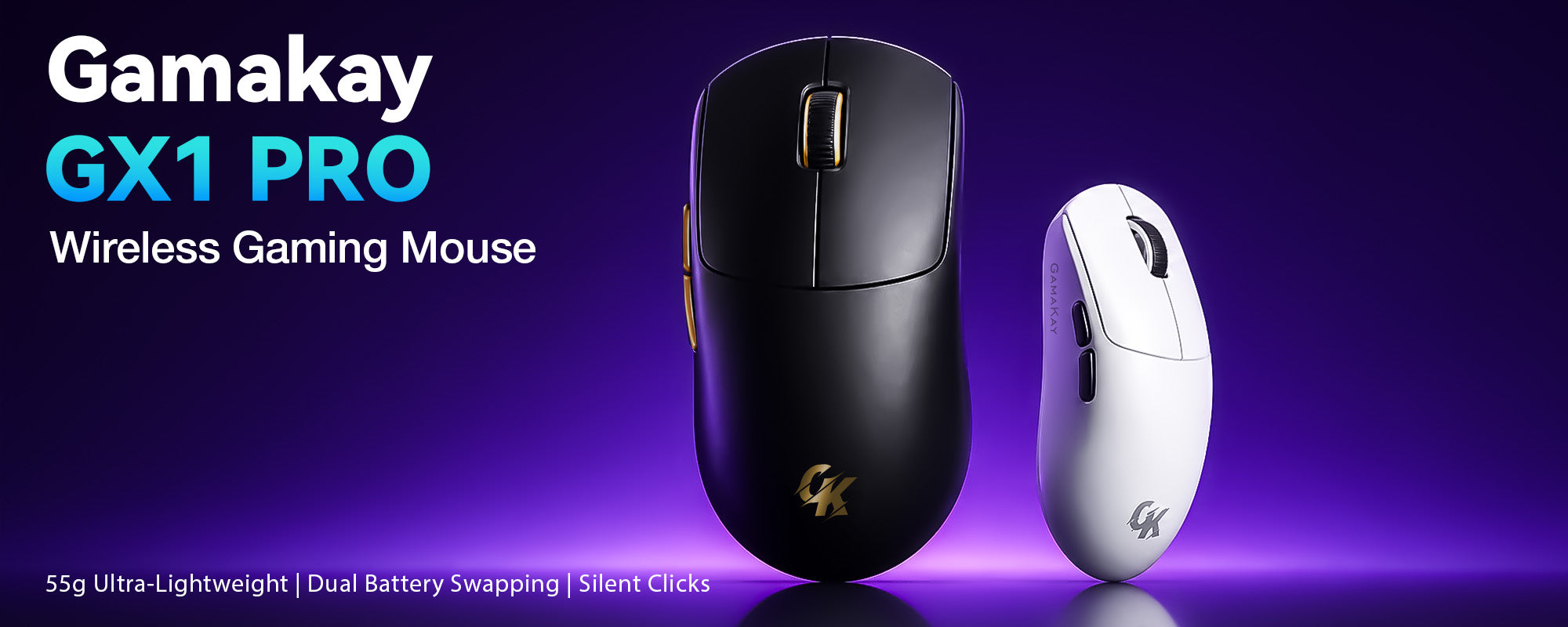
- GX1 PRO:PAW3950センサー、最大30,000 DPI
- GX1:PAW3311センサー、最大12,000 DPI
- FPSや競技ゲーミングに適した低遅延ワイヤレス性能
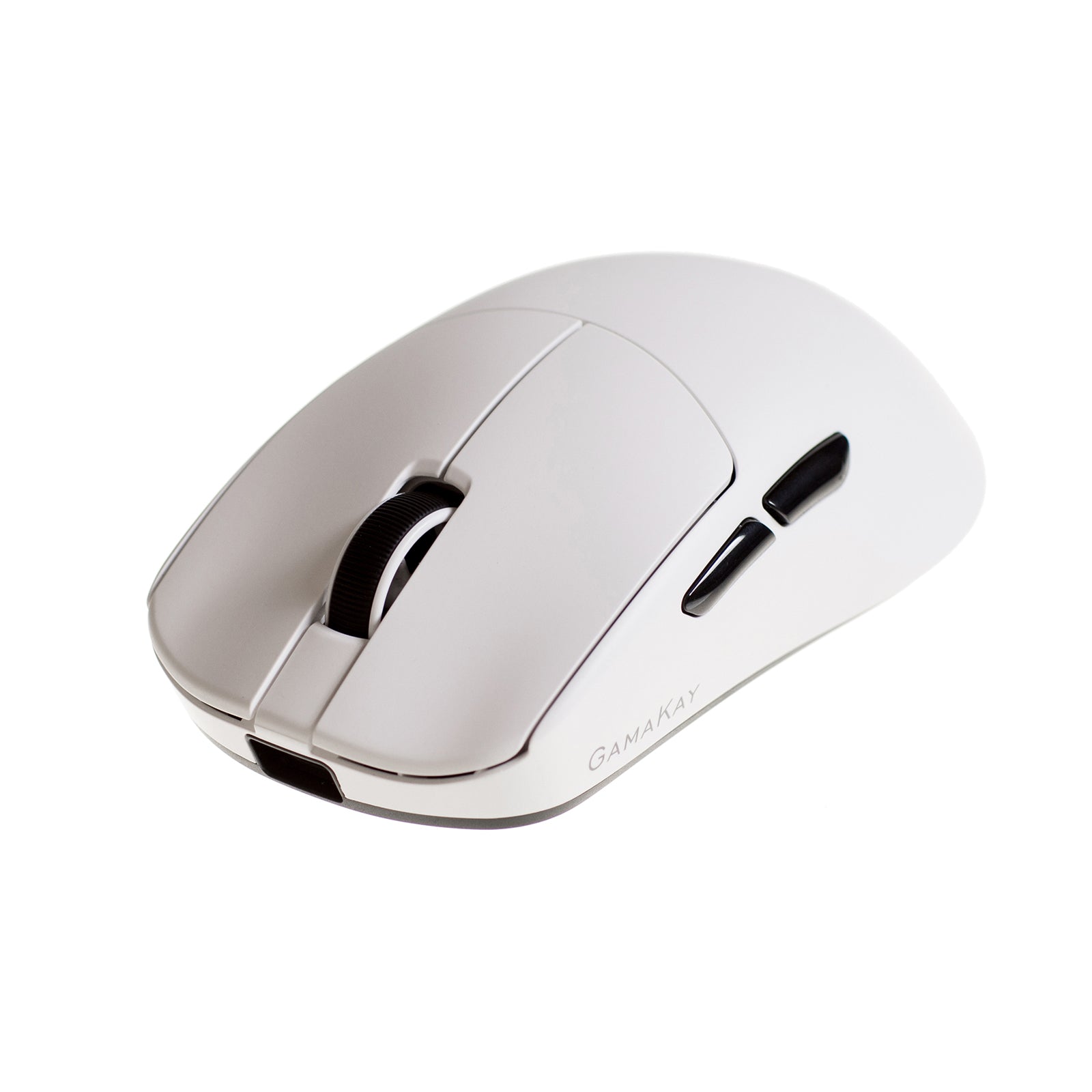
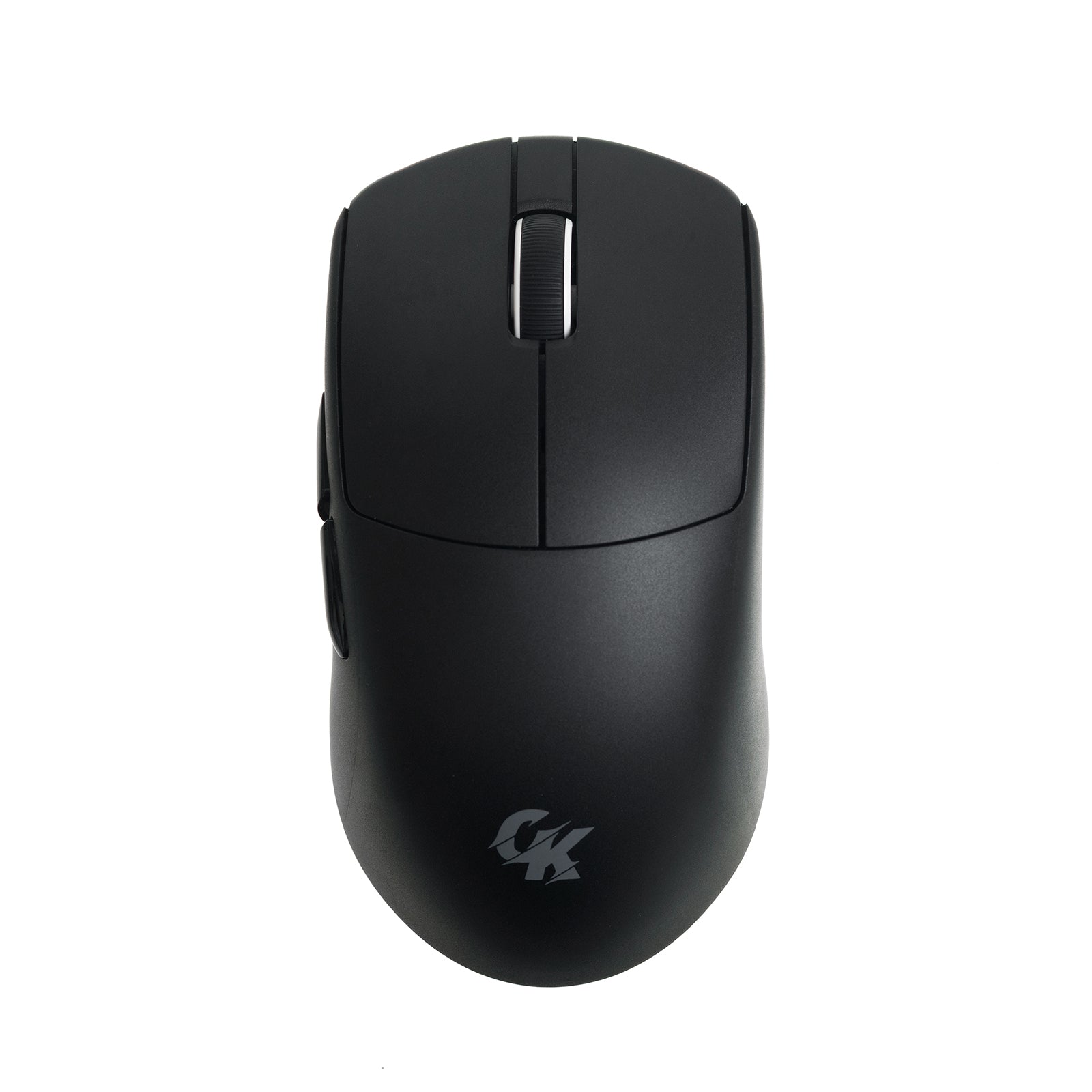
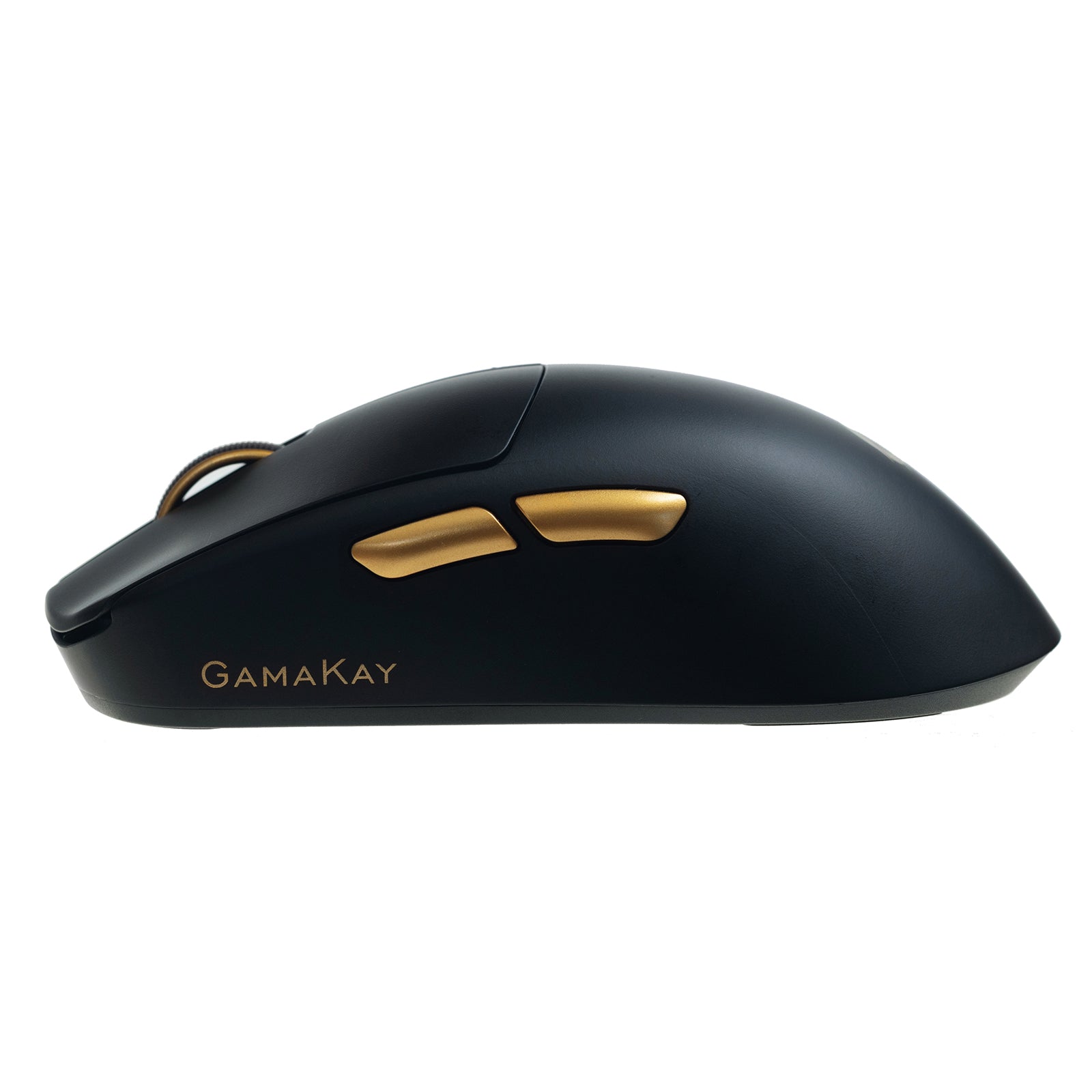
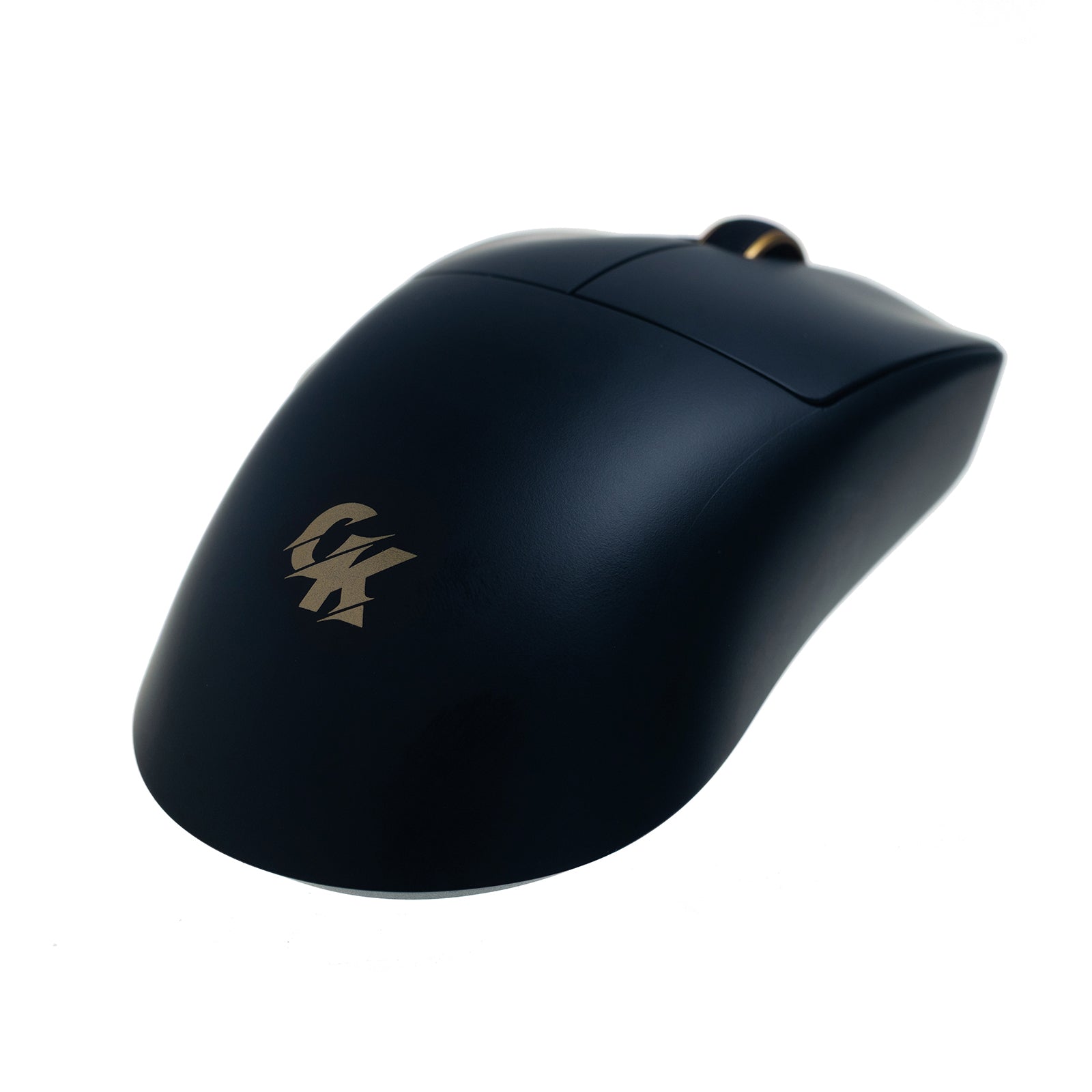
- 素早く快適に操作できる軽量・エルゴノミックデザイン
- ゲーミング環境やデスクに合うブラックとホワイト
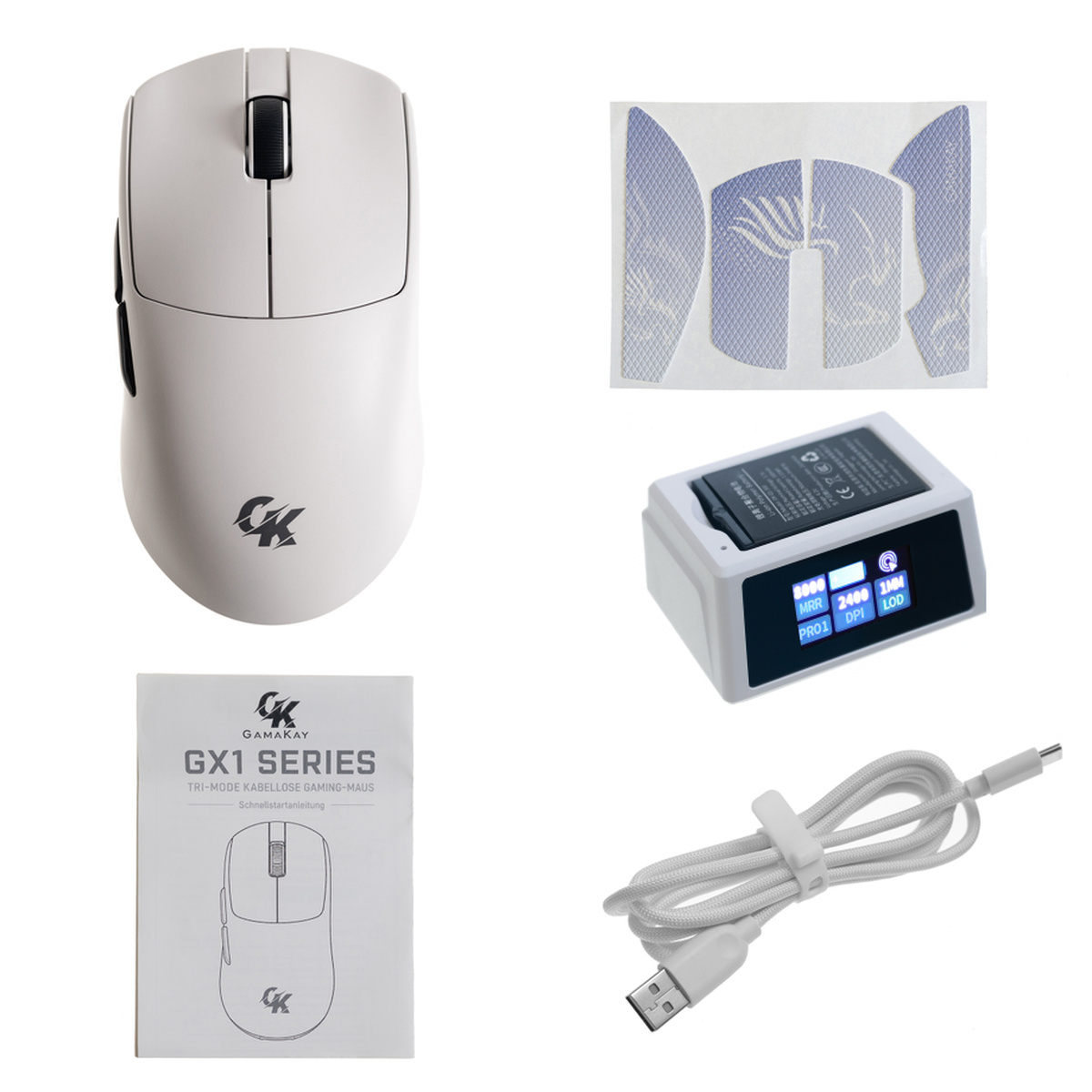
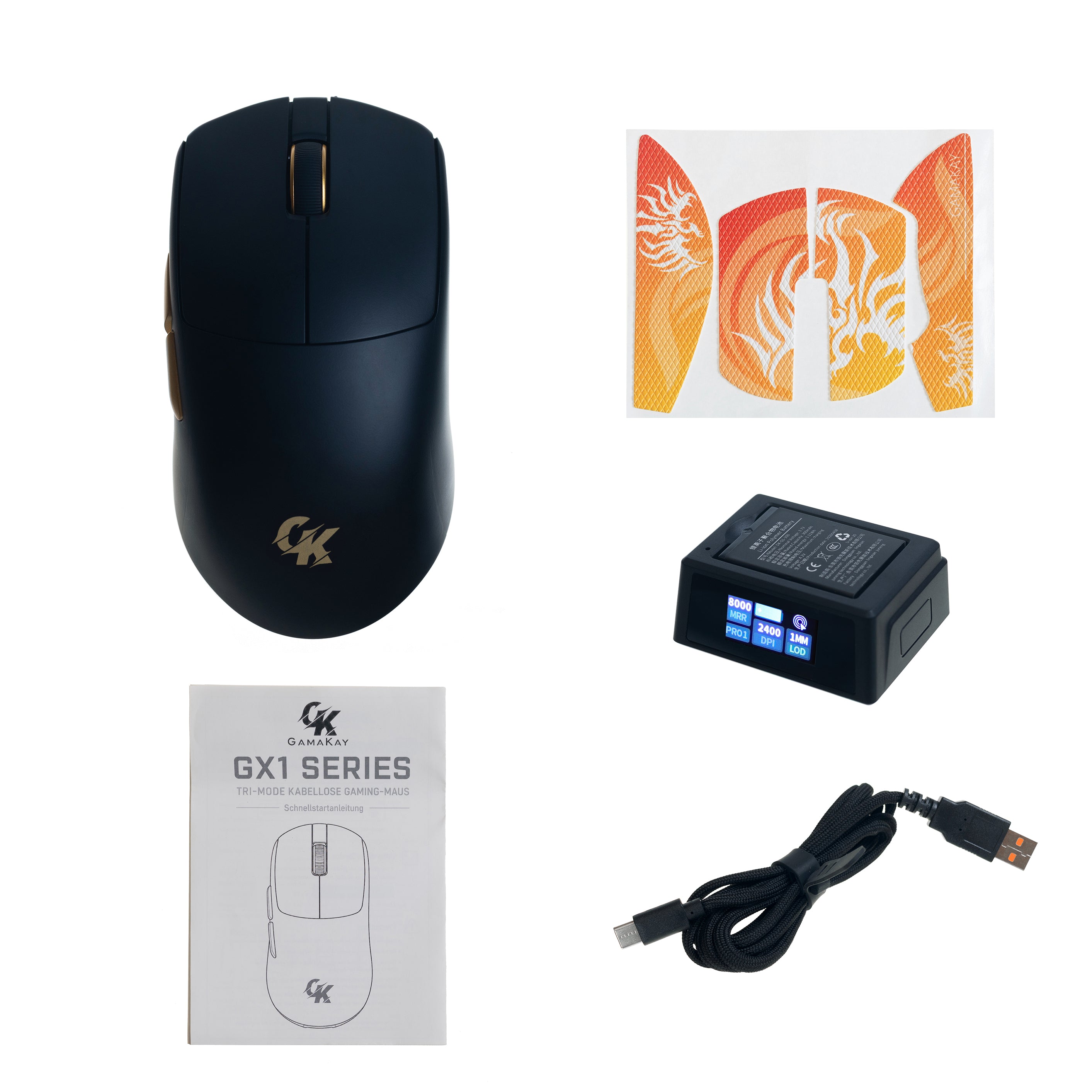
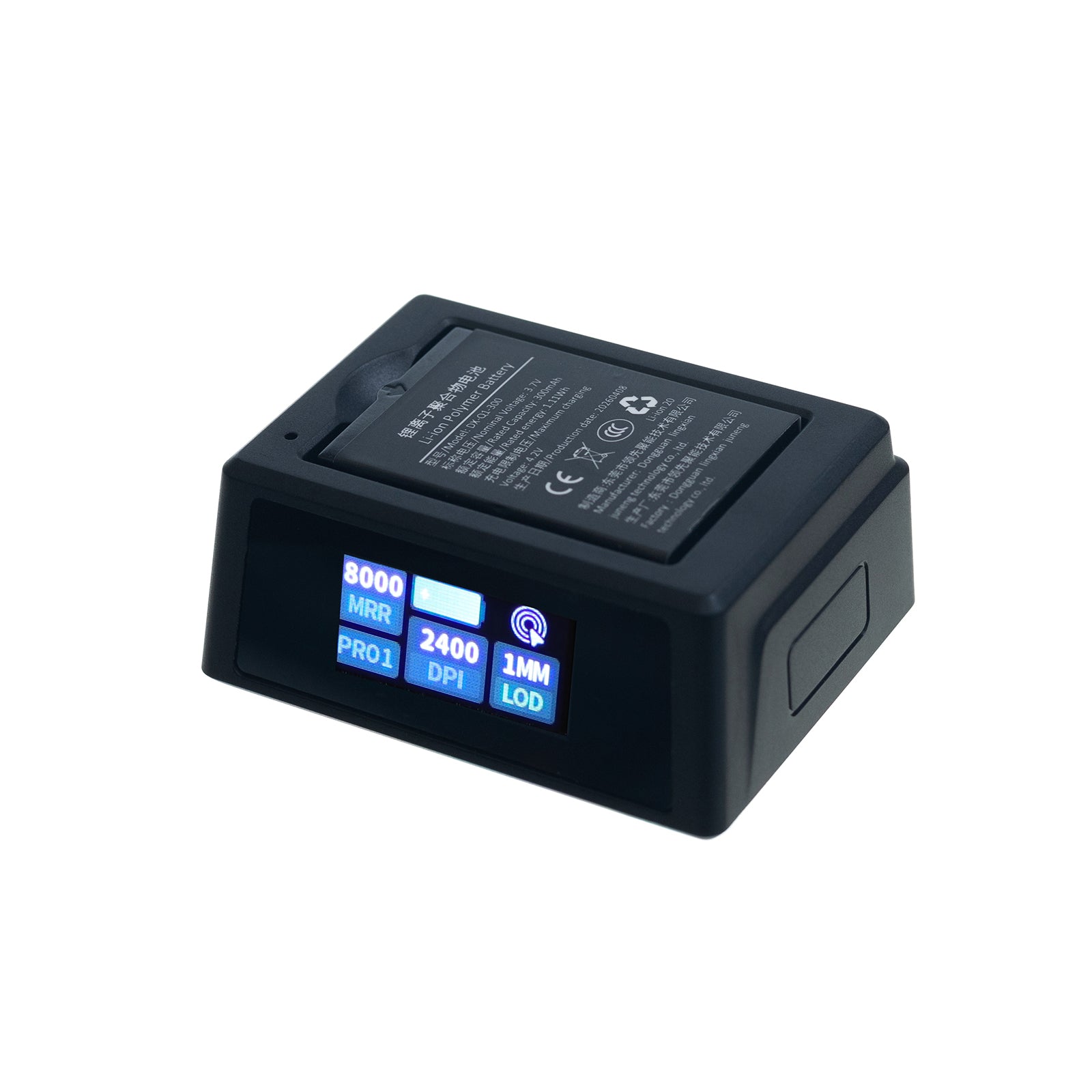
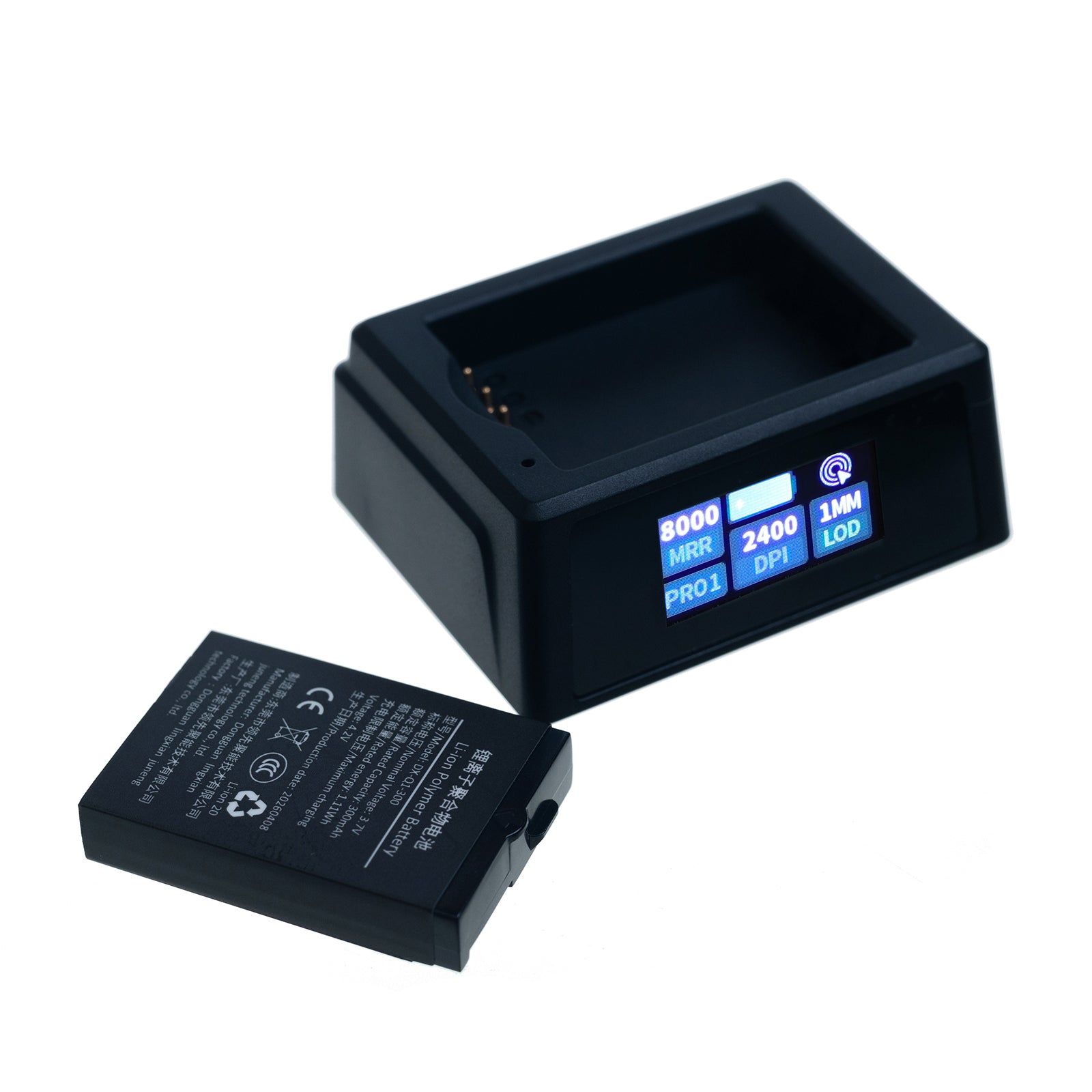
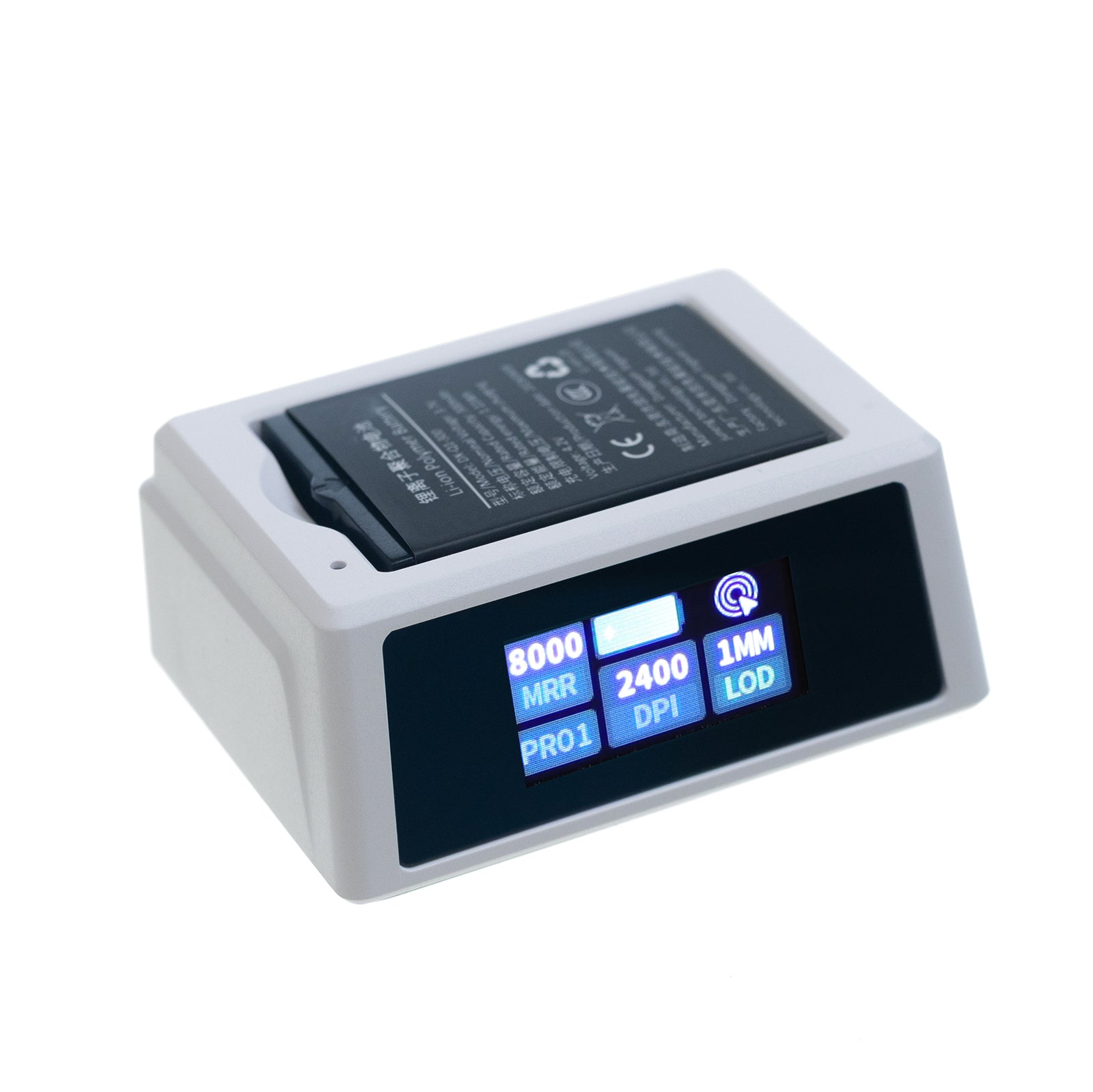
- GX1 PROスマートディスプレイドックで性能をすばやく確認





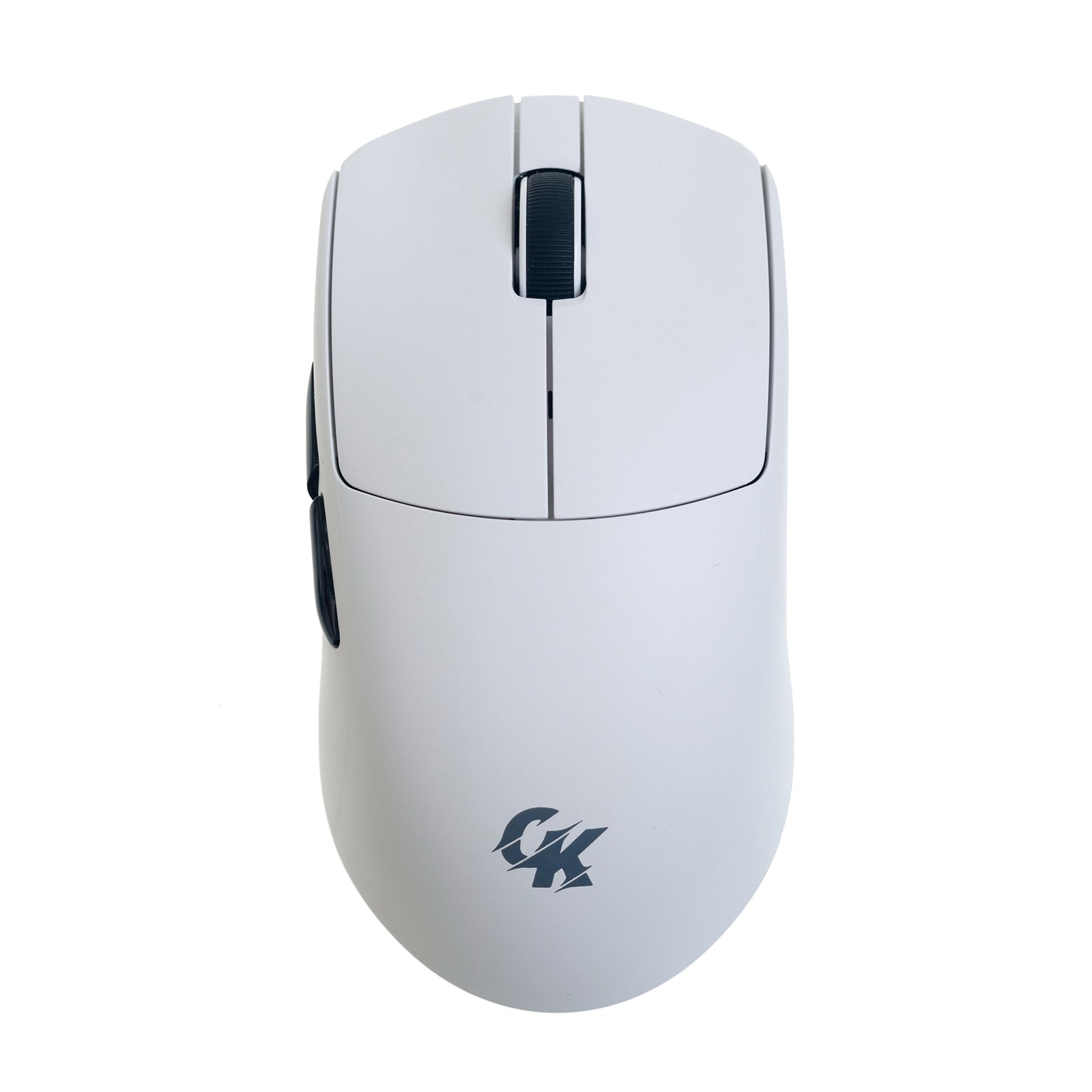
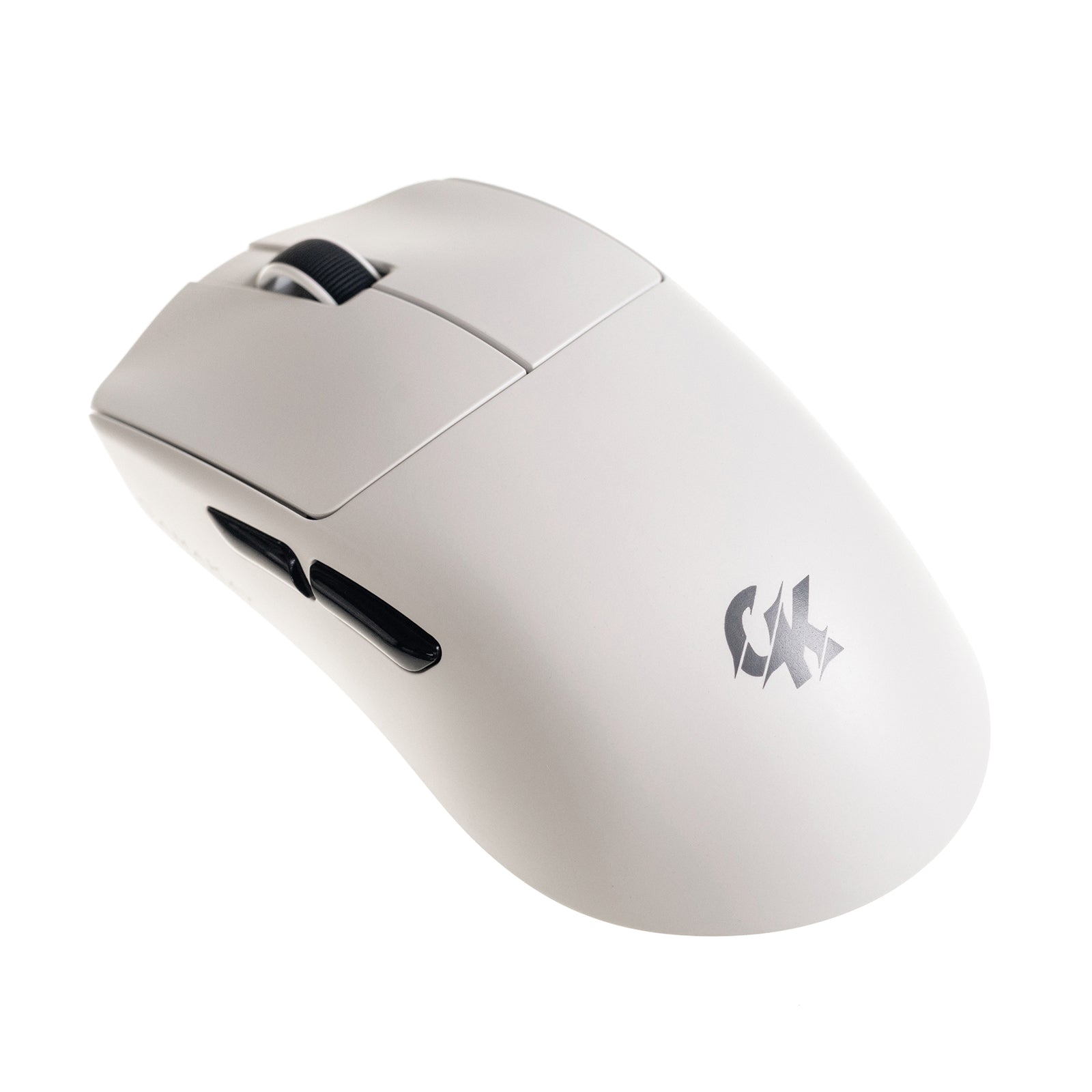
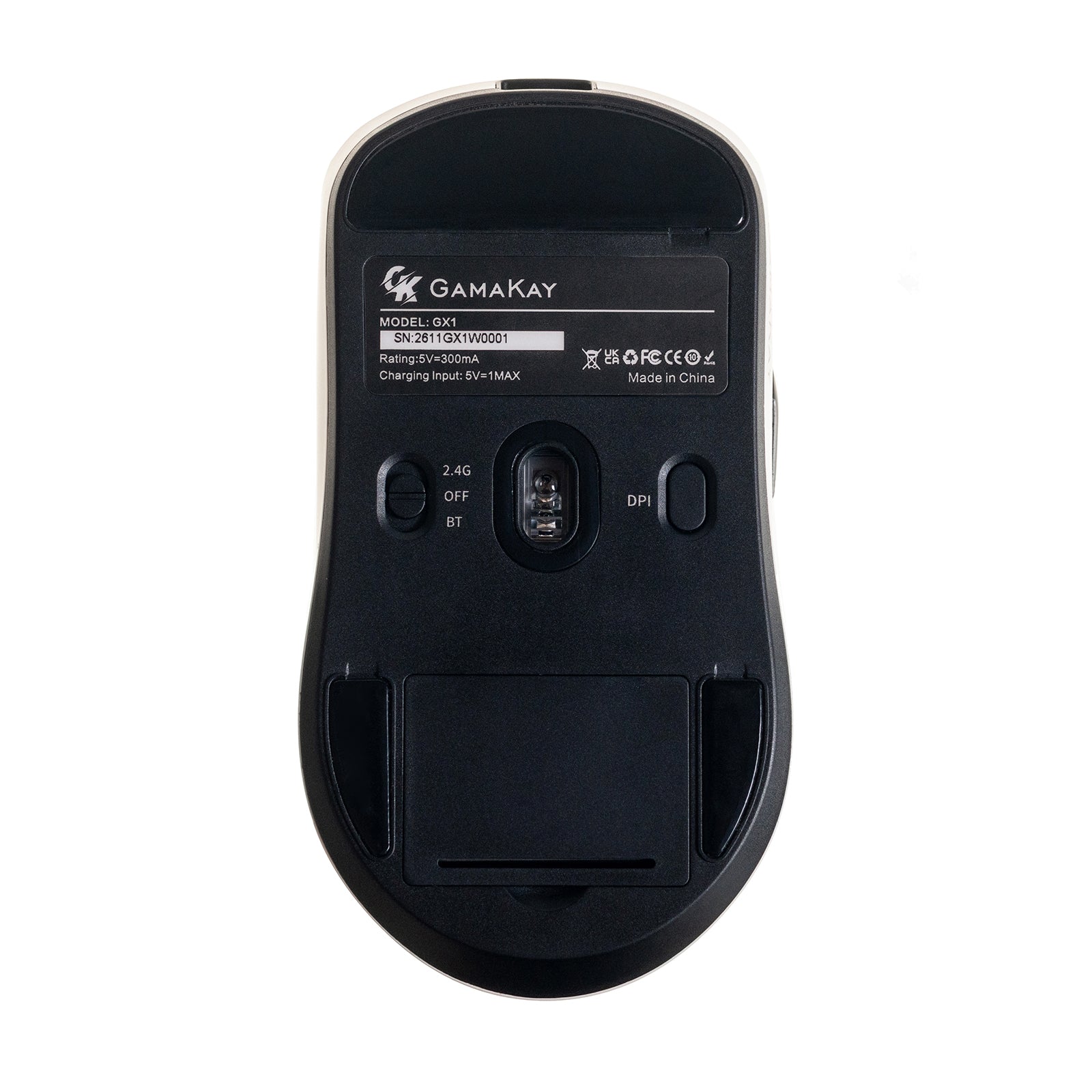

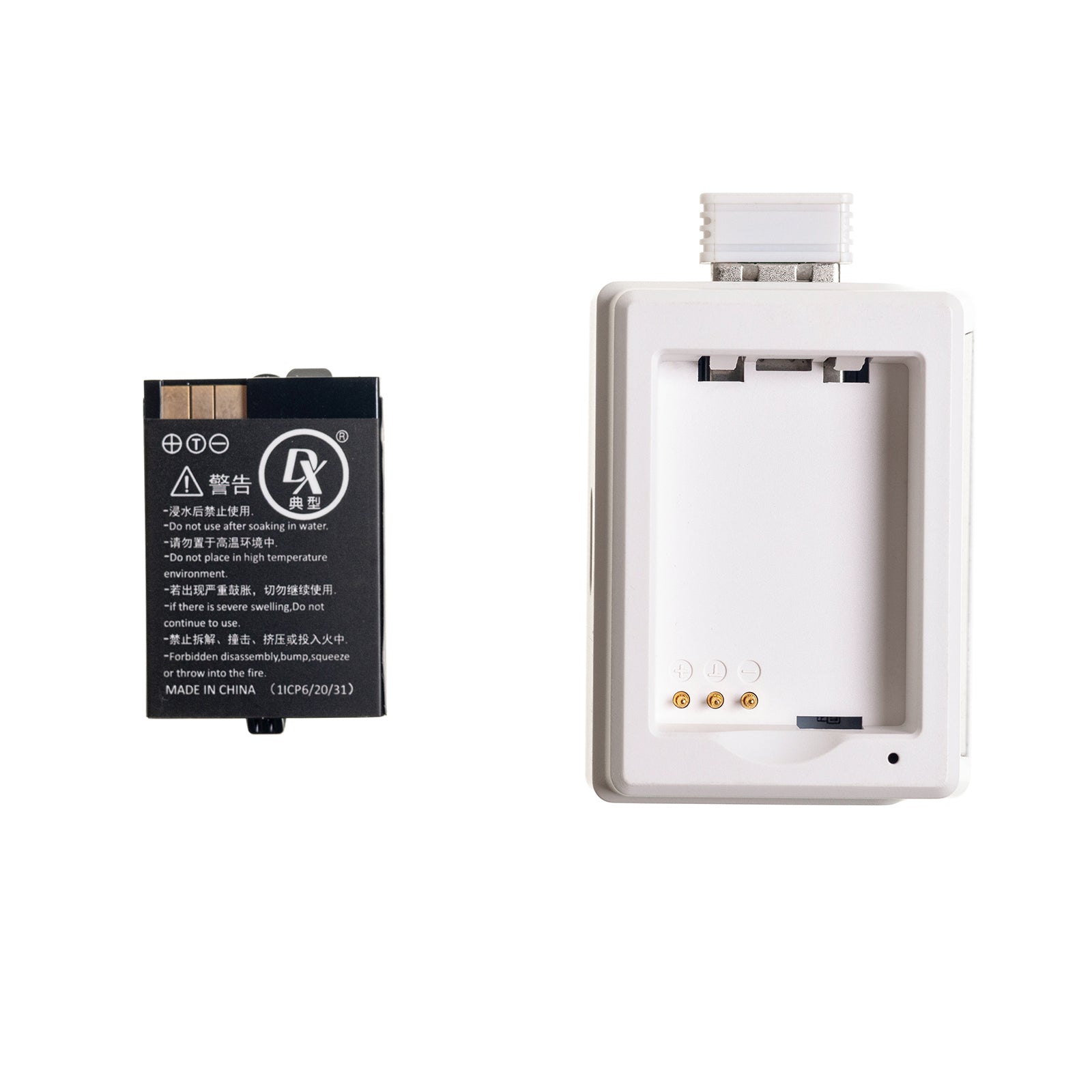


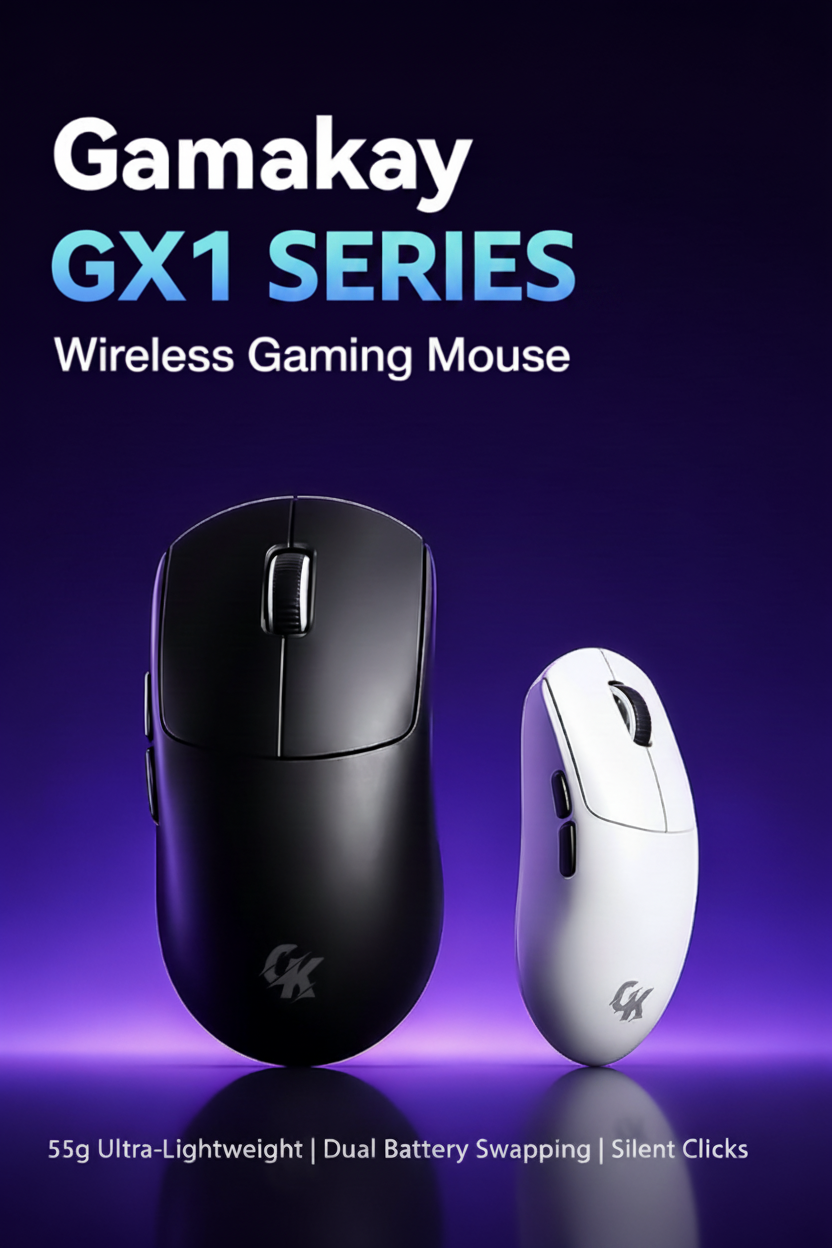
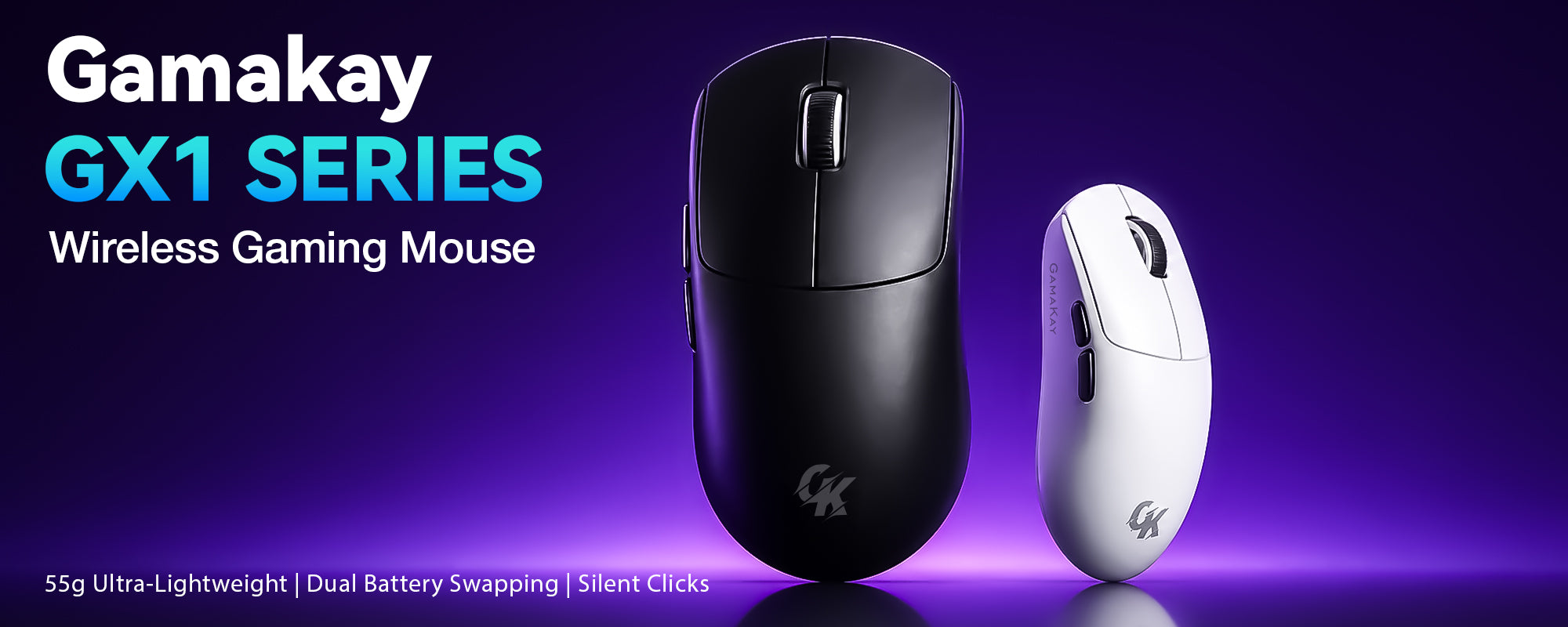
GamaKay GX1シリーズ
製品詳細
商品説明
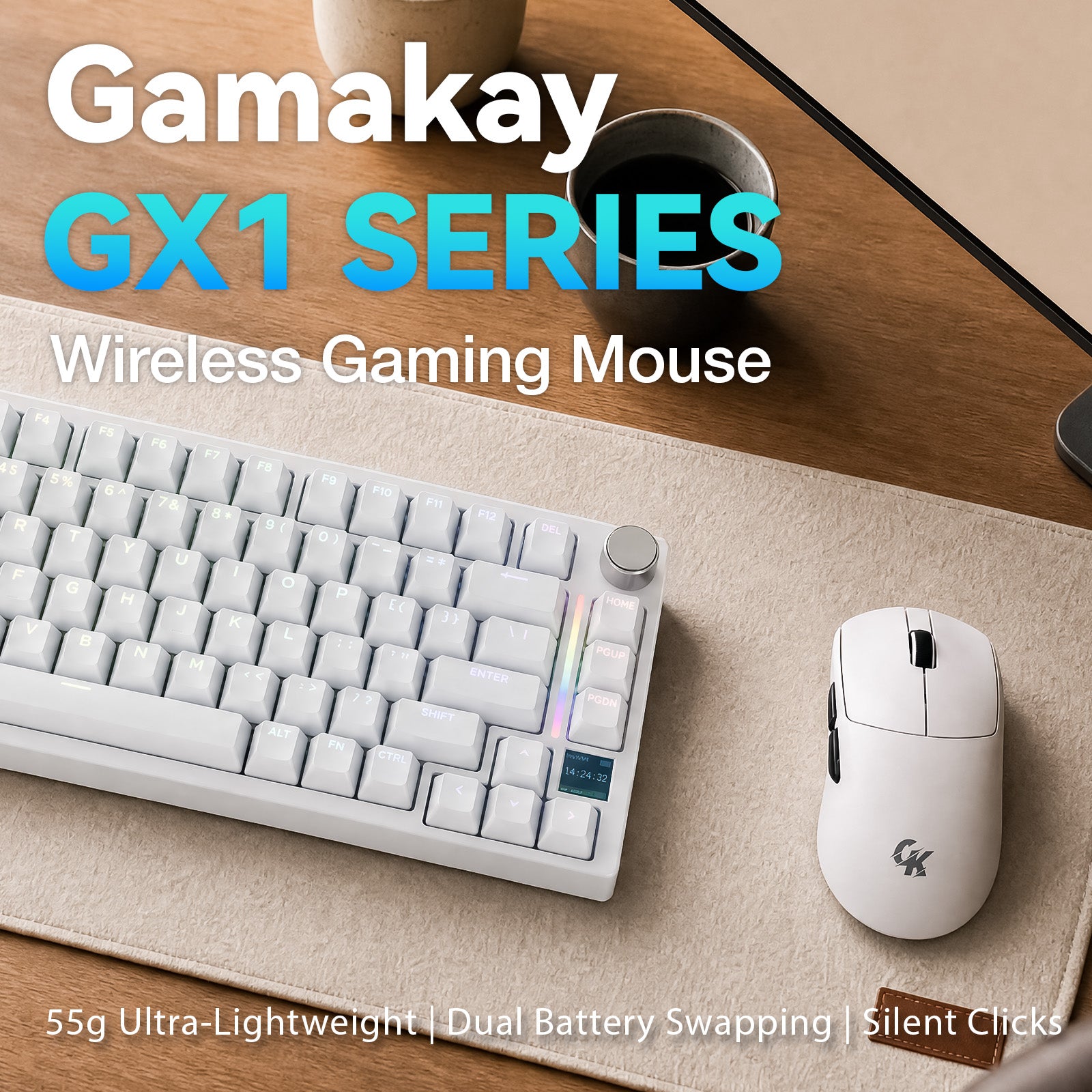
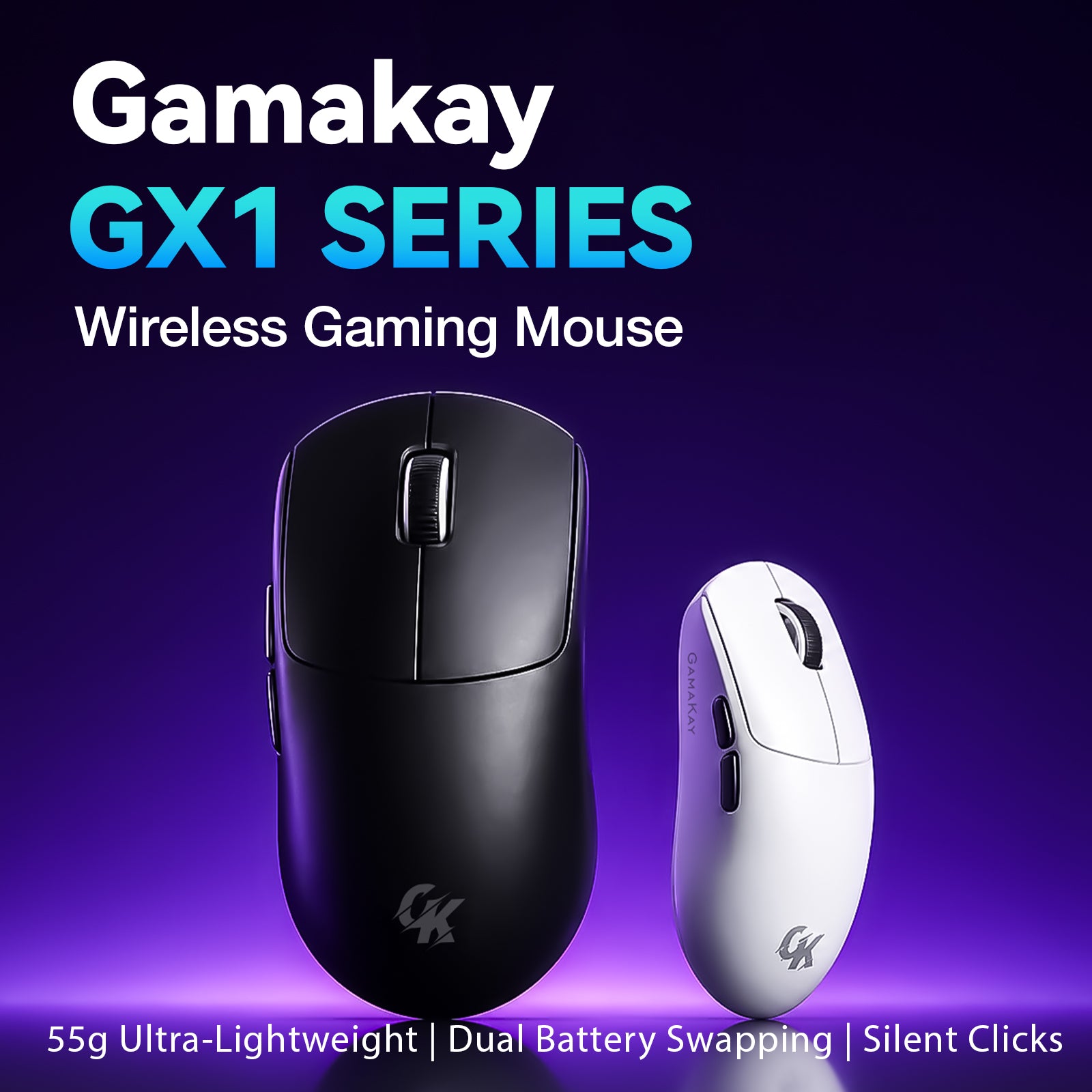
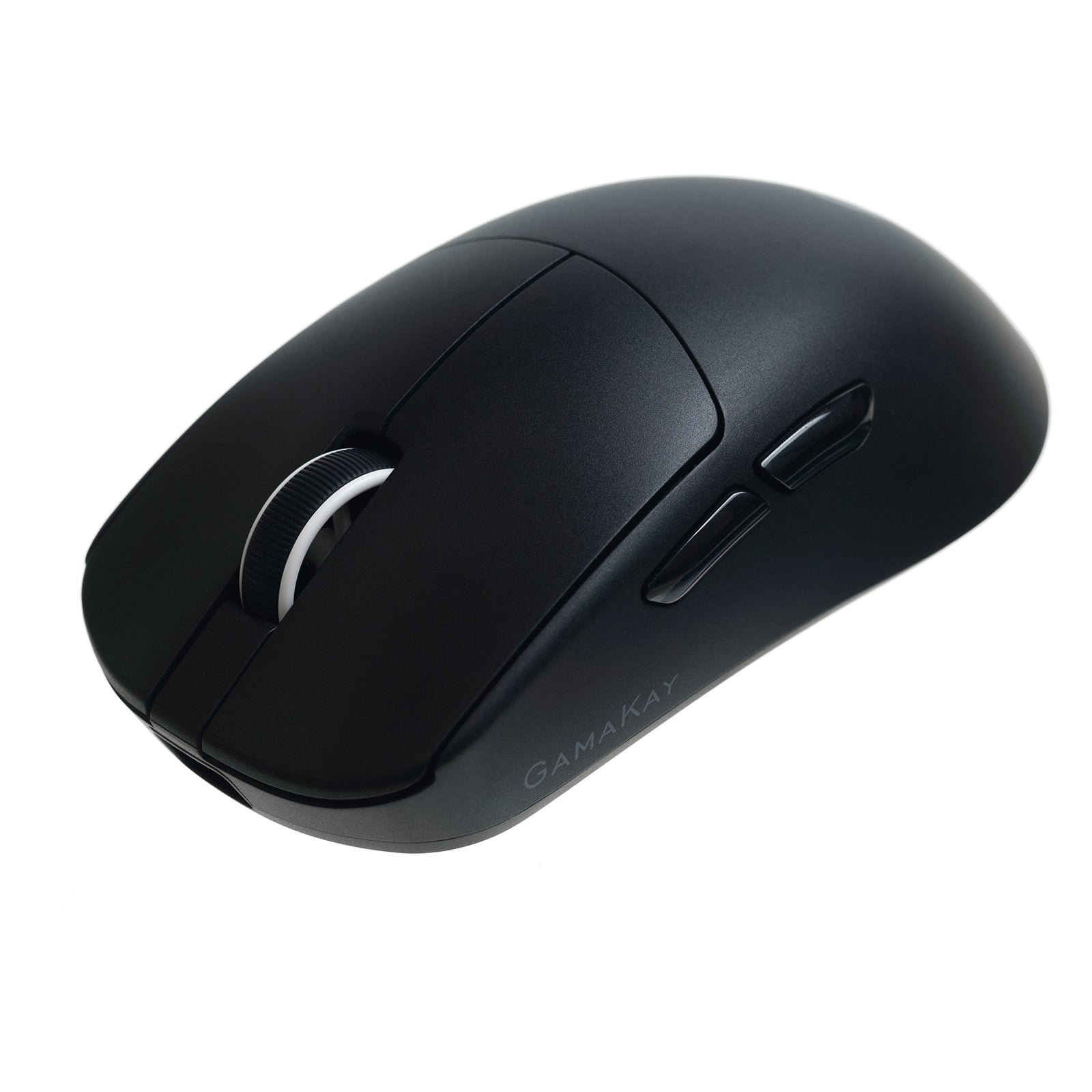
GamaKay GX1シリーズ 静音ワイヤレスゲーミングマウス
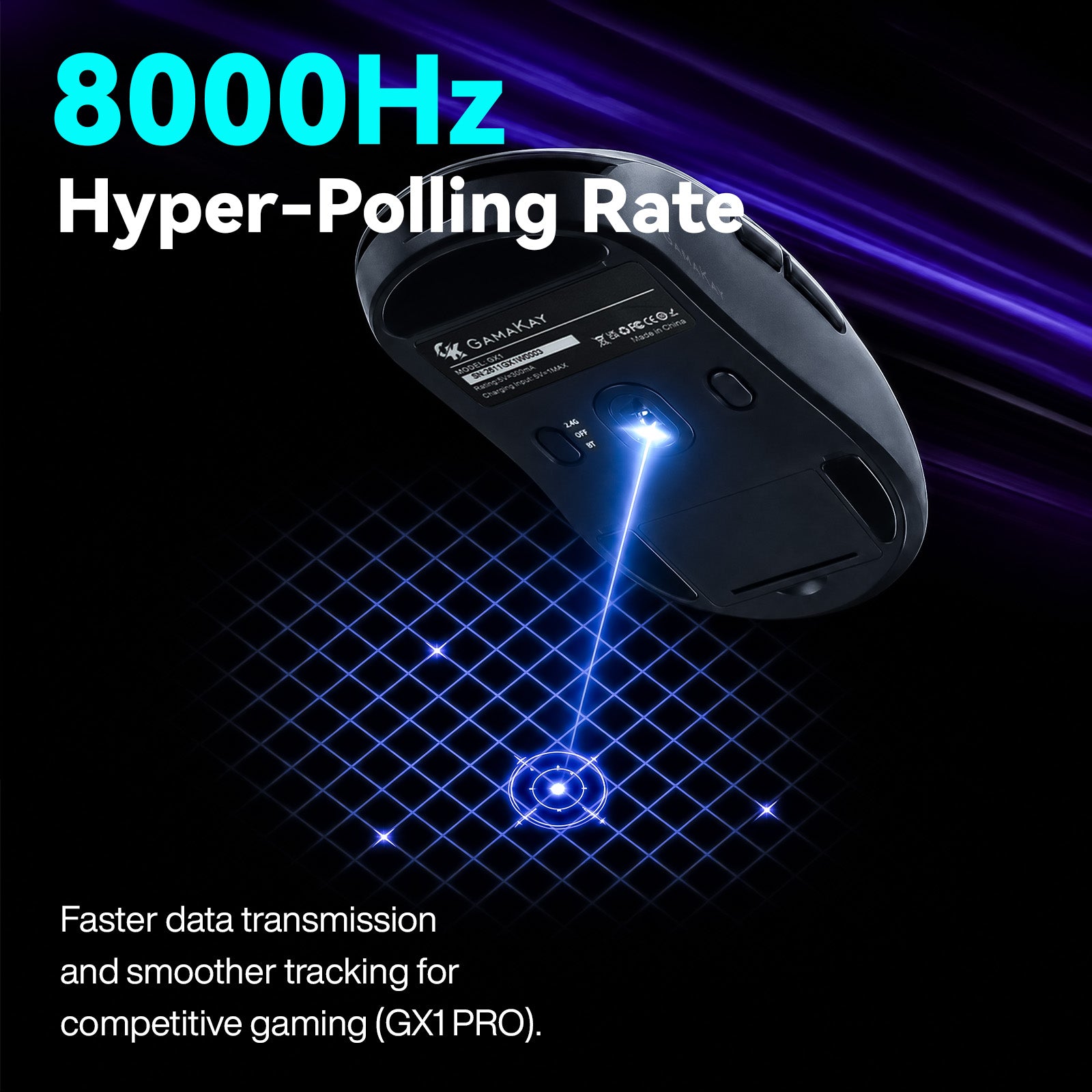
競技プレイ、集中作業、共有スペースに適した軽量トライモード ワイヤレスゲーミングマウス。GX1は最大12,000 DPIのPAW3311センサー、GX1 PROは最大30,000 DPIのPAW3950センサーと、有線または2.4GHz接続で8,000Hzポーリングに対応します。


ゲームと仕事のために設計

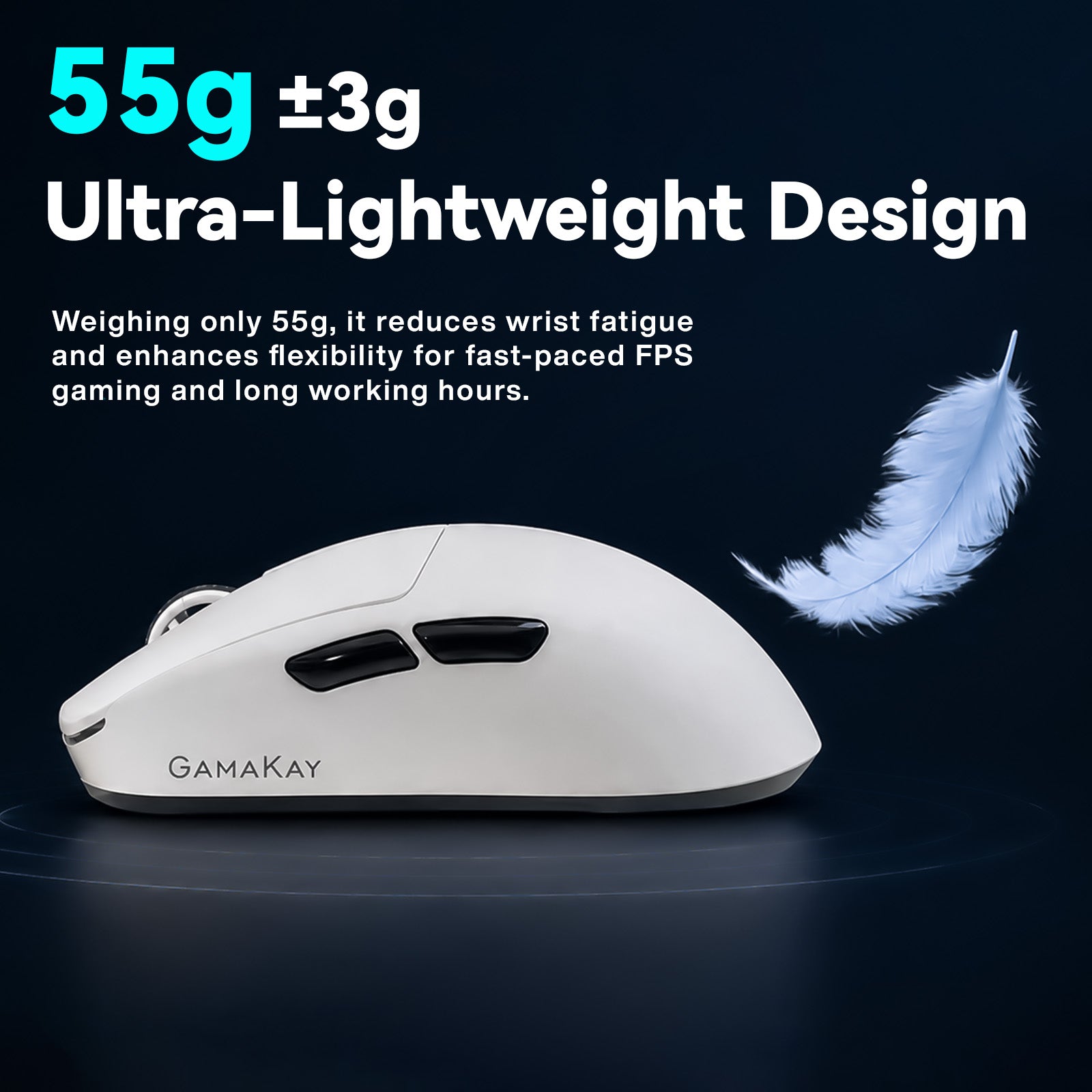
55g +/- 3gの人間工学設計により、GX1シリーズはFPSでの素早い操作と終日の快適なデスク作業を両立します。静音TTCメインスイッチは、タクタイルな感触を保ちながらクリック音を抑えます。
GX1シリーズの特長
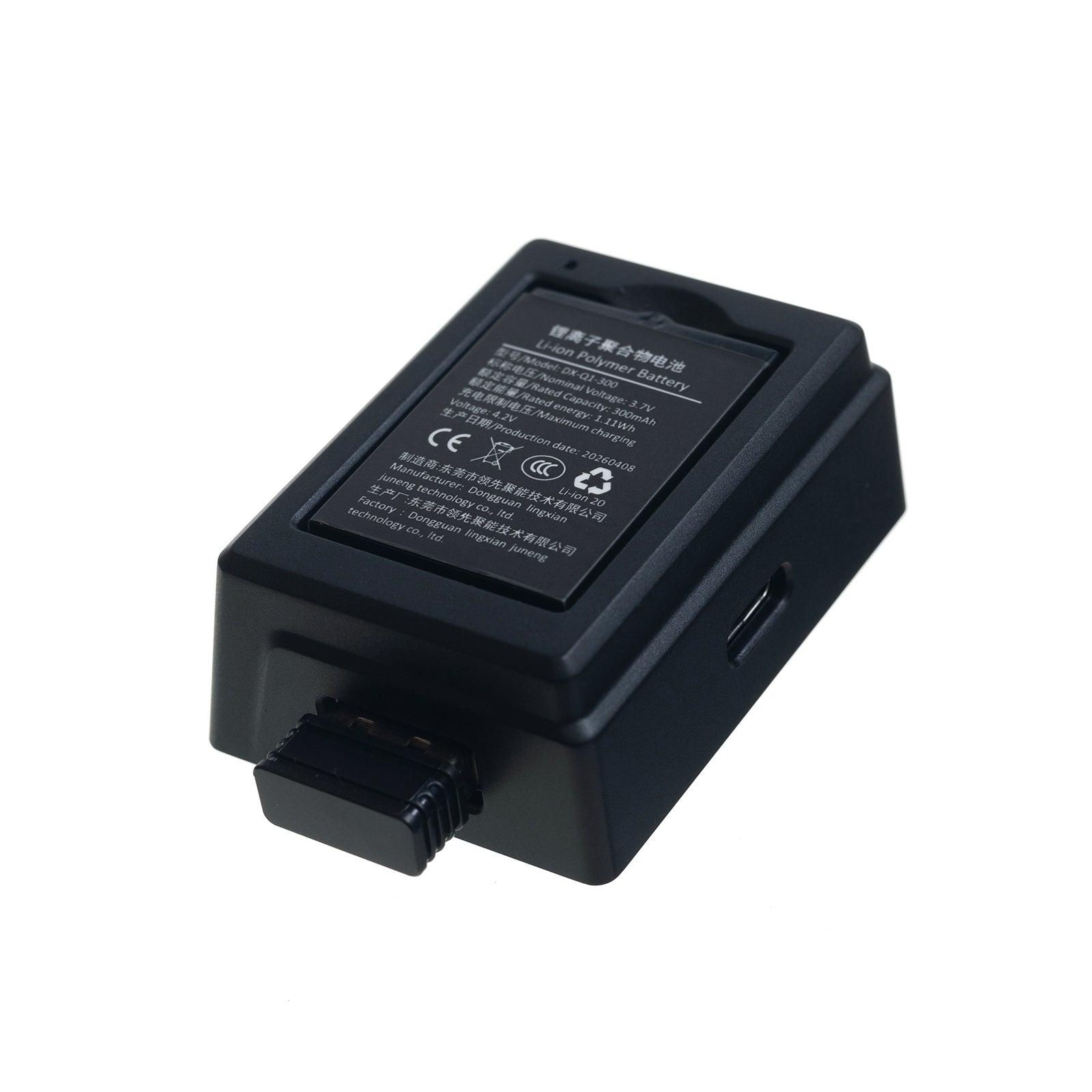
交換可能なデュアルバッテリー

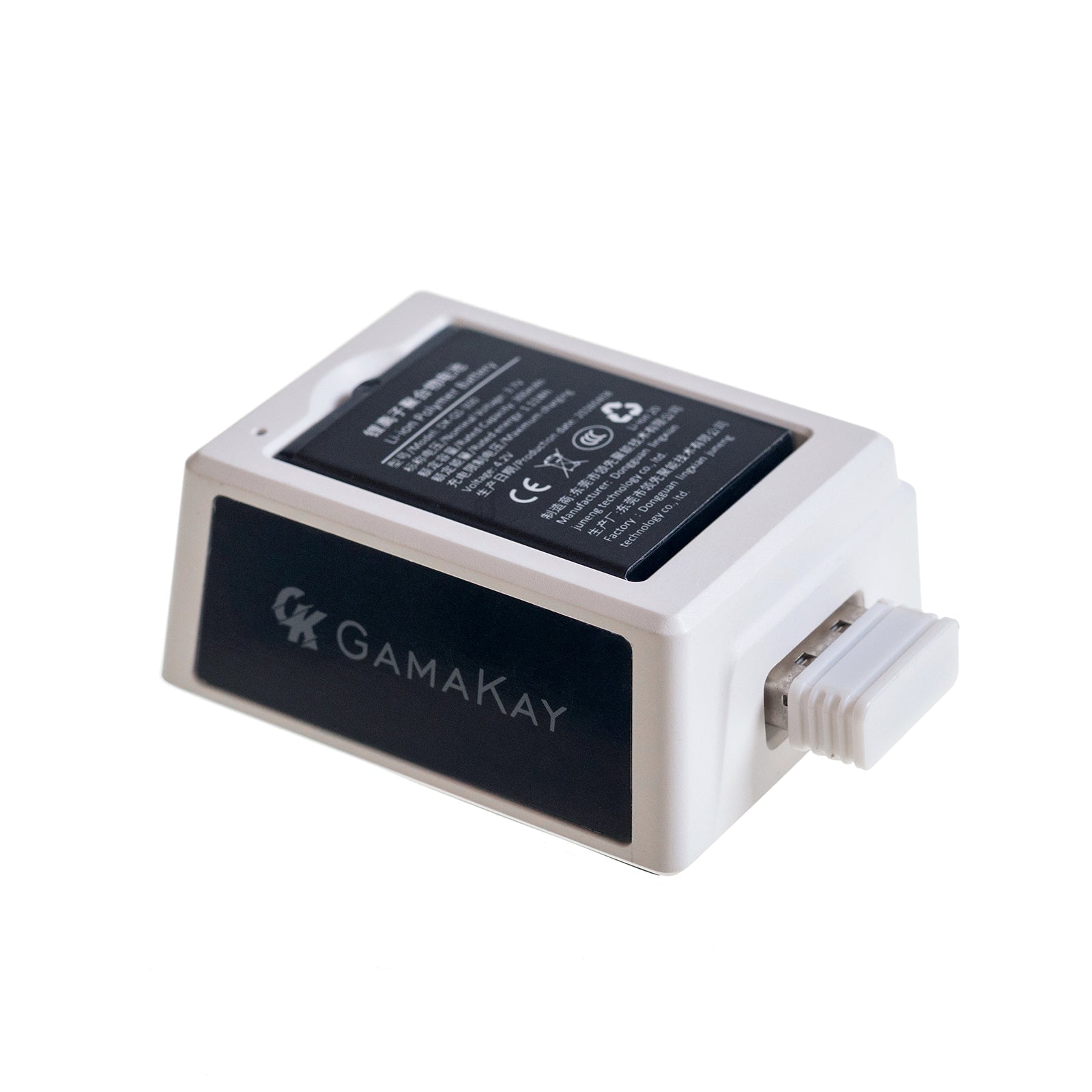
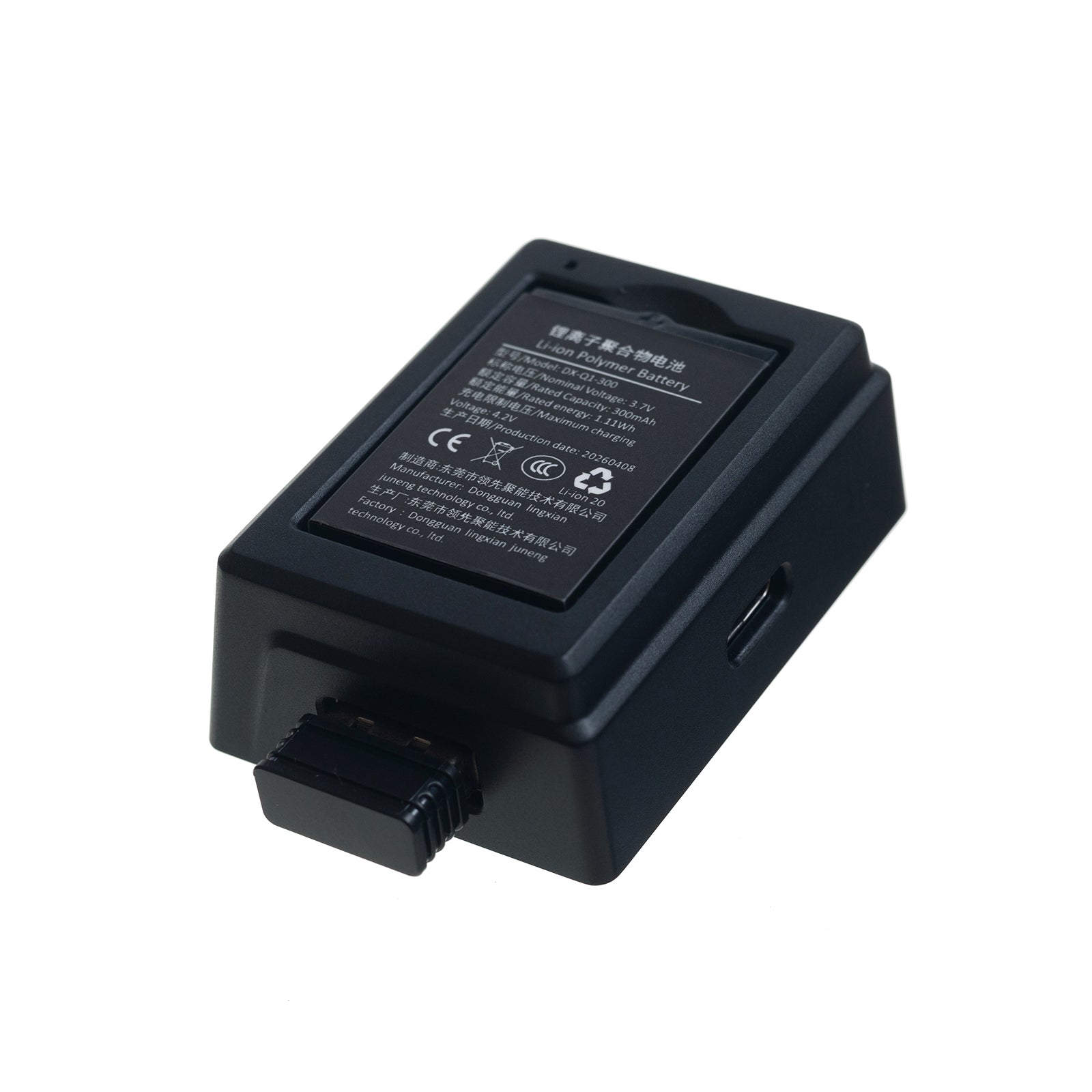
交換可能な300mAhバッテリーを2個搭載。1個がマウスを駆動する間、もう1個はドックで充電されます。必要に応じて交換でき、ケーブル充電を待つ必要がありません。
インテリジェント充電ドック

GX1ドックは予備バッテリーを充電し、2.4GHzレシーバーの延長機として機能します。GX1 PROドックはDPI、ポーリングレート、リフトオフディスタンス、接続モードを表示する前面ディスプレイを備えます。
55gの軽量エルゴノミクス設計

55g +/- 3gのマウス本体は、スピード感のあるゲームや長時間作業での手首の疲労を抑えるよう設計されています。
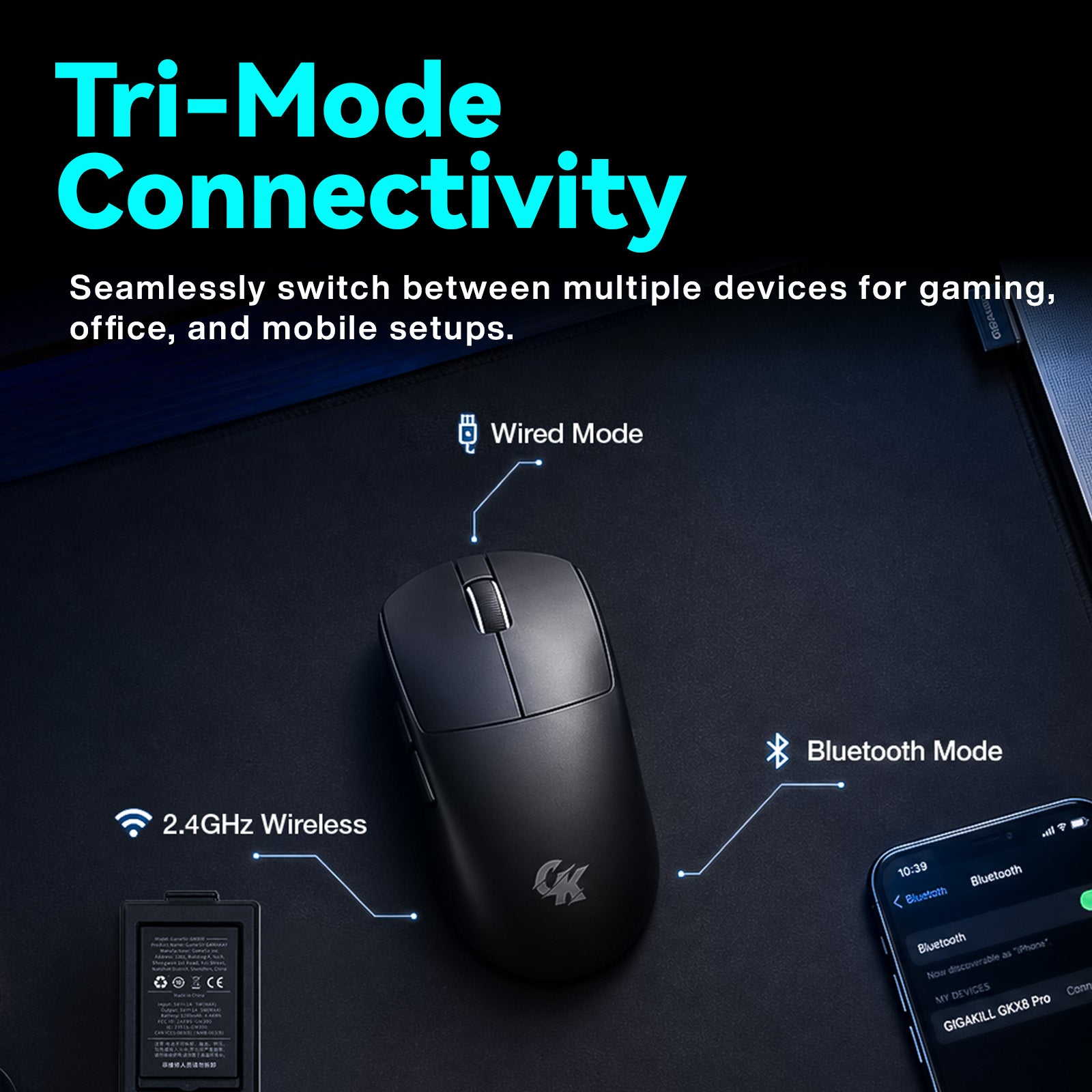
3モード接続

低遅延2.4GHzワイヤレス、Bluetooth、USB-C有線を切り替え、デスクトップPC、ノートPC、タブレット、macOSやWindows環境で使用できます。
PAW3311・PAW3950光学センサー

GX1は最大12,000 DPI、300 IPS、35GのPAW3311センサーを搭載。GX1 PROは最大30,000 DPI、750 IPS、50GのPAW3950センサーを採用しています。
最大8,000Hzハイパーポーリング

GX1は1,000Hzポーリングレートを提供。GX1 PROは有線・2.4GHzモードで250Hzから8,000Hzまで調整でき、高リフレッシュレートディスプレイで滑らかなトラッキングを実現します。
昼夜を問わない静音クリック

TTC silent left and right mouse switches help keep late-night gaming, shared offices, libraries, and home workspaces quieter. Huanyu switches on the side buttons and scroll wheel provide crisp control feedback.
Web-Based Driver Settings

Use the Gamakay GearHub web driver to adjust compatible mouse settings through a browser on Windows or macOS.
技術仕様
| モデル | GX1 / GX1 PRO |
|---|---|
| 製品タイプ | トライモード ワイヤレスゲーミングマウス |
| ボタン | 7 |
| サイズ | 124 x 65 x 40.5 mm |
| 重量 | 55g +/- 3g |
| 接続方式 | 2.4GHz wireless, Bluetooth, USB-C wired |
| バッテリー | Two replaceable 300mAh lithium batteries |
| 充電入力 | 5V / 500mA |
| 充電時間 | 約2時間 |
| 対応OS | Windows and macOS |
同梱内容
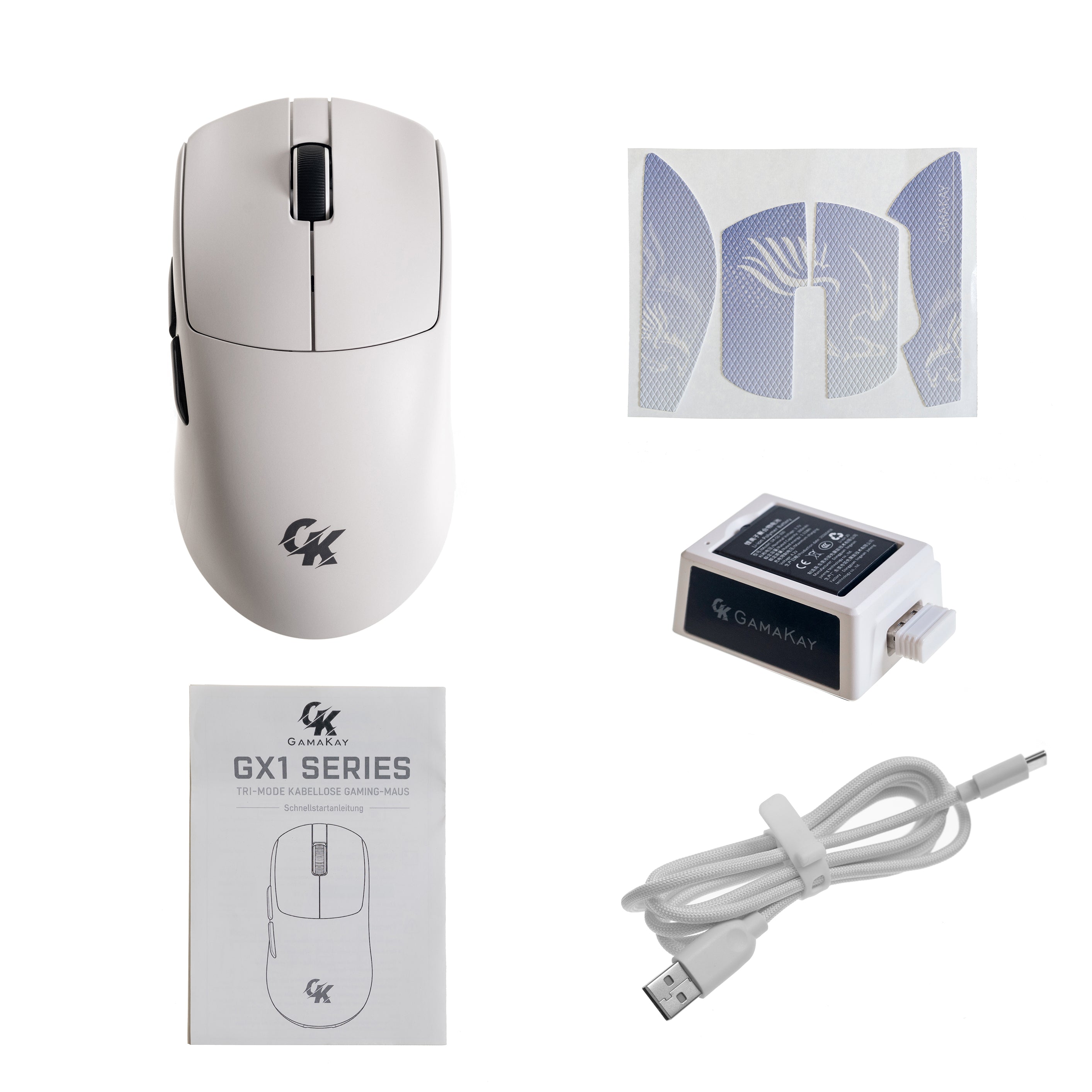
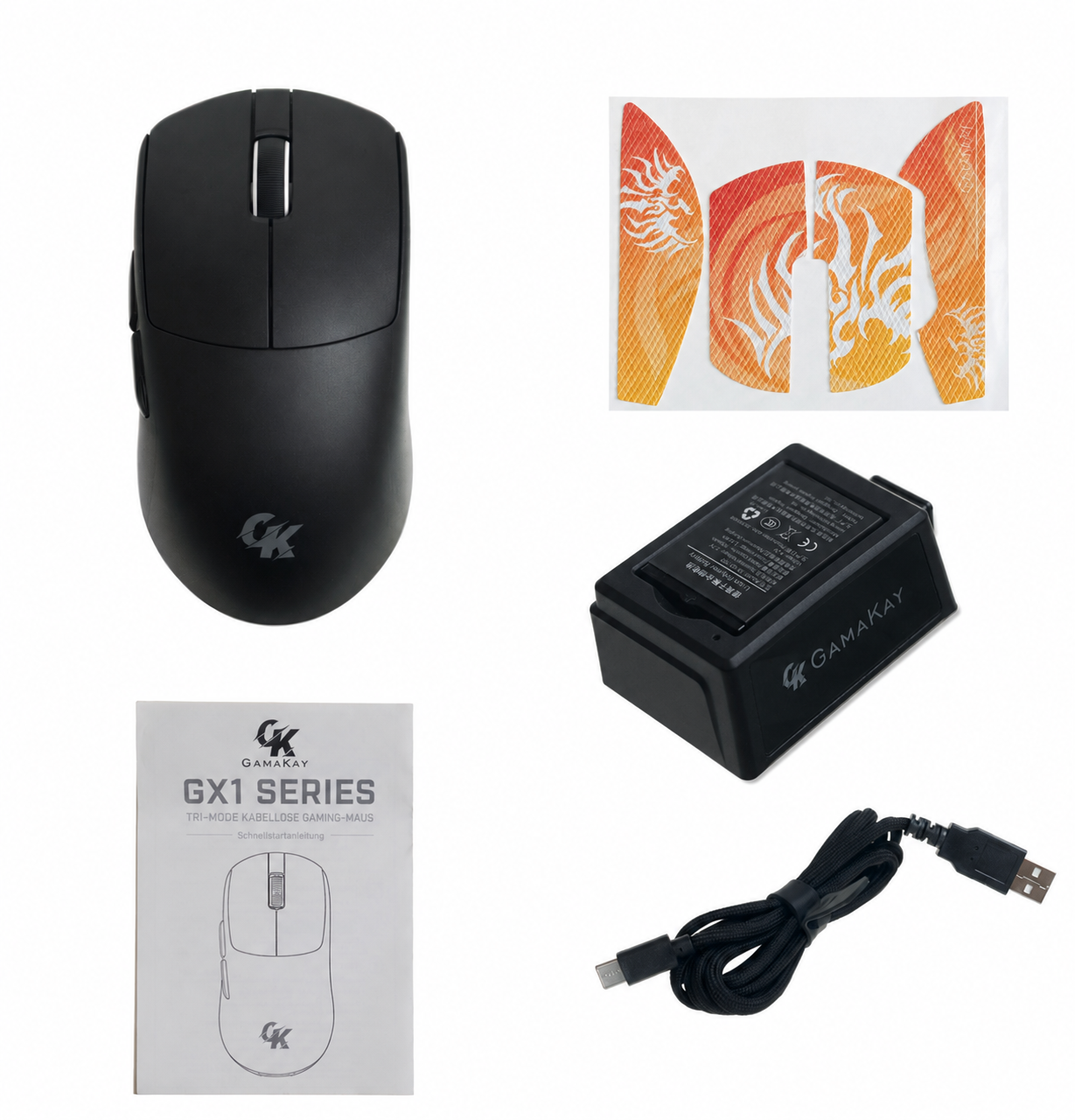
- Gamakay GX1 or GX1 PRO wireless mouse x 1
- 充電ドック x 1
- Replaceable 300mAh lithium batteries x 2
- 2.4GHz USB receiver x 1
- USB-A to USB-C charging cable x 1
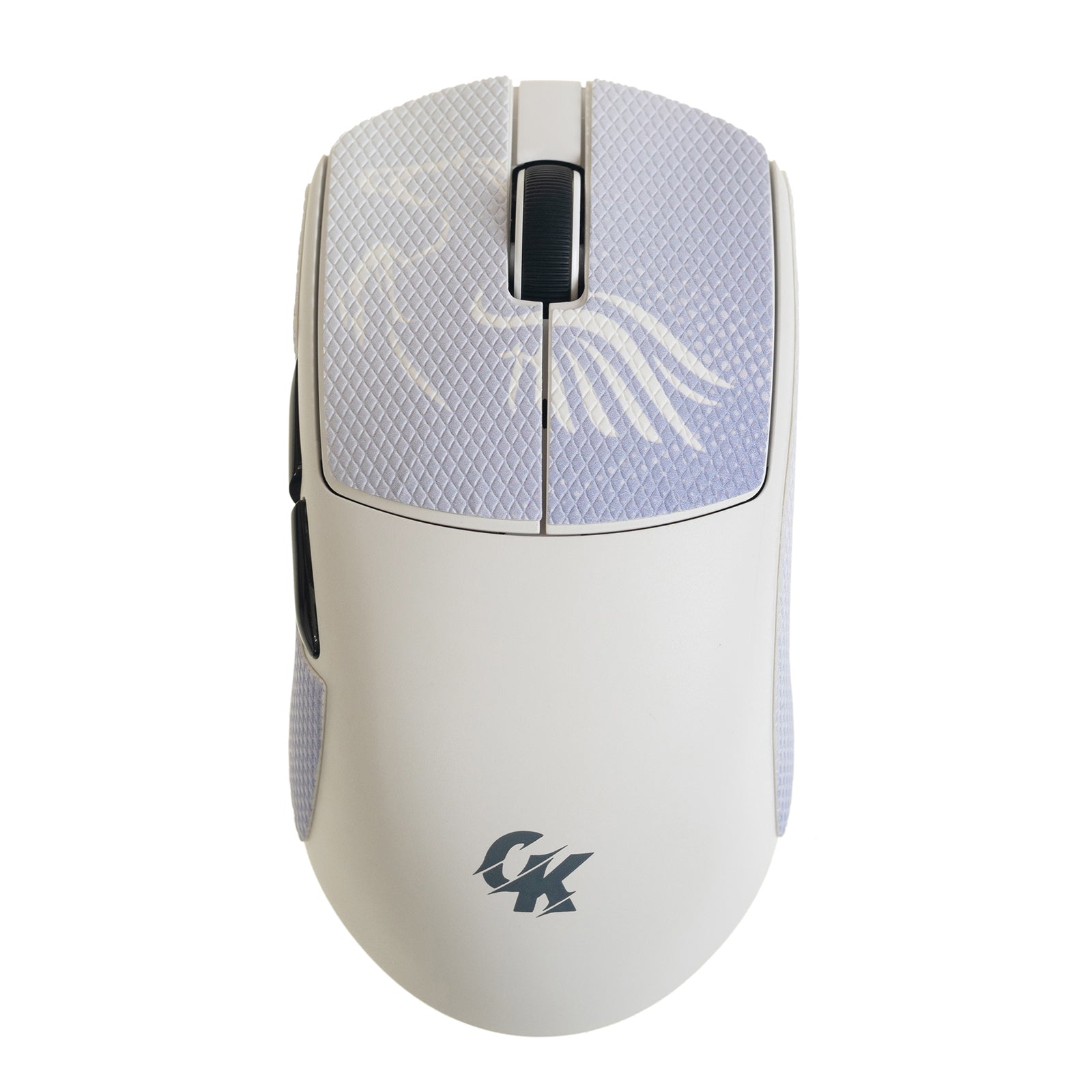
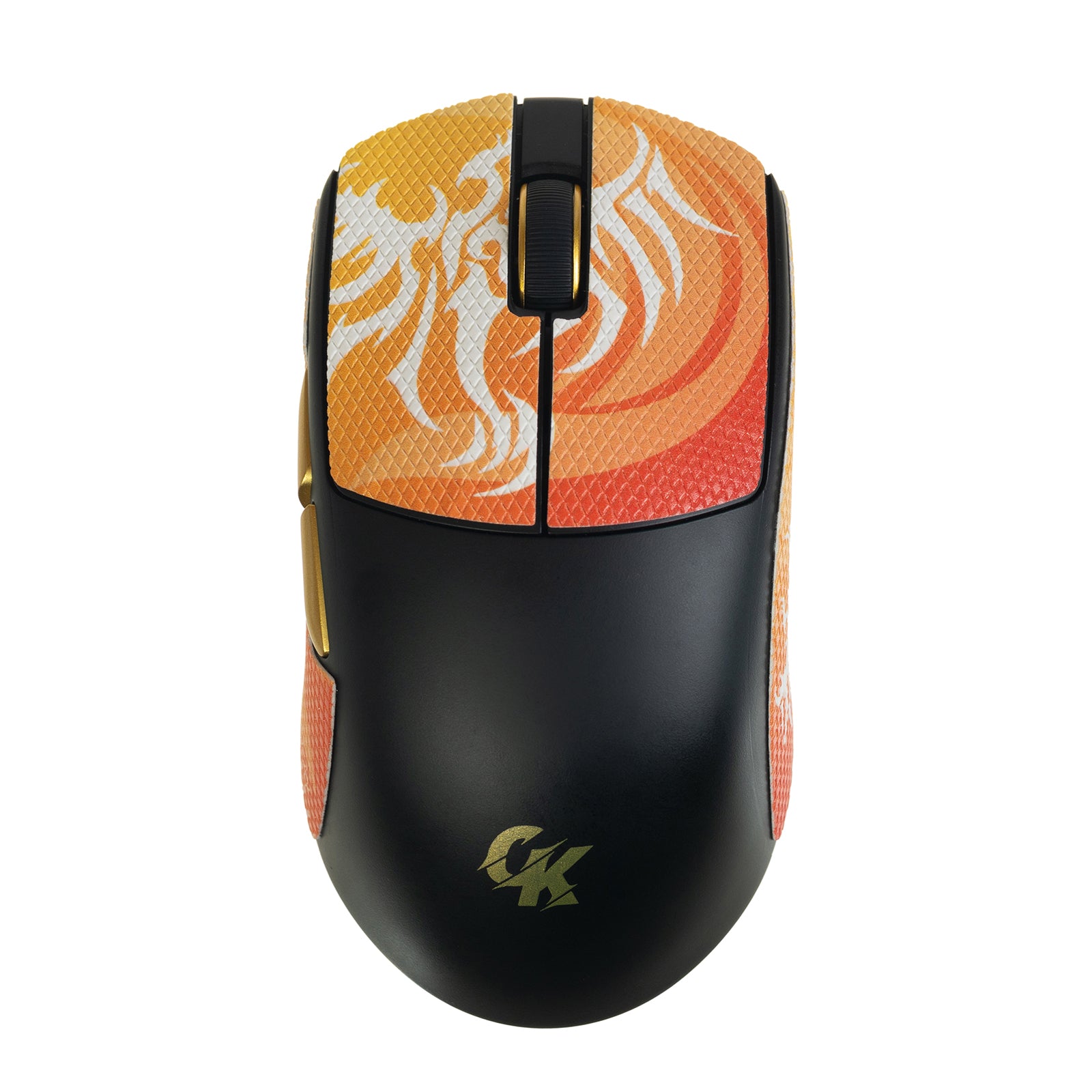
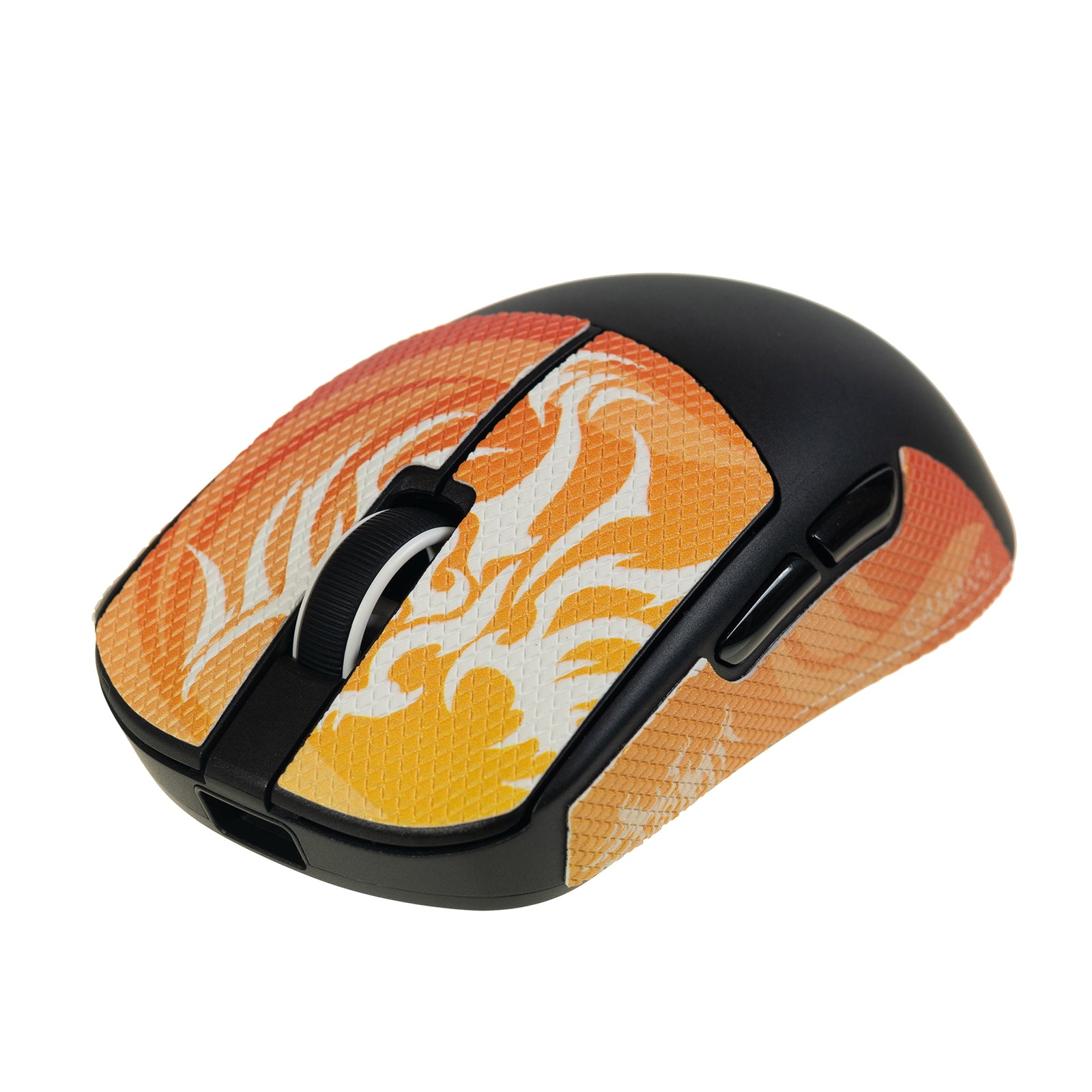
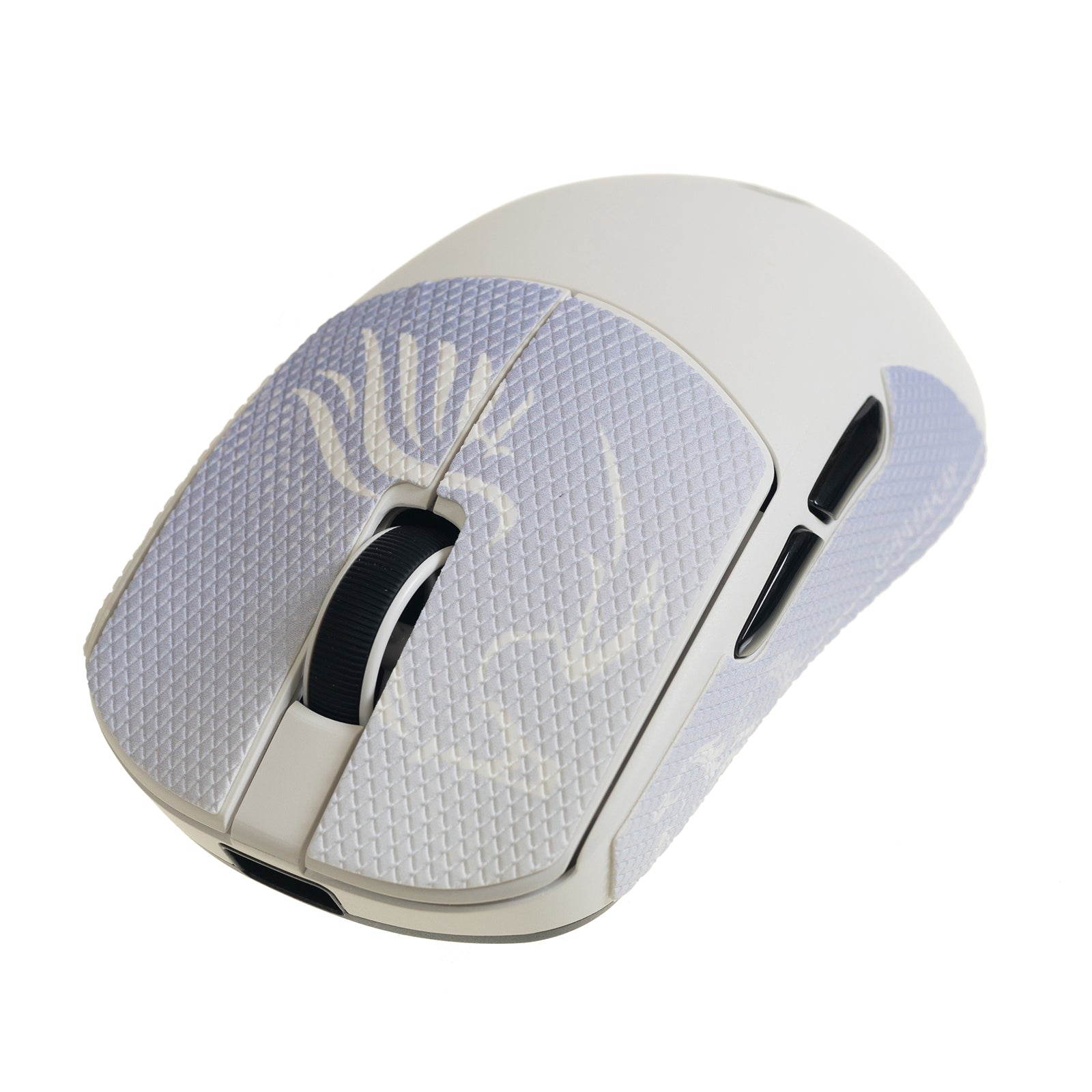
- Phoenix or Pegasus anti-slip grip tape set x 1
- 取扱説明書 x 1
GX1とGX1 PROの違い:どのゲーミングマウスを選ぶ?
製品仕様
ソフトウェアとユーザーマニュアル
よくある質問
Gamakay GX1とGX1 PROの違いは?
GX1 uses a PAW3311 sensor with up to 12,000 DPI and a 1,000Hz polling rate. GX1 PRO upgrades to a PAW3950 sensor with up to 30,000 DPI, up to 8,000Hz polling in wired and 2.4GHz modes, and a charging dock with a real-time status display.
GX1シリーズは2.4GHzワイヤレス、Bluetooth、有線接続に対応していますか?
Yes. Both models support low-latency 2.4GHz wireless for gaming, Bluetooth for compatible devices, and USB-C wired mode for direct use and charging.
Gamakay GX1 PROゲーミングマウスのポーリングレートは?
GX1 PRO supports adjustable polling from 250Hz to 8,000Hz in wired and 2.4GHz modes. GX1 uses a standard 1,000Hz polling rate.
デュアルバッテリーシステムの仕組みは?
The mouse includes two replaceable 300mAh lithium batteries. One powers the mouse while the other charges in the dock, so you can swap batteries when power runs low.
充電ドックにはどんな機能がありますか?
The GX1 dock charges the spare battery and works as a 2.4GHz receiver extender. GX1 PRO adds a front display for DPI, polling rate, lift-off distance, and connection mode.
GX1とGX1 PROの設定はカスタマイズできますか?
Compatible settings can be adjusted through the Gamakay GearHub web driver on Windows or macOS.
競技ゲーミングに適したGX1モデルは?
GX1 PRO is the better choice for players who need the PAW3950 sensor, up to 30,000 DPI, and up to 8,000Hz polling. GX1 is a practical option for everyday gaming and work with its PAW3311 sensor and 1,000Hz polling rate.