


Clavier à effet Hall Gamakay x NaughShark NS75 : précision RT de 0,005 mm, fréquence d'interrogation de 8 000 Hz
- Prix normal
-
£61.00 - Prix normal
-
£77.00 - Prix de vente
-
£61.00
Use Code GK12 for 12%off
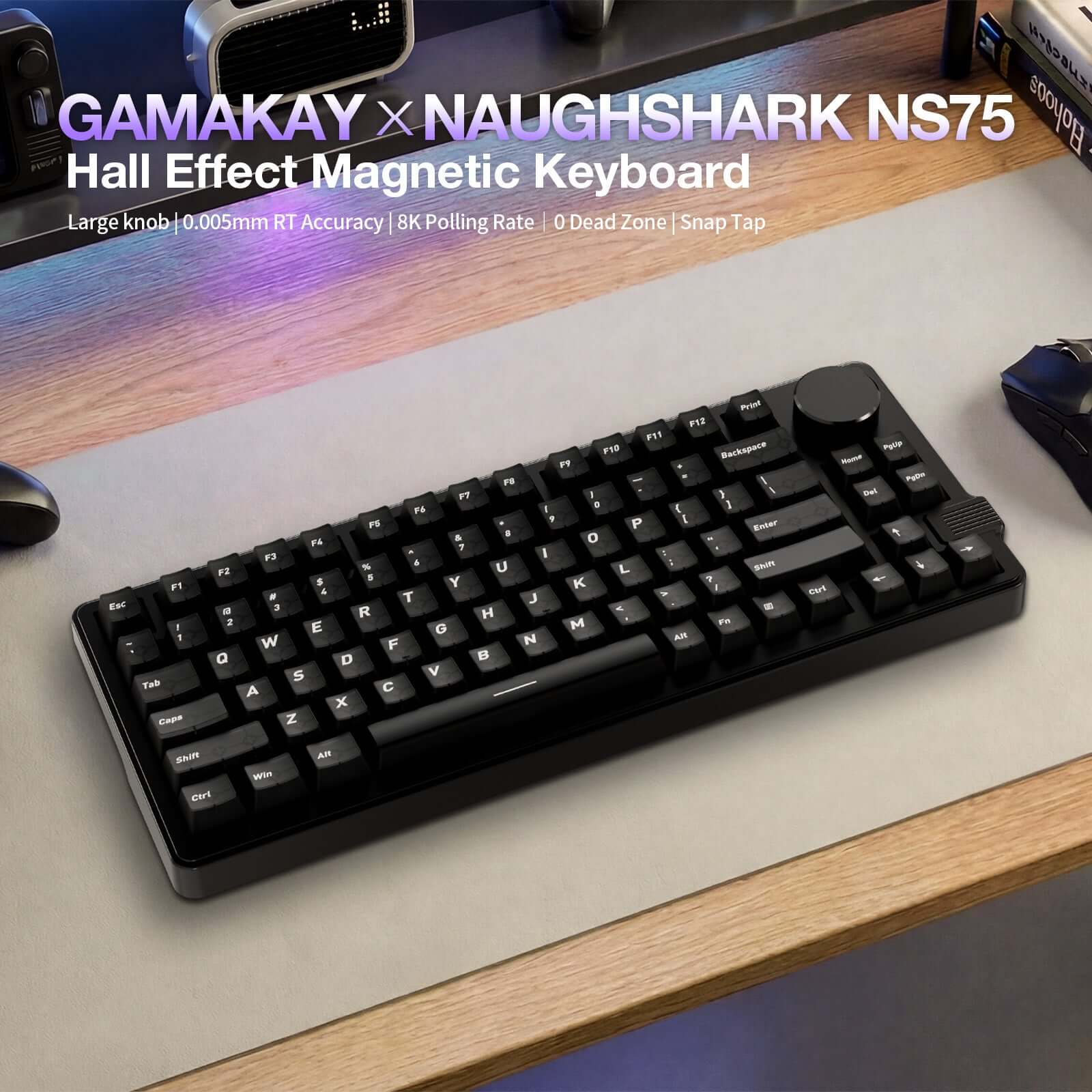
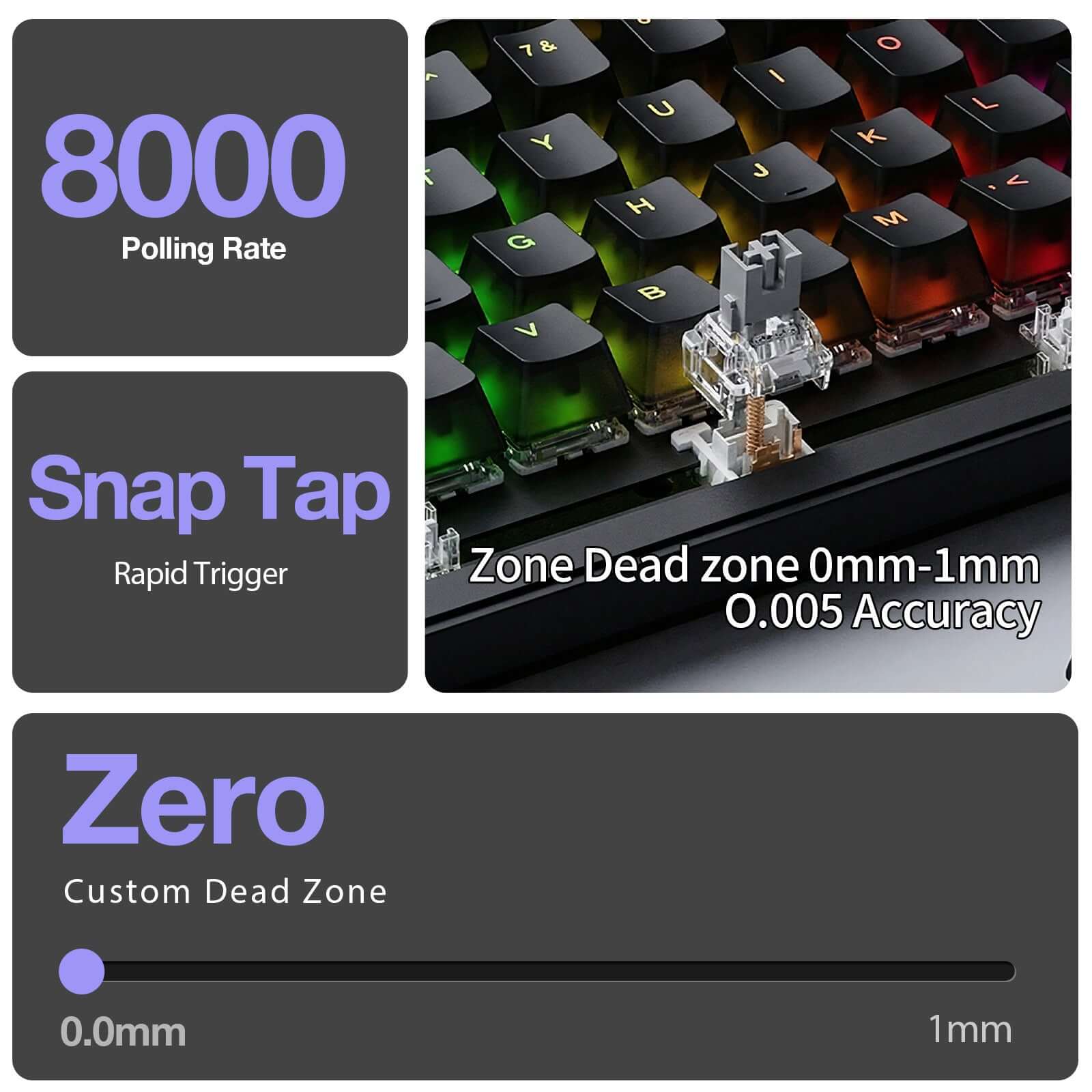
Hall Effect Magnetic Switches with Snap Tap / Rapid Trigger and 0.005 mm precision for ultra-fast response
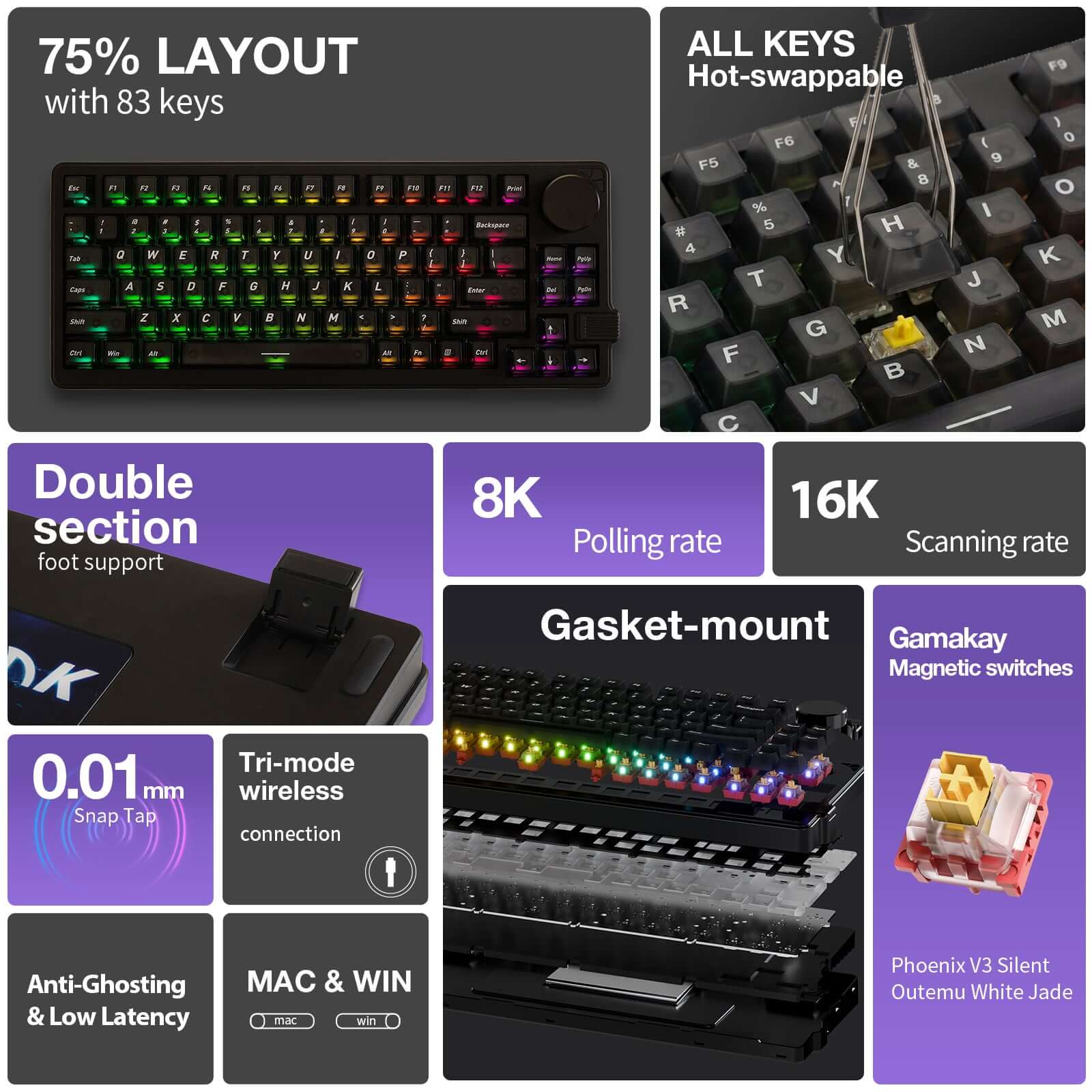
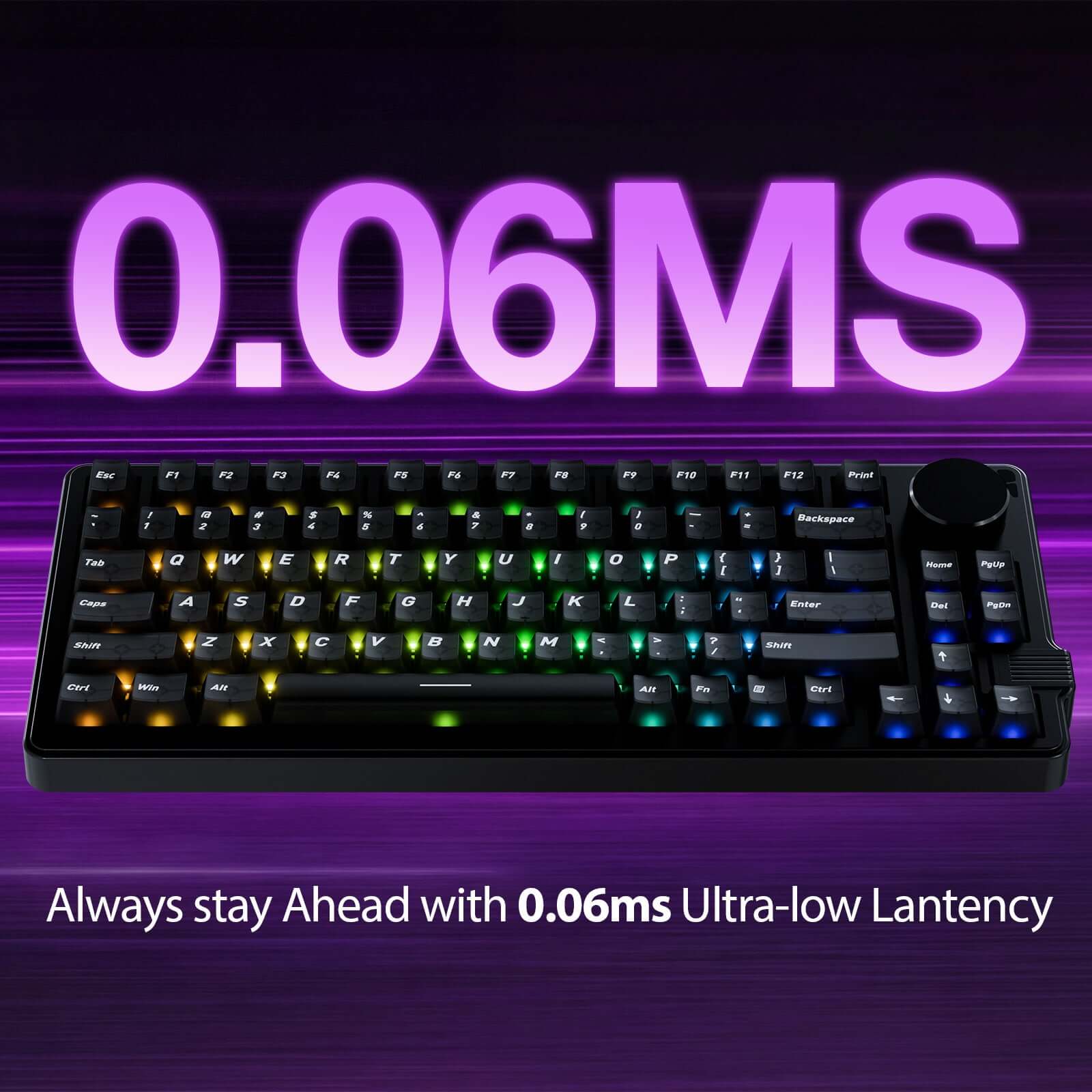
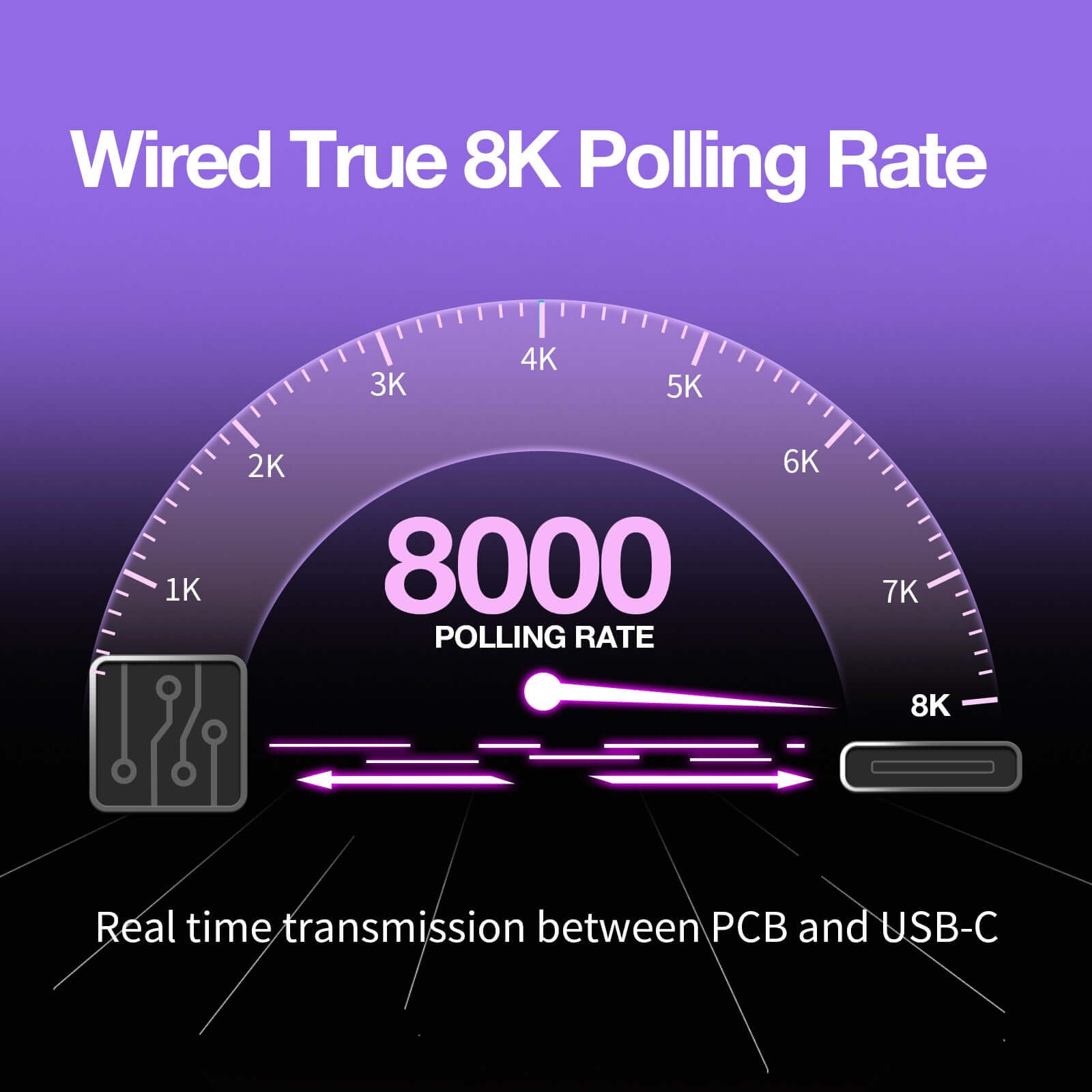
True Wired 8K Polling Rate + 16K Scan Rate delivering 0.06 ms ultra-low latency
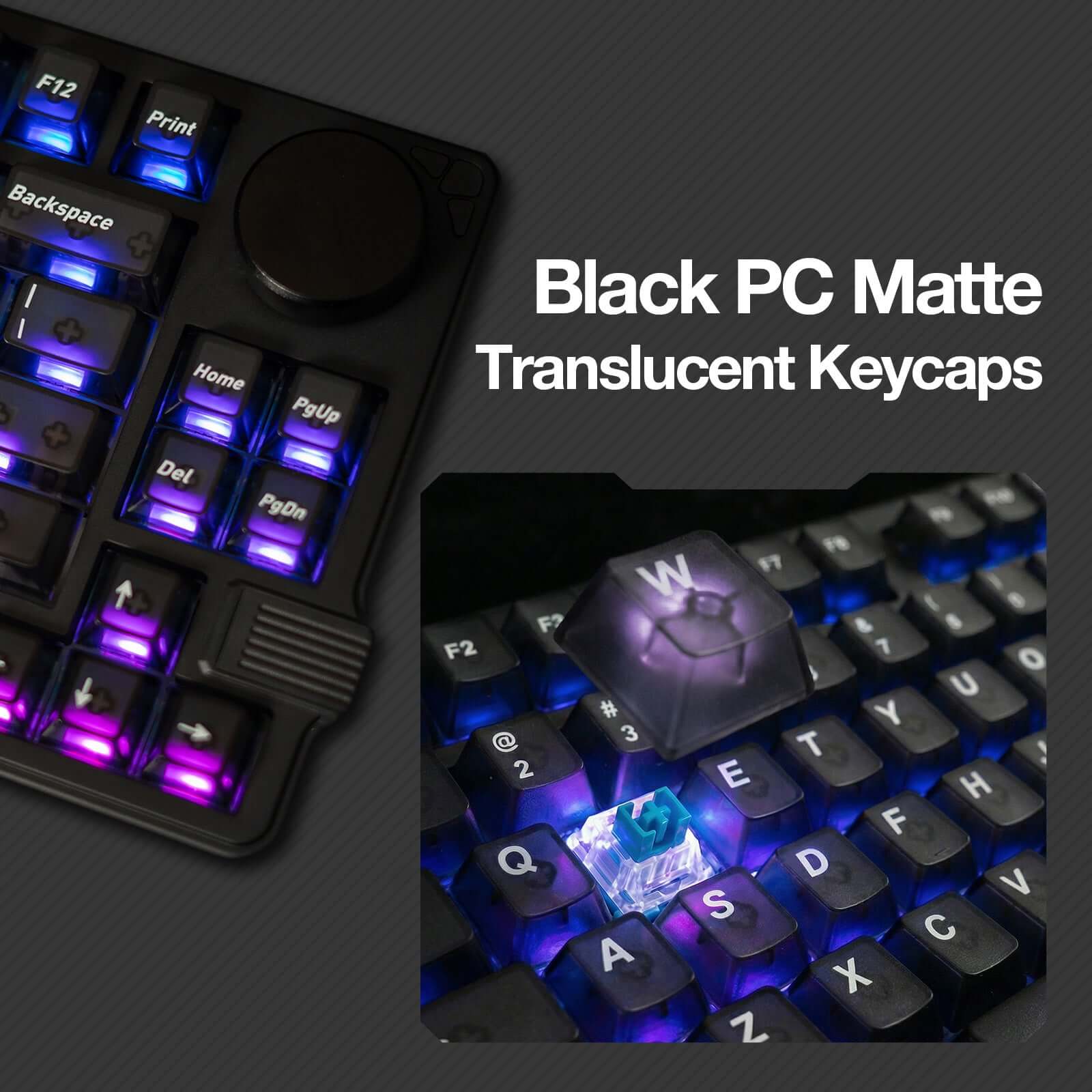
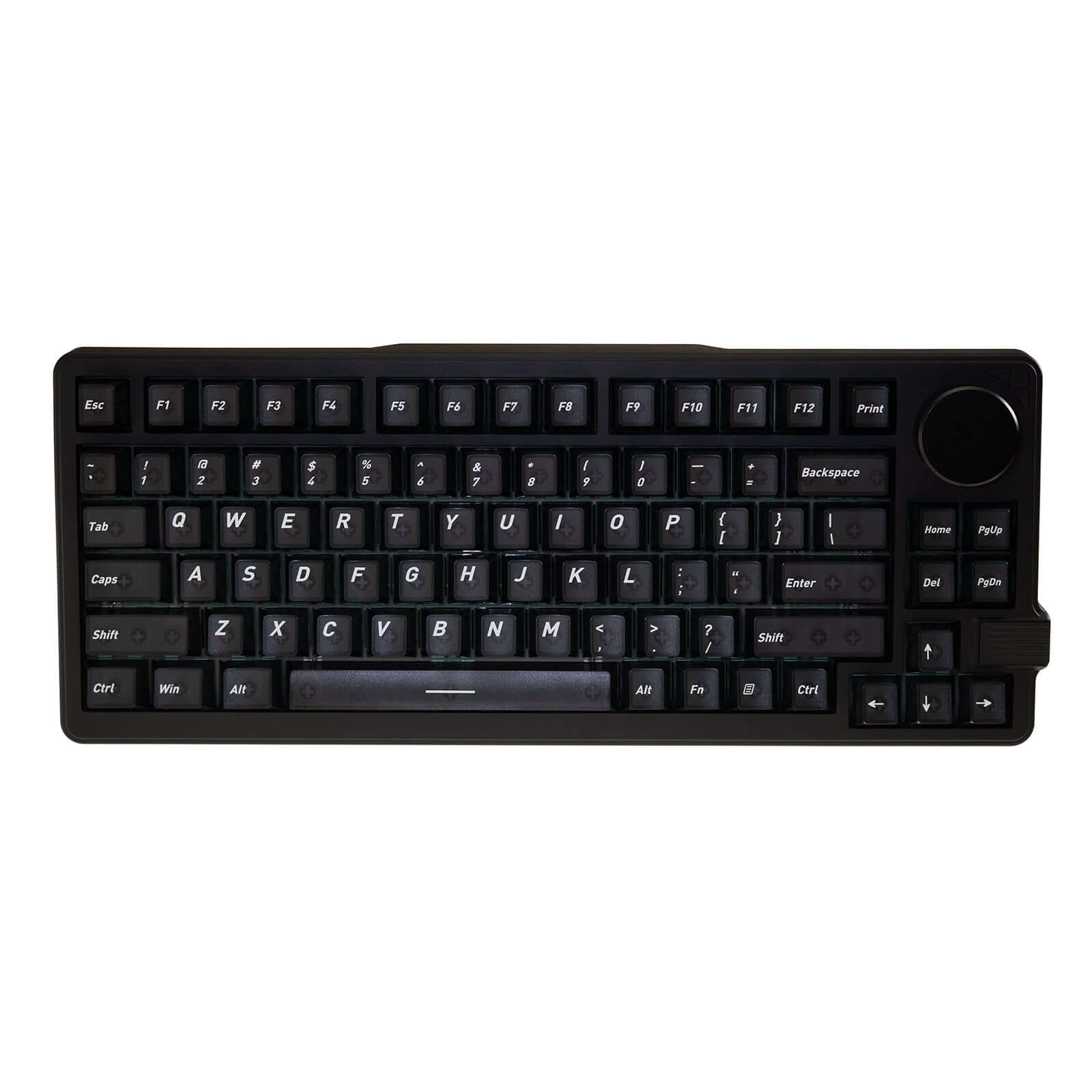
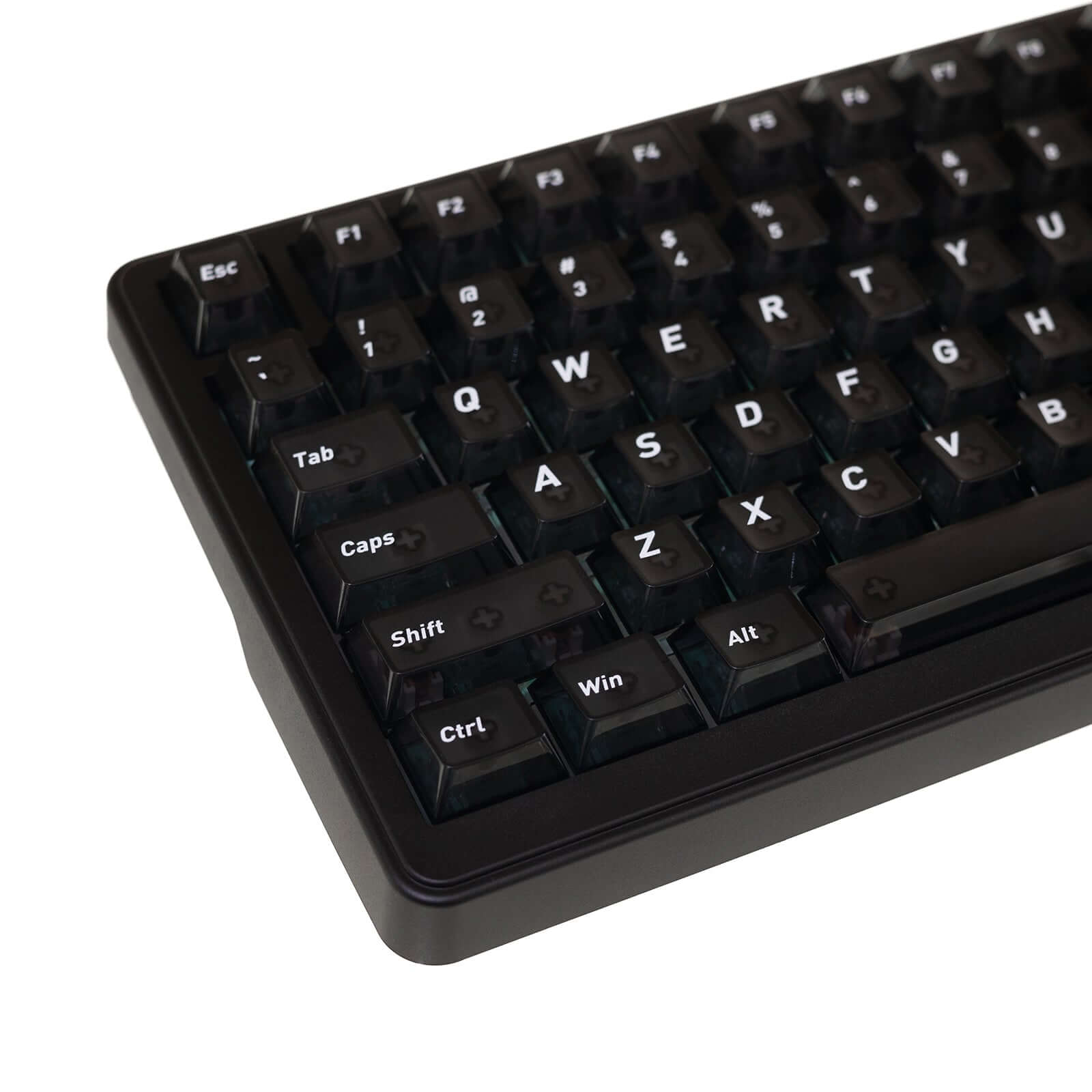
Compact 75% Layout with Translucent Keycaps (83 Keys + Knob) for efficient gaming and productivity
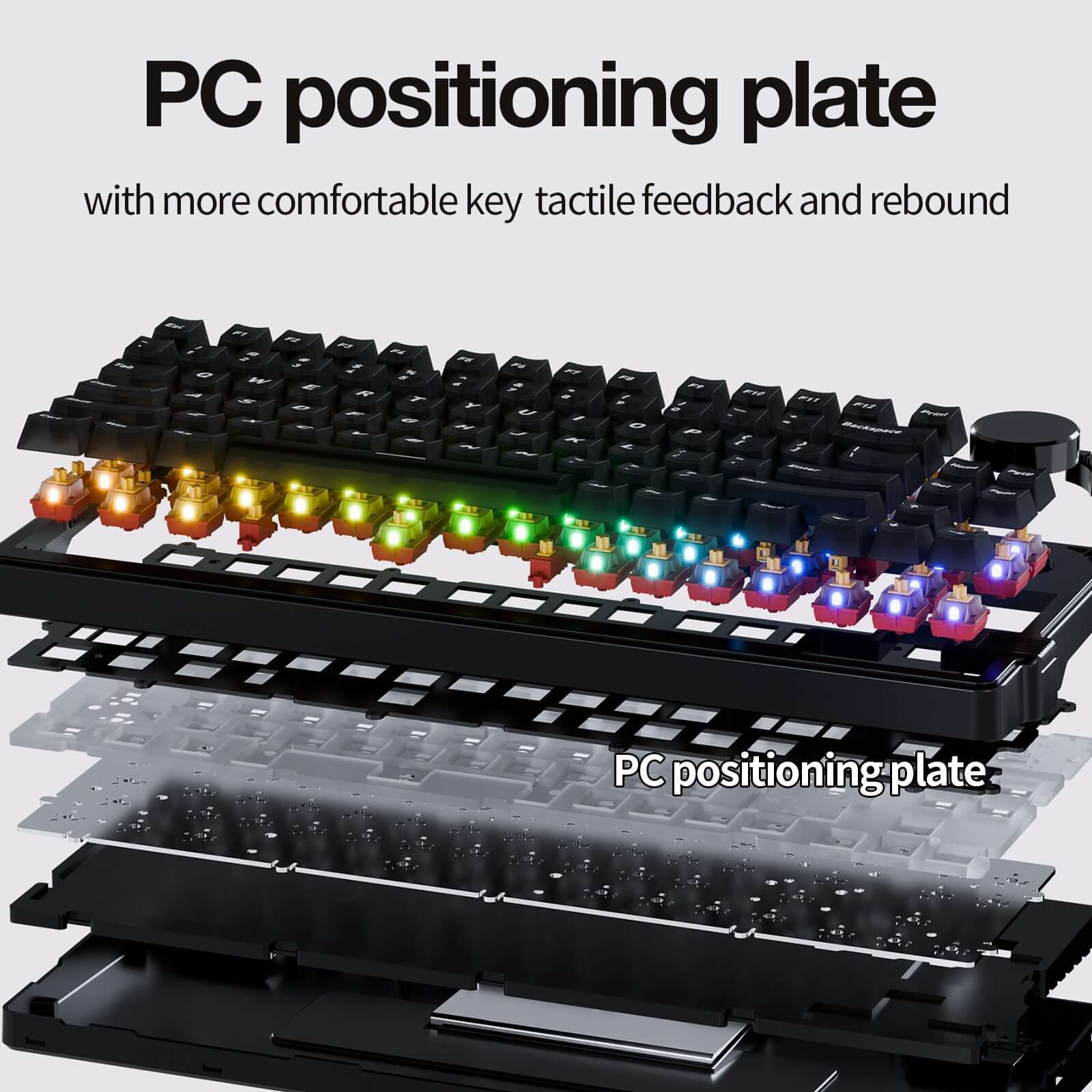
Gasket-Mount + PC Plate Design for improved acoustics and typing comfort
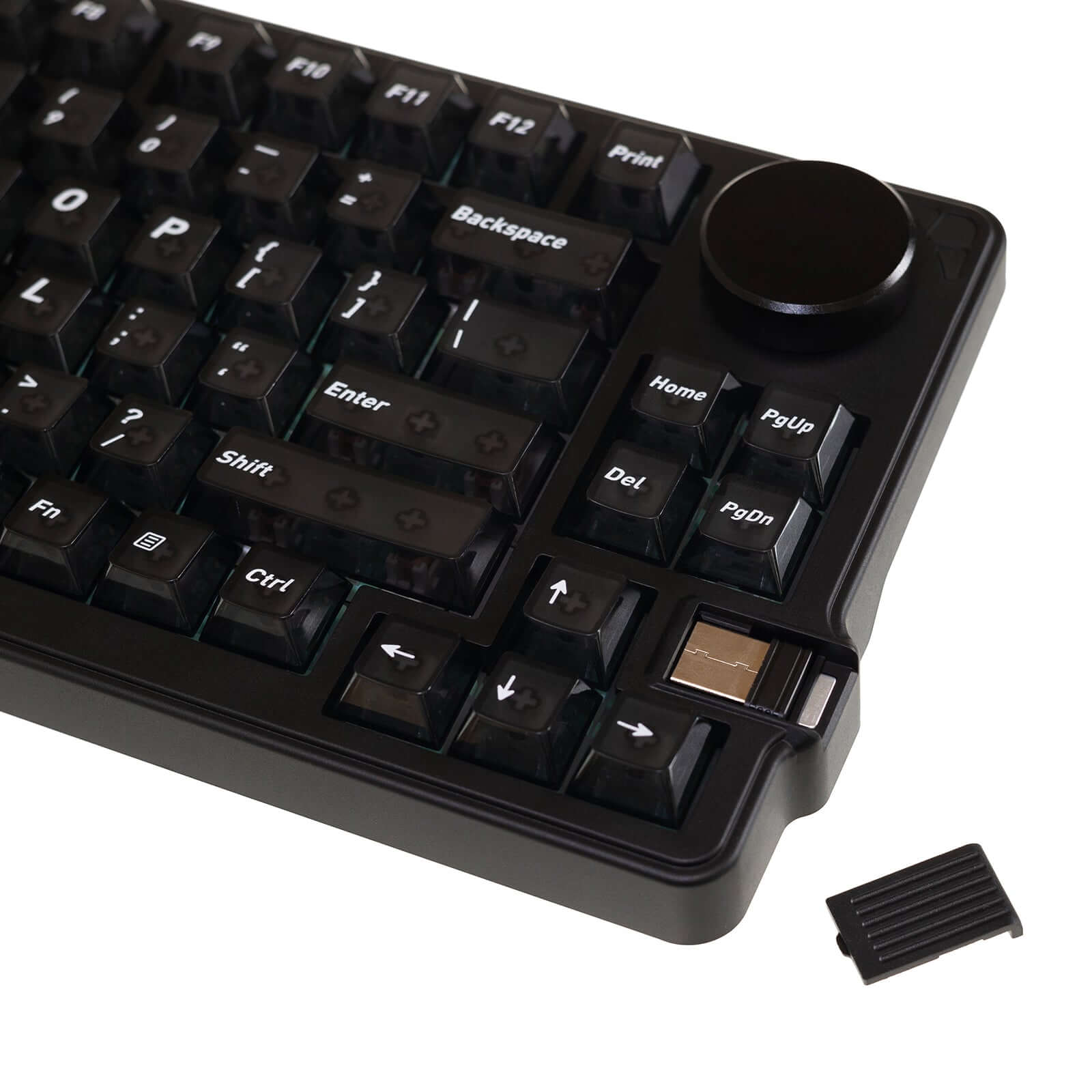
Tri-Mode Connectivity (Wired / 2.4G / Bluetooth) with Windows & macOS support
Impossible de charger la disponibilité du ramassage



Product Detail
Description
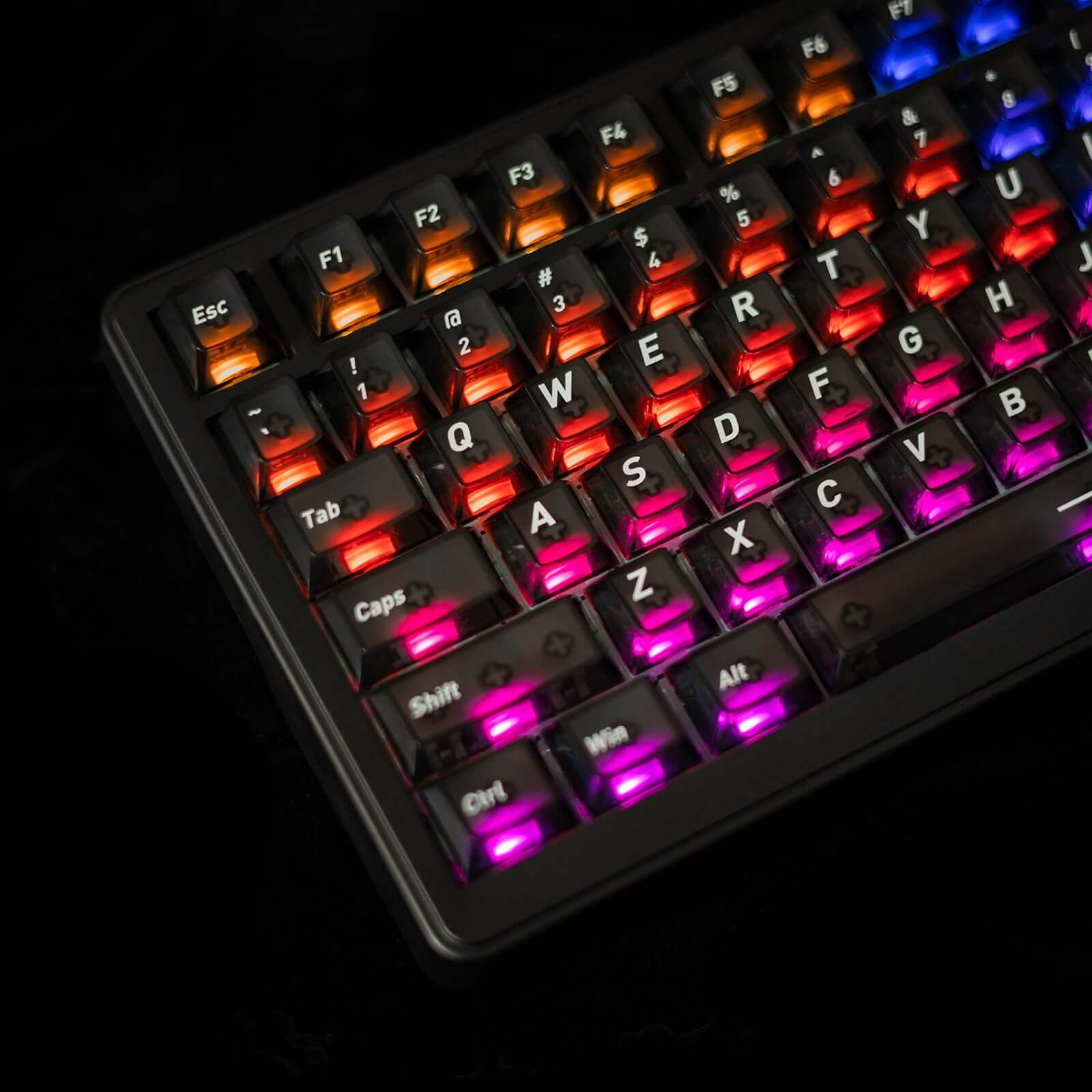
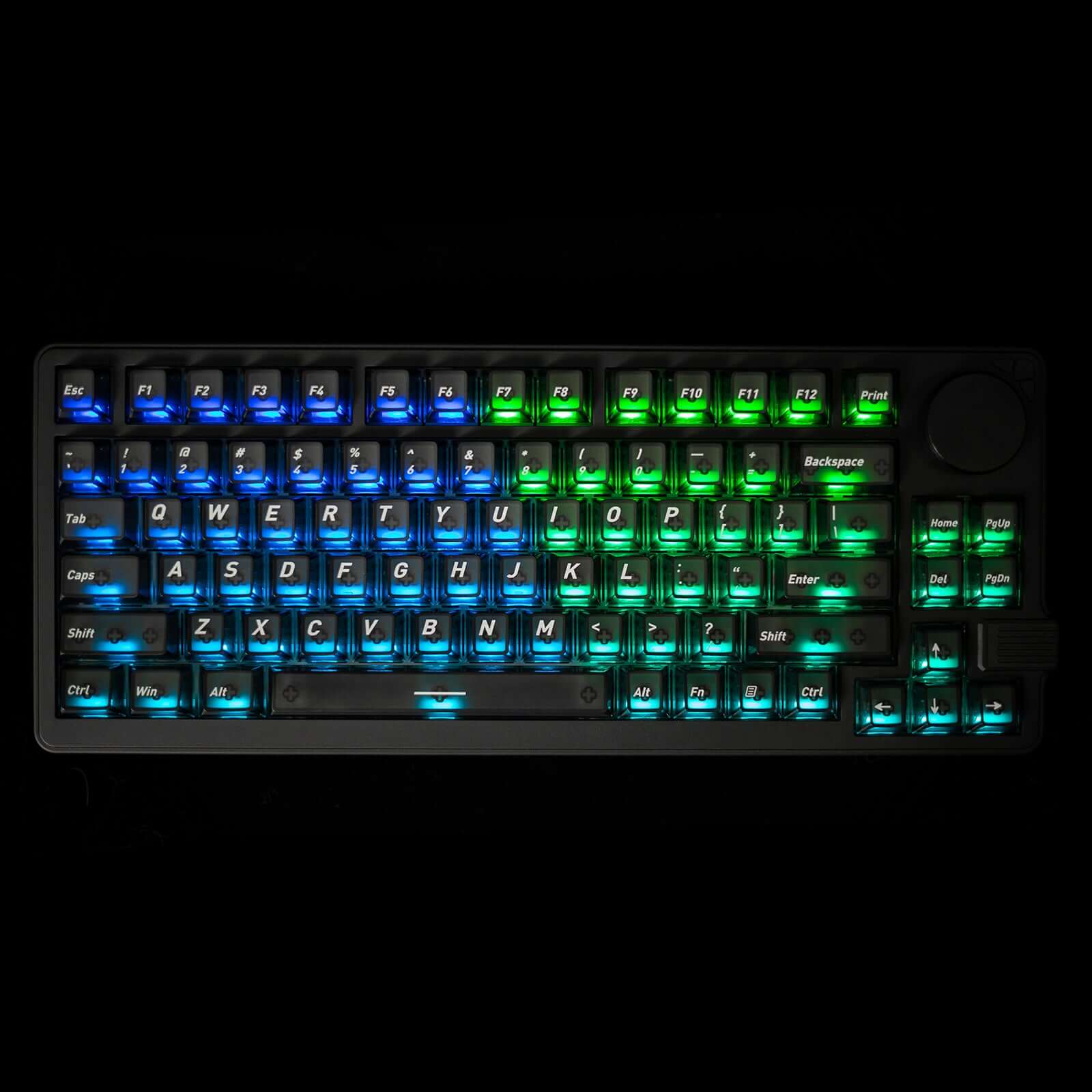
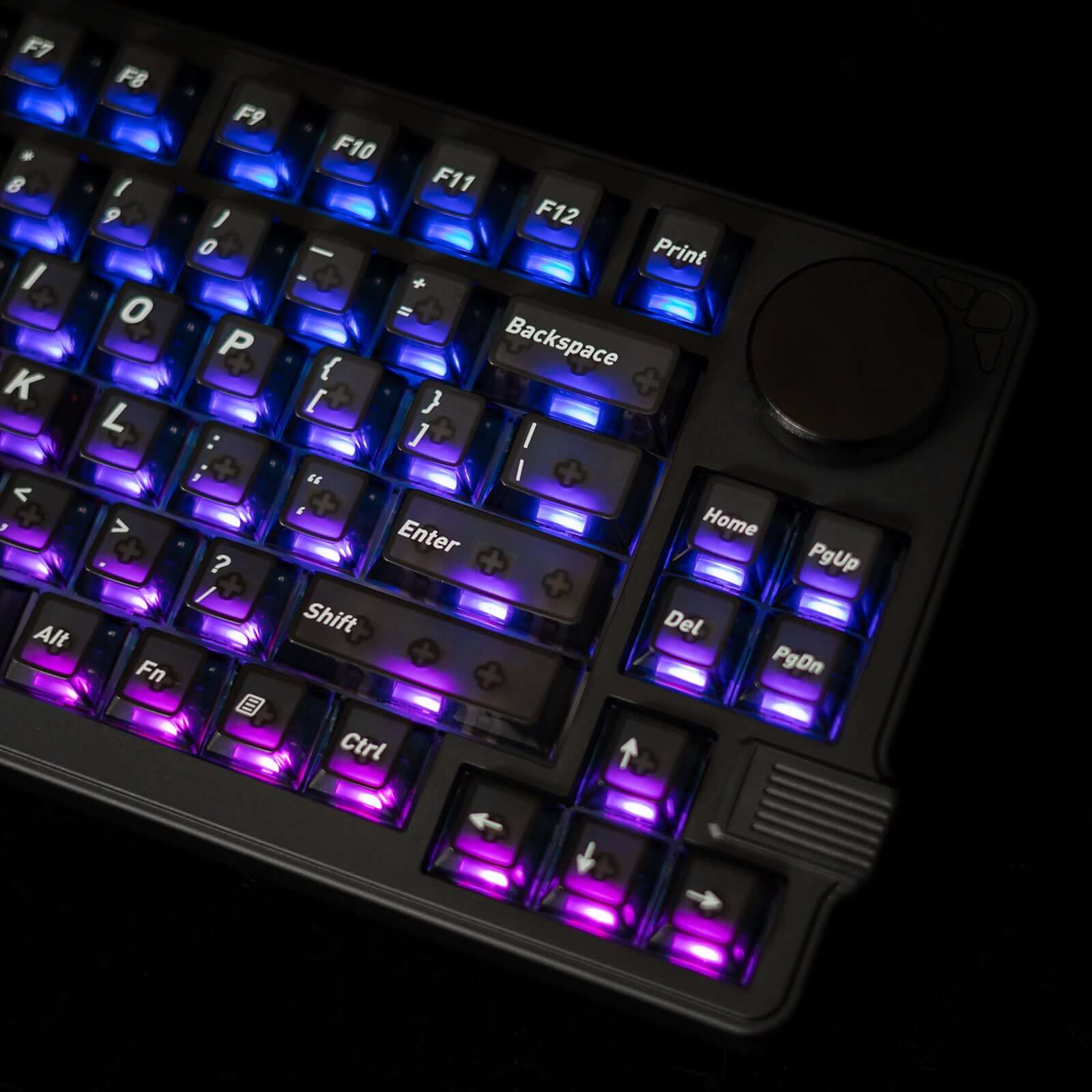
Le Gamakay x NaughShark NS75 est un clavier à effet Hall haut de gamme conçu pour l'excellence en jeu compétitif. Doté d' une précision d'activation de 0,005 mm grâce aux technologies Rapid Trigger et Snap Tap, ce clavier au format 75 % offre une réactivité exceptionnelle avec un taux d'interrogation de 8 000 Hz et un taux de balayage de 16 000 pour une latence minimale. Clavier rétroéclairé haute performance , il propose également un éclairage RGB personnalisable qui illumine intensément les touches translucides, améliorant ainsi la visibilité et l'esthétique de votre bureau.
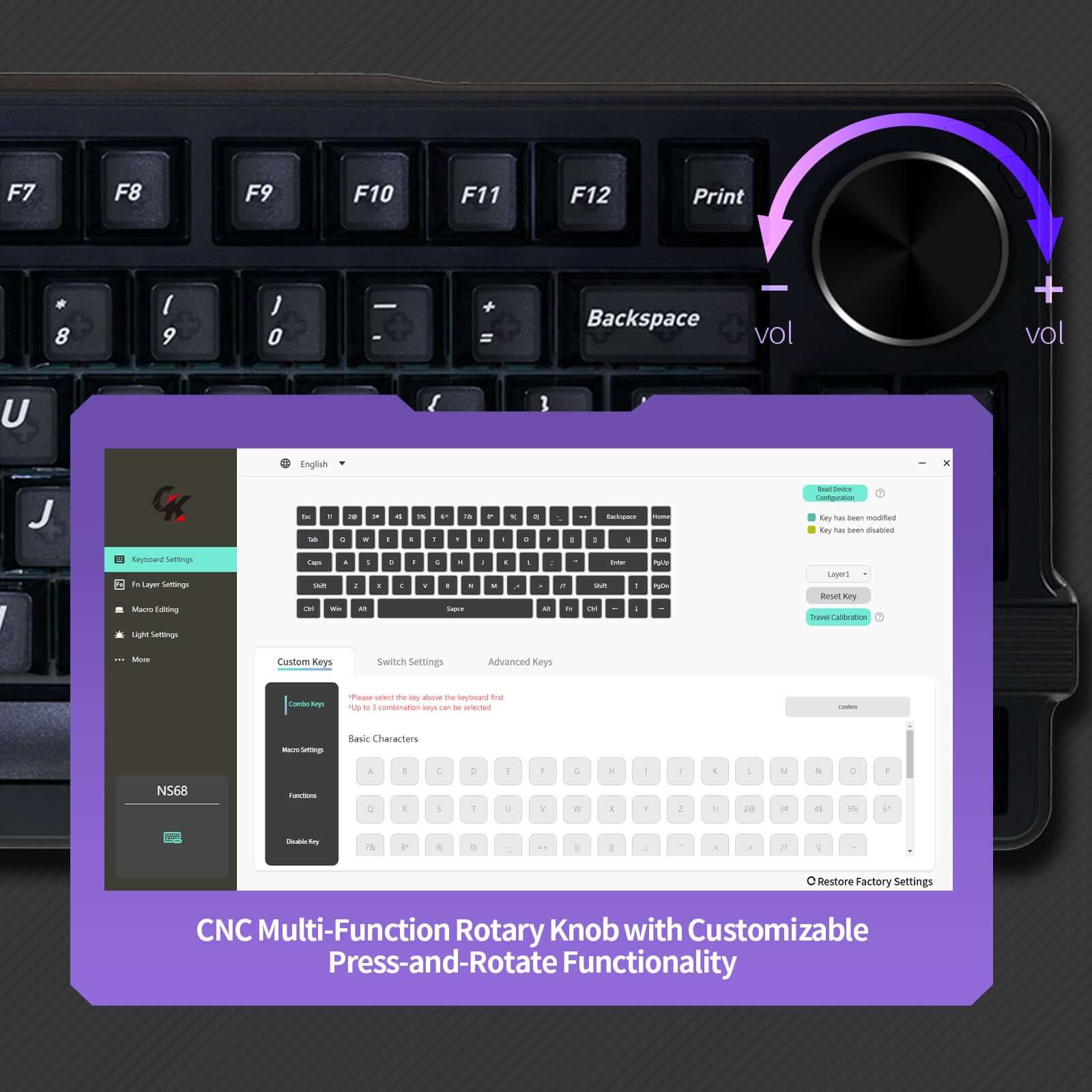
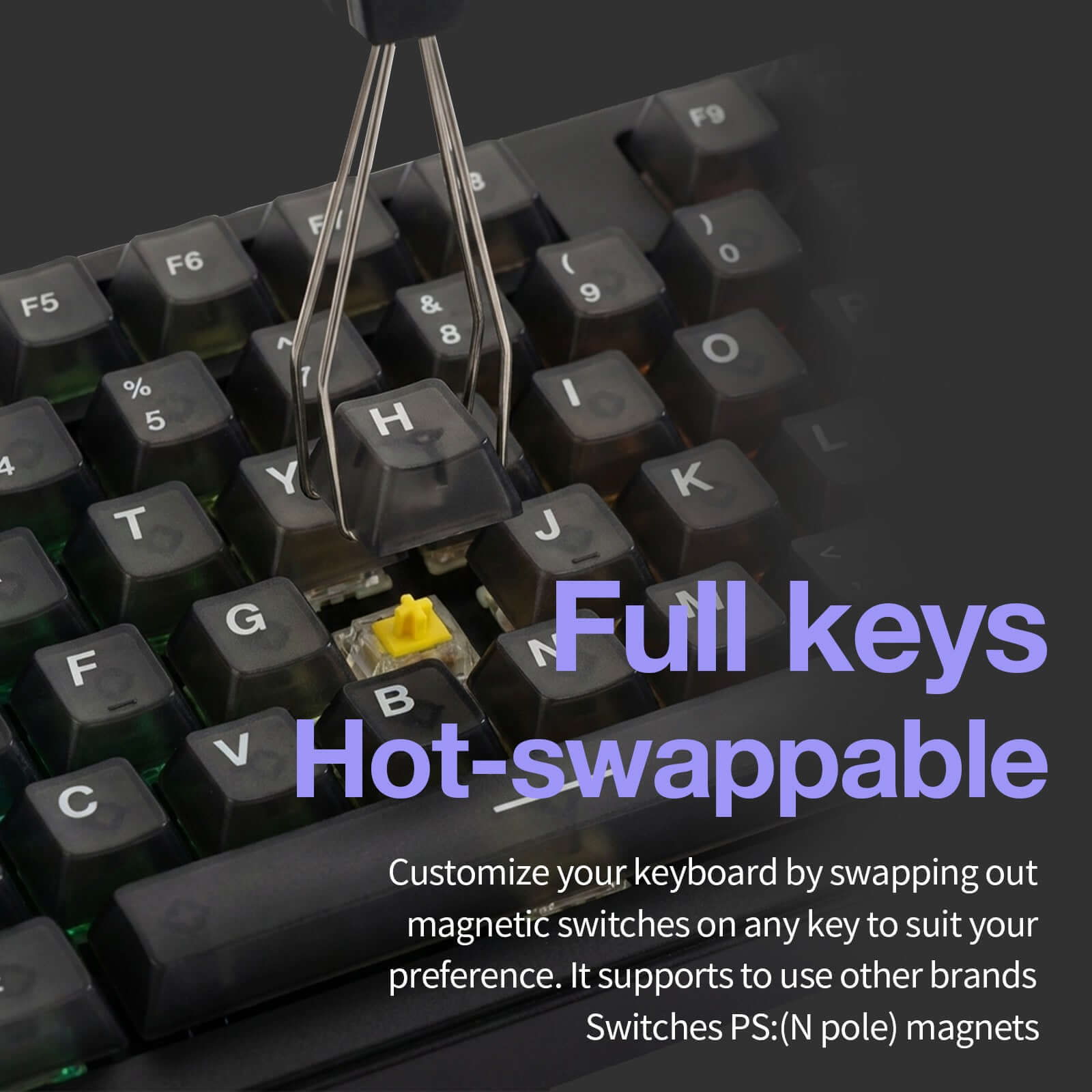
Les commutateurs magnétiques remplaçables à chaud et la connectivité tri-mode (filaire/2,4 GHz/Bluetooth) en font le choix idéal pour les joueurs recherchant précision, vitesse et polyvalence dans un design compact avec un bouton rotatif multifonction.

Gaming Features
Hall Effect Gaming Keyboard with Snap Tap – Magnetic switches deliver 0.005 mm actuation accuracy, Rapid Trigger, and adjustable 0–1 mm dead zone for ultra-responsive FPS and esports gameplay.
True Wired 8K Polling Rate (8000 Hz) – Combined with a 16K scan rate, achieves 0.06 ms ultra-low latency for faster input response than standard mechanical keyboards.
RGB Gaming Keyboard with Translucent Keycaps – Per-key RGB lighting shines through translucent keycaps, enhancing visibility and immersive gaming setups.
Compact 75% Gaming Layout with Knob – 83-key layout saves desk space for mouse movement while retaining function keys and a multi-function rotary knob for quick control.
Gasket-Mount Build & Tri-Mode Connectivity – PC plate and gasket structure improve stability and comfort, with Wired / 2.4G / Bluetooth support and full Windows & macOS compatibility.
Specifications
Specifications:
1. 75% layout with 83 keys
2. Tri-mode wireless connection
3. 8k Polling rate and 10K Scanning rate
4. Mac / Windows System
5. Double section foot support
6. Black PC Matte Translucent Keycaps
7. Phoenix V3 Silent , Outemu White Jade
8. Snap Tap RT 0.005 mm
9. All keys Hot-swappable
10. Gasket-mount
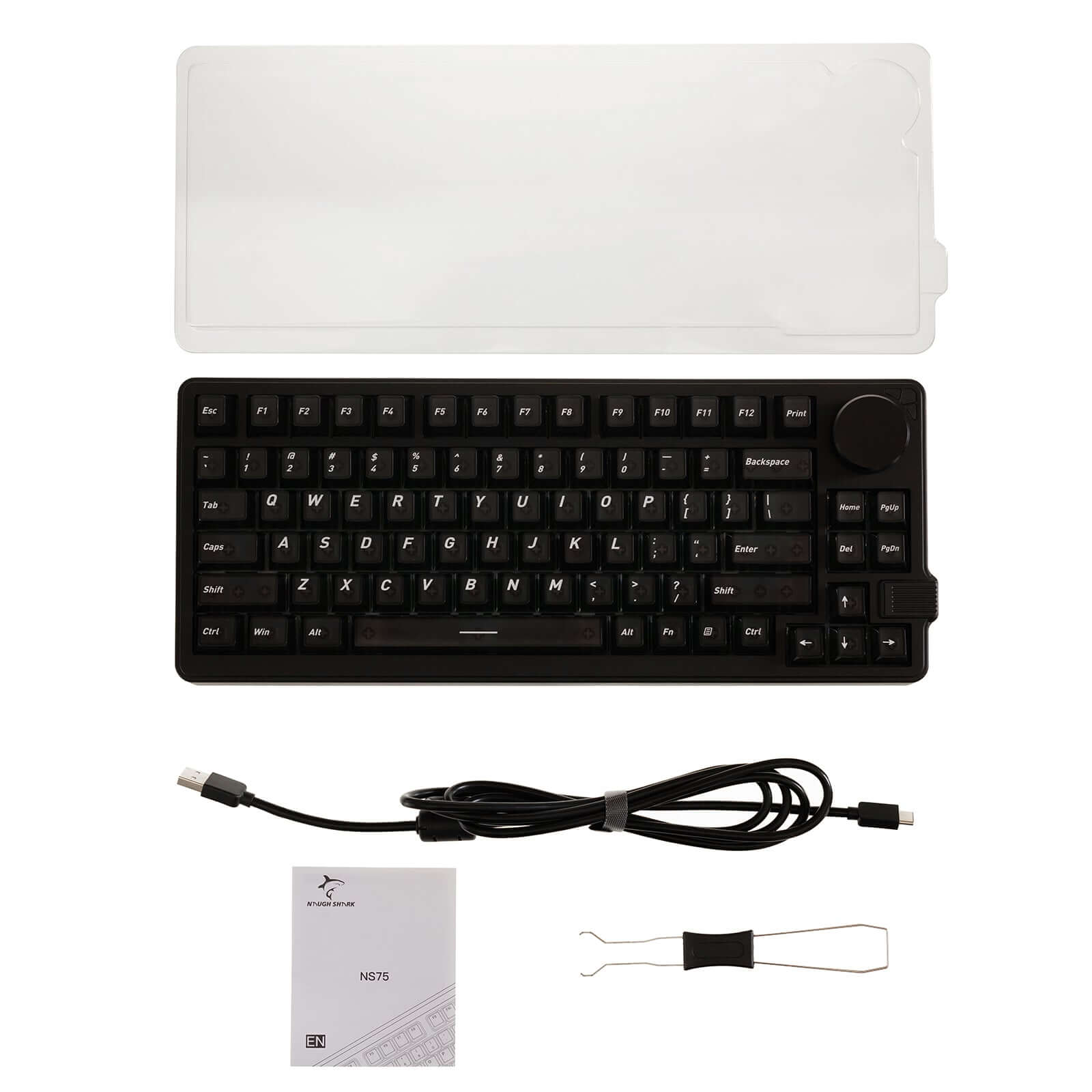
What’s in the box
Keyboard:
1 * Gamakay x NaughShark NS75
Cable:
1 * 1.5M Type C cable
1 * Manual
FAQ
How should I properly charge the keyboard?
To ensure safe charging and avoid damage, do not use third-party power adapters such as phone chargers or laptop chargers.
Correct charging method:
- Use a Type-C cable to connect the keyboard directly to a computer’s USB port.
Turn off Bluetooth / wireless mode on the keyboard.
Switch the keyboard to wired mode.
Allow the keyboard to fully charge before turning wireless mode back on.
Important:
Damage caused by using improper charging methods or unauthorized power sources is not covered under the warranty.